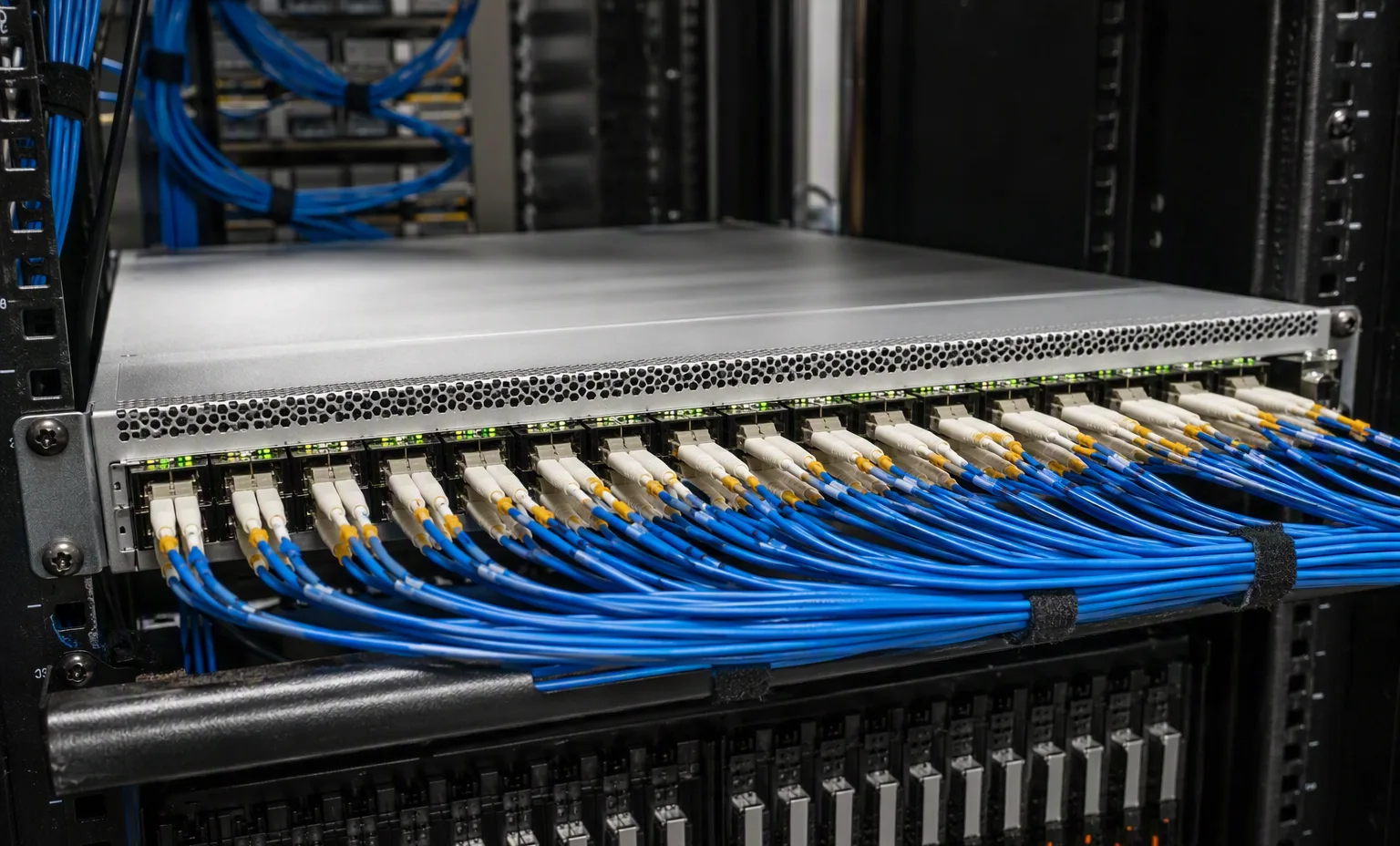
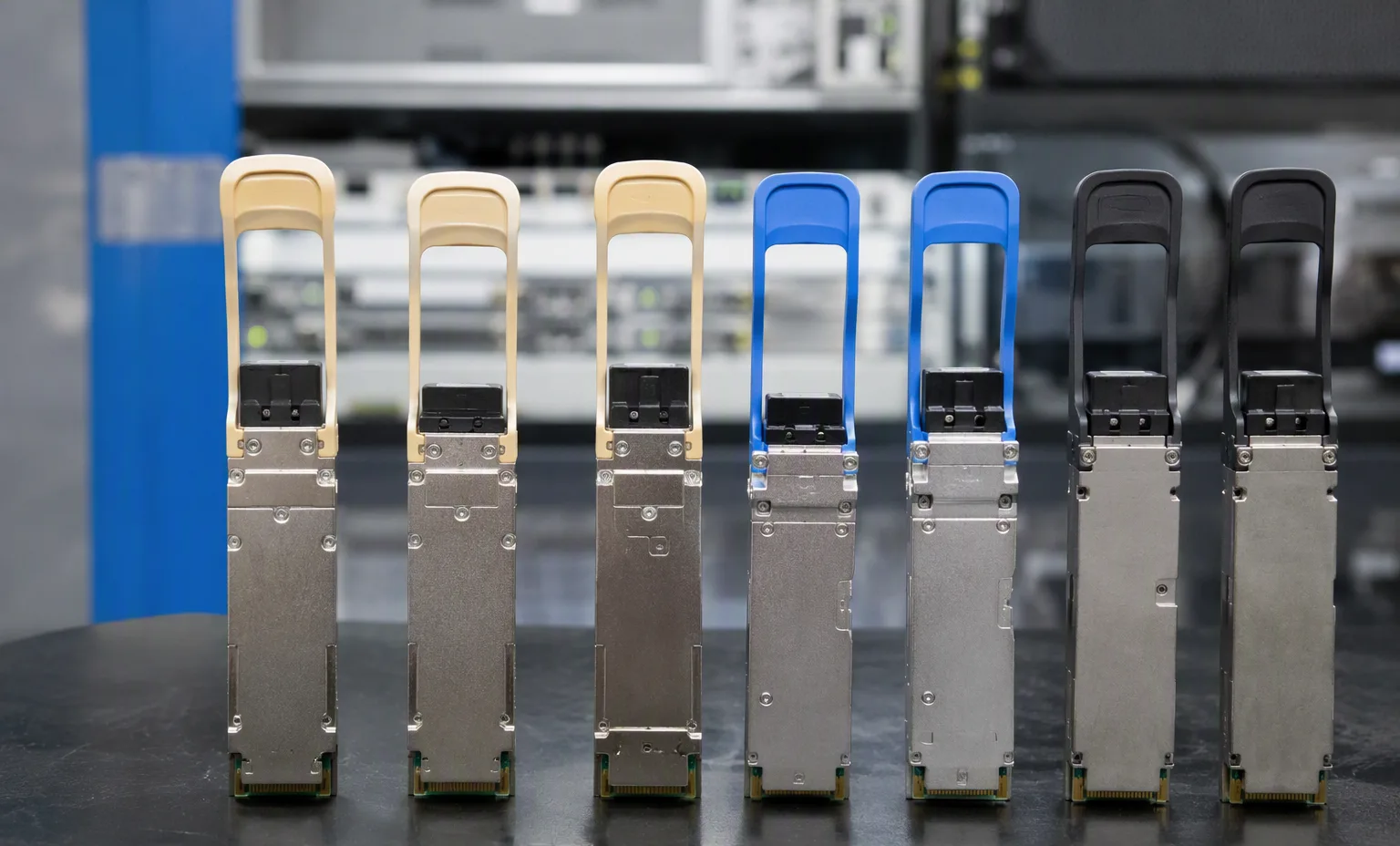
Plan ports and connections
Choose the switch model and the role of each connection. Review port speeds, optics, breakout requirements and software options on the model detail page.
Explore model detailsSwitching, routing & wireless
Review ports, uplinks and wireless requirements. Plan the connections and specify the software and support your deployment needs.
37 models
Cisco
24 × 0.01/0.1/1 GbE · optional uplink module
Ports, topology & softwareCisco
48 × 0.01/0.1/1 GbE · optional uplink module
Ports, topology & softwareCisco
24-port 1/10/25GbE aggregation switch with four fixed 40/100GbE uplinks.
Ports, topology & softwareCisco
48-port 1/10/25GbE aggregation switch with four fixed 40/100GbE uplinks.
Ports, topology & softwareCisco
32-port 40/100GbE core and aggregation switch with selective 4×10G or 4×25G breakout.
Ports, topology & softwareCisco
40/100GbE aggregation switch: up to 32×40G or 16×100G, with paired-port allocation.
Ports, topology & softwareJuniper
24 × 0.01/0.1/1 GbE · optional uplink module
Ports, topology & softwareJuniper
48 × 0.01/0.1/1 GbE · optional uplink module
Ports, topology & softwareJuniper
48-port 1/10/25GbE SFP28 switch with 8 40/100GbE QSFP28 ports.
Ports, topology & softwareJuniper
48-port 1/10/25GbE SFP28 switch with 8 40/100GbE QSFP28 ports.
Ports, topology & softwareJuniper
48-port 1/10GBASE-T switch with 6 40/100GbE QSFP28 ports.
Ports, topology & softwareJuniper
32-port 40/100GbE switch with two additional 10GbE SFP+ ports.
Ports, topology & softwareJuniper
Contact our networking team to confirm port and uplink specifications.
Ports, topology & softwareJuniper
Contact our networking team to confirm port and uplink specifications.
Ports, topology & softwareJuniper
Contact our networking team to confirm port and uplink specifications.
Ports, topology & softwareJuniper
Contact our networking team to confirm port and uplink specifications.
Ports, topology & softwareJuniper
Contact our networking team to confirm port and uplink specifications.
Ports, topology & softwareJuniper
Contact our networking team to confirm port and uplink specifications.
Ports, topology & softwareJuniper
Contact our networking team to confirm port and uplink specifications.
Ports, topology & softwareArista
48 × 1/10/25 GbE + 8 × 40/100 GbE
Ports, topology & softwareArista
48 × 1/10/25 GbE + 8 × 40/100 GbE
Ports, topology & softwareArista
48 × 1/10 GbE + 8 × 40/100 GbE
Ports, topology & softwareArista
48 × 1/10 GbE + 8 × 40/100 GbE
Ports, topology & softwareArista
32 × 100 GbE network ports
Ports, topology & softwareArista
32 × 100 GbE network ports
Ports, topology & softwareArista
Contact our networking team to confirm port and uplink specifications.
Ports, topology & softwareArista
Contact our networking team to confirm port and uplink specifications.
Ports, topology & softwareHuawei · Campus access
24-port Gigabit copper access switch with four 10GE SFP+ uplinks and two dedicated stacking ports.
Specifications & quotationHuawei · Data-center access
48 × 10/25GE SFP28 and six 40/100GE QSFP28 ports for data-center access and aggregation.
Specifications & quotationHuawei · Indoor Wi-Fi 7
Dual-radio Wi-Fi 7 access point with four spatial streams and a 2.5GE copper uplink.
Specifications & quotationH3C · Gigabit campus access
Fanless Gigabit access switch with 24 copper ports and four Gigabit SFP interfaces.
Specifications & quotationH3C · 10GE aggregation
48-port 10GE optical aggregation switch with two 100GE uplinks and modular expansion.
Specifications & quotationH3C · Enterprise WAN
1U enterprise router with 10GE WAN interfaces, Gigabit LAN ports and four SIC expansion slots.
Specifications & quotation
H3C · Indoor Wi-Fi 6
Dual-radio, four-stream indoor Wi-Fi 6 access point with copper PoE input and a separate optical interface.
Specifications & quotationRuijie · Campus aggregation
24-port Gigabit copper switch with eight 10GE optical ports and dual power-module positions.
Specifications & quotationRuijie · Data-center access
48 × 1/10GE SFP+ and eight 40/100GE QSFP28 interfaces in a modular-power 1U switch.
Specifications & quotationRuijie · Indoor Wi-Fi 6
Dual-radio Wi-Fi 6 access point with a shared 5GE optical/copper uplink and a separate Gigabit Ethernet port.
Specifications & quotationConnection planning
A switch port is one part of a connection. Share the equipment at the other end and the planned cable route so the complete link can be reviewed before ordering.
No. Hardware, software and support are separate quotation lines unless a bundle explicitly includes them. Confirm the entitlement owner, term and applicable hardware before purchase.
Do not assume it is transferable. Ask for confirmation of the applicable licensing and support conditions for the specific equipment and entitlement.
Yes. Share exact installed models, software versions, airflow requirements and your current topology. Identify any substitutions that would need separate approval.
Send the model and quantity, port and uplink requirements, optics and cable list, software functions, support expectations and destination. Save a draft, then share it with your sales contact.
Plan the complete order
Continue with the practical details for your network equipment.
Choose the switch model and the role of each connection. Review port speeds, optics, breakout requirements and software options on the model detail page.
Explore model detailsAsk about port testing, fan direction, power supplies, boot status and the installed software version for the specific equipment offered. Agree on the required records.
Discuss equipment testingInclude optics, DAC or AOC cables, stacking accessories, rack mounts and power cords. Software entitlement and support coverage must be confirmed separately.
Prepare an enquiryRecord port speeds, media type and uplink quantities.
This guide adds the decisions, documents and next steps that support this page.
Network equipment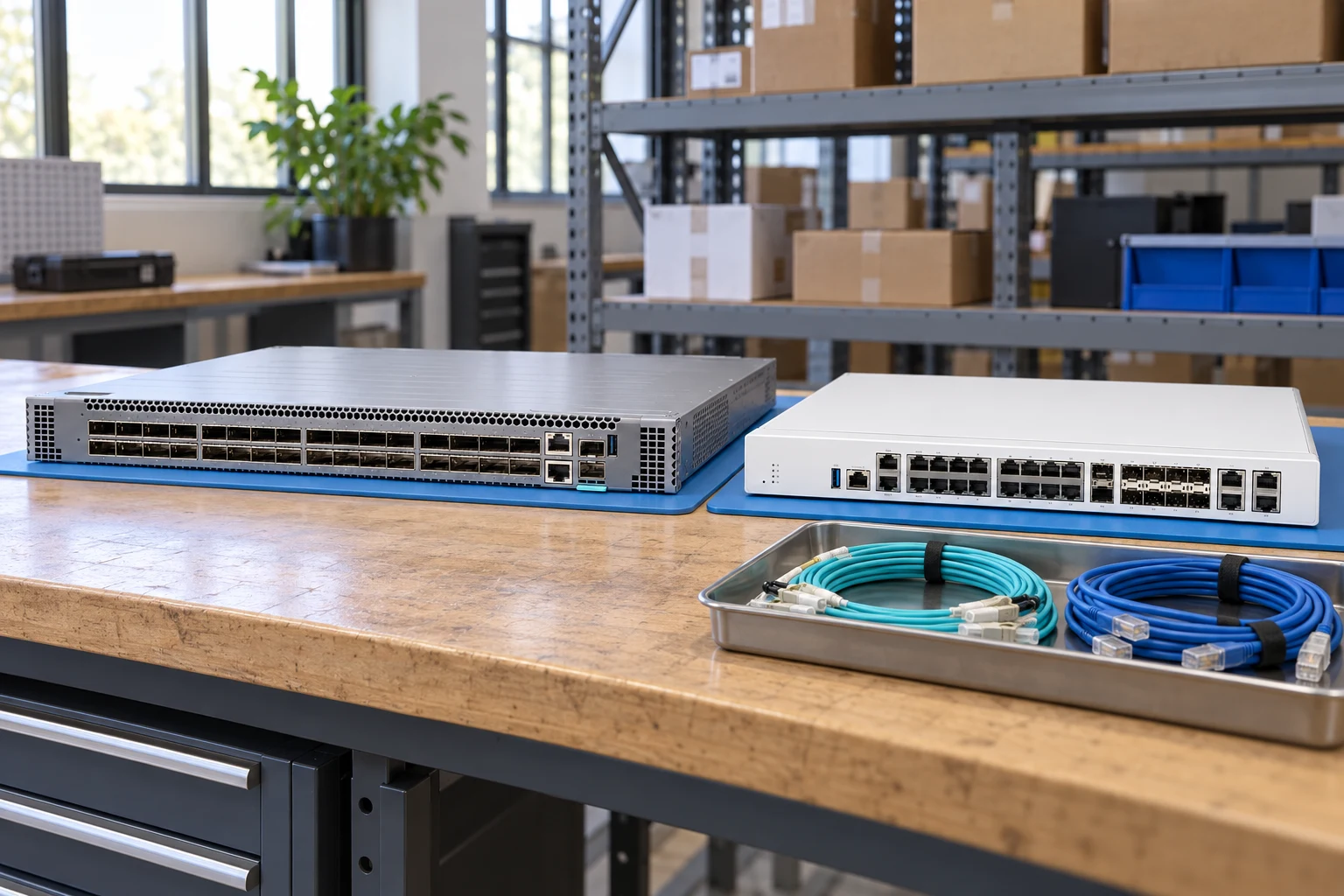
Count access ports and uplinks separately; state breakout needs.
Network equipmentSpecify interfaces, throughput test conditions and required software features.
Network plannerMatch connector, fiber, reach, wavelength and supported coding.
Network checklistRecord port speeds, media type and uplink quantities.
Match airflow direction, power supply and rack requirements.
Request license and transferability details for the exact offer.
A planning sequence, not a record of completed work.
Counts show records in the site catalog. They do not represent stock, available quantities or verified compatibility.
Snapshot: 2026-09-15
| Decision | Record in your brief | Evidence to retain |
|---|---|---|
| Port map | Record port speeds, media type and uplink quantities. | Complete identifier and source revision |
| Airflow & power | Match airflow direction, power supply and rack requirements. | Platform document or written clarification |
| Software entitlement | Request license and transferability details for the exact offer. | Offered-unit details and agreed scope |
Tick items as you prepare them. This is your personal checklist, not a hardware validation.
Saved in this browser when local storage is available.
Reference-based generated scenes; actual-unit photos are available only through an explicit unit-specific request. Related models are separate catalog records, not substitutes for the item on this page.
Continue the relevant directory or service flow.
Open resourceUse the connected tool to develop the requirement.
Open resourceRetain the supporting reference with your project brief.
Open resourcePort and uplink schedule drafted · Optics and cable ends identified · Airflow and PSU scope confirmed · Required software entitlement listed.