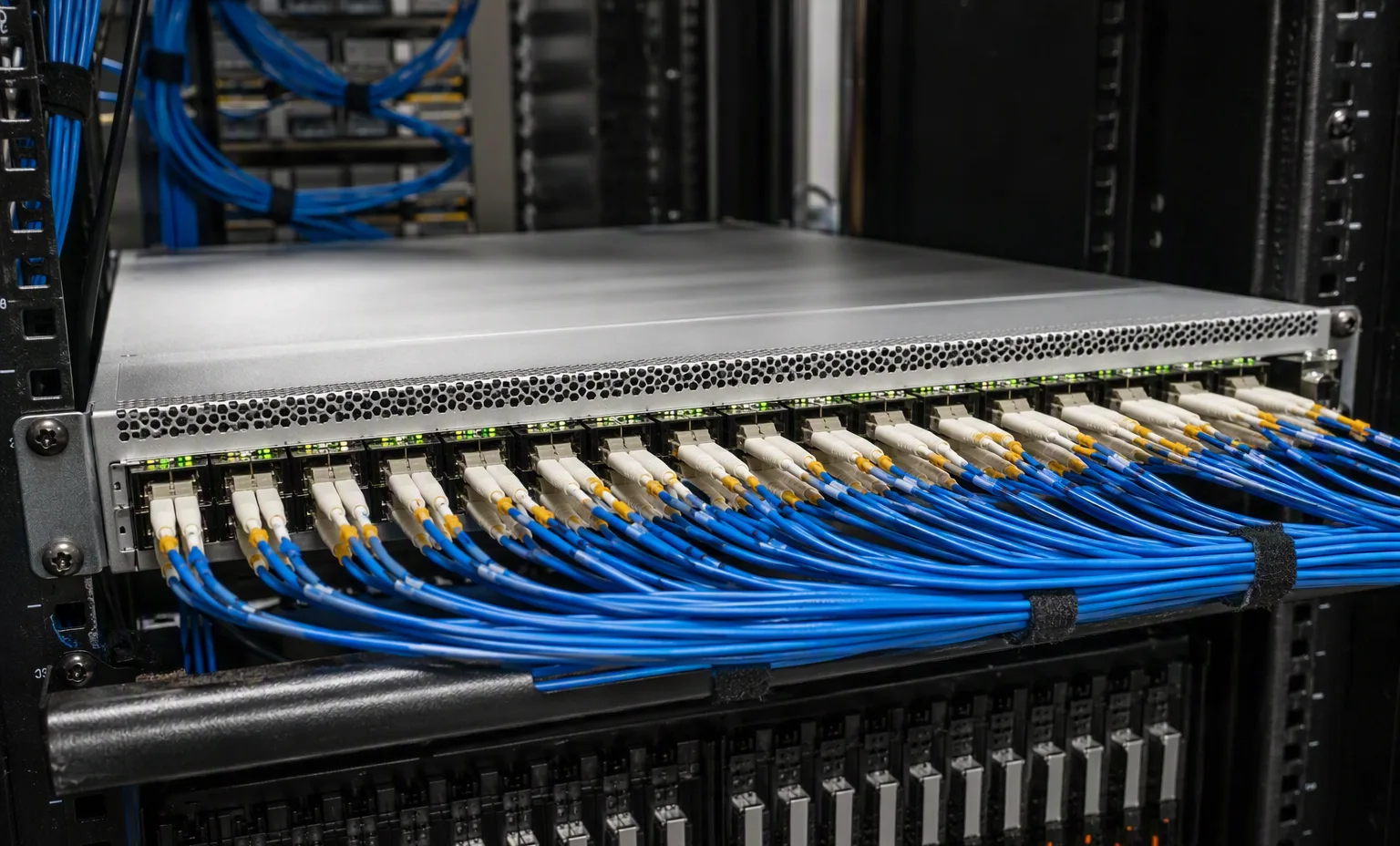
Front-panel identity
Request the exact model and revision label plus a straight-on port photograph. Compare the physical port groups and uplinks with the matching manufacturer drawing.
Juniper · Networking
48-port 1/10/25GbE SFP28 switch with 8 40/100GbE QSFP28 ports.
Plan uplinks and software for this exact model. Hardware condition, included modules and current availability will be confirmed in your quotation.
QFX5120 · port-by-port planning
Build a device-specific port plan, check software entitlements and keep inter-member links separate from data connections.
Select the functions required on the listed switches. IFA terminating roles are assigned separately per switch. Advanced, Premium, MACsec, telemetry and support are separate choices.
48-port 1/10/25GbE SFP28 switch with 8 40/100GbE QSFP28 ports.
Hardware introduction: Junos 18.3R1. Virtual Chassis: 19.3R1, up to 2 same-model members. These are introduction versions, not software recommendations.
Select a numbered port to assign its rate and role. This is a logical port map, not a front-panel photograph. Management and console ports are excluded.
Advanced 2 includes its listed Advanced 1 features; Premium 1 includes the listed lower tiers. MACsec and ATF are separate add-ons. Support services do not grant network functions. Selecting a SKU does not activate it.
2 PSU positions · 5 fan positions. List installed or requested components; shipping contents are not automatically added to your order.
These are model references, not automatic replacement approvals. Confirm the exact chassis, airflow and supplied components.
Actual member allocations, not a template multiplied by the switch count. Port-rate sums below are not switching capacity or guaranteed throughput.
Switch 1
QFX5120-48Y
| From | Role | Port mode | To / far end |
|---|
Planning checks only. Confirm the complete hardware, optical links, software entitlements and design before ordering.
Review items will accompany the enquiry.
Listed interface rates are not a throughput guarantee. Confirm optics, cable type, FEC, breakout support and software release for the intended links.
Expand an option for its functions, term and ordering requirements. Support services do not grant software features.
Attach a photo brief to the request for Juniper QFX5120-48Y. This is a checklist to agree, not a record that inspection has already been performed.
Request the exact model and revision label plus a straight-on port photograph. Compare the physical port groups and uplinks with the matching manufacturer drawing.
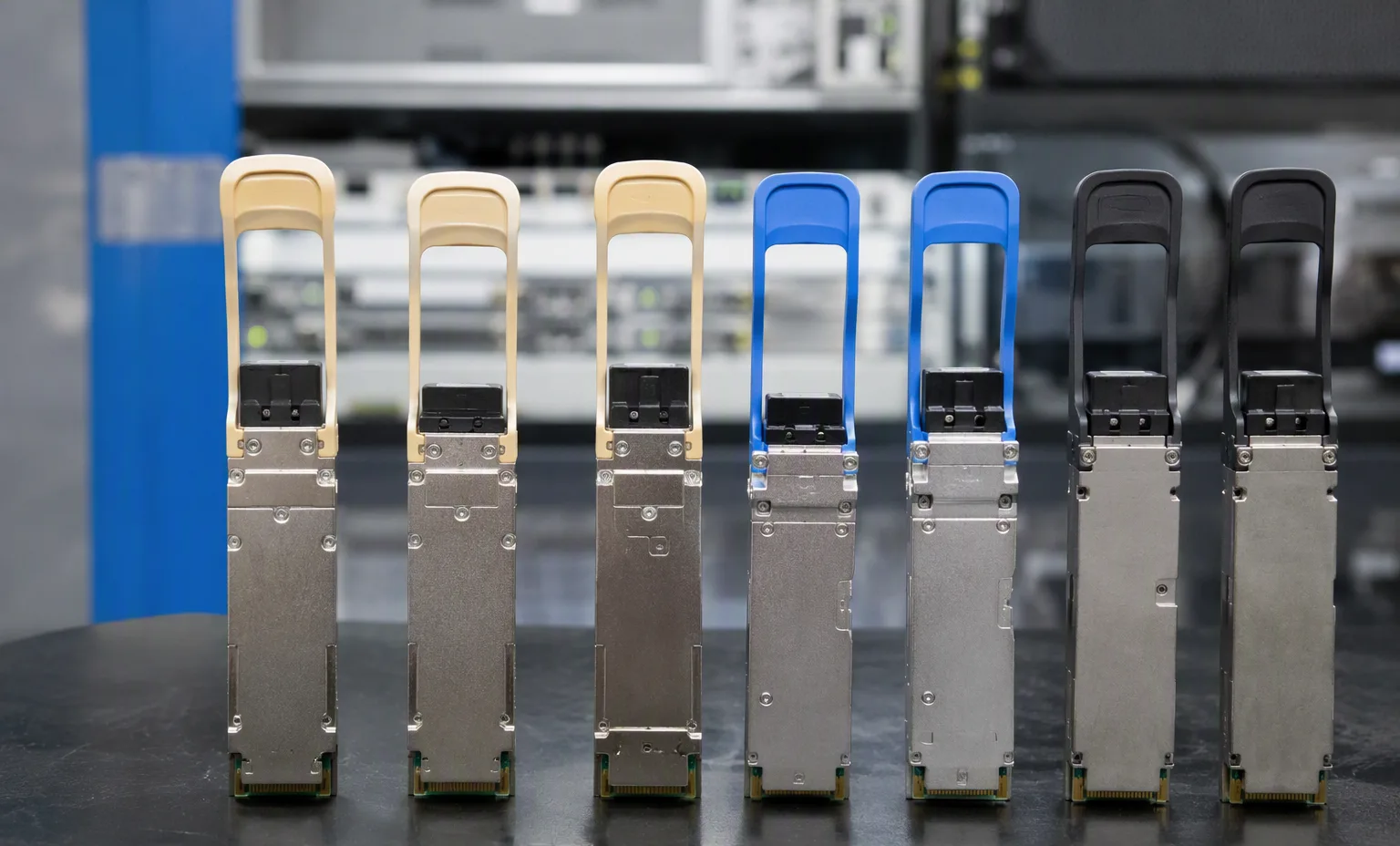
Request PSU, fan and airflow labels, AC or DC input details, rack ears and included optics or cables. Record exclusions as separate line items.
Product photography should show the standalone device, with no boot monitor. Request console or management records separately where appropriate, with private identifiers shared through the agreed channel.
Record port speeds, media type and uplink quantities.
This guide adds the decisions, documents and next steps that support this page.
Network equipment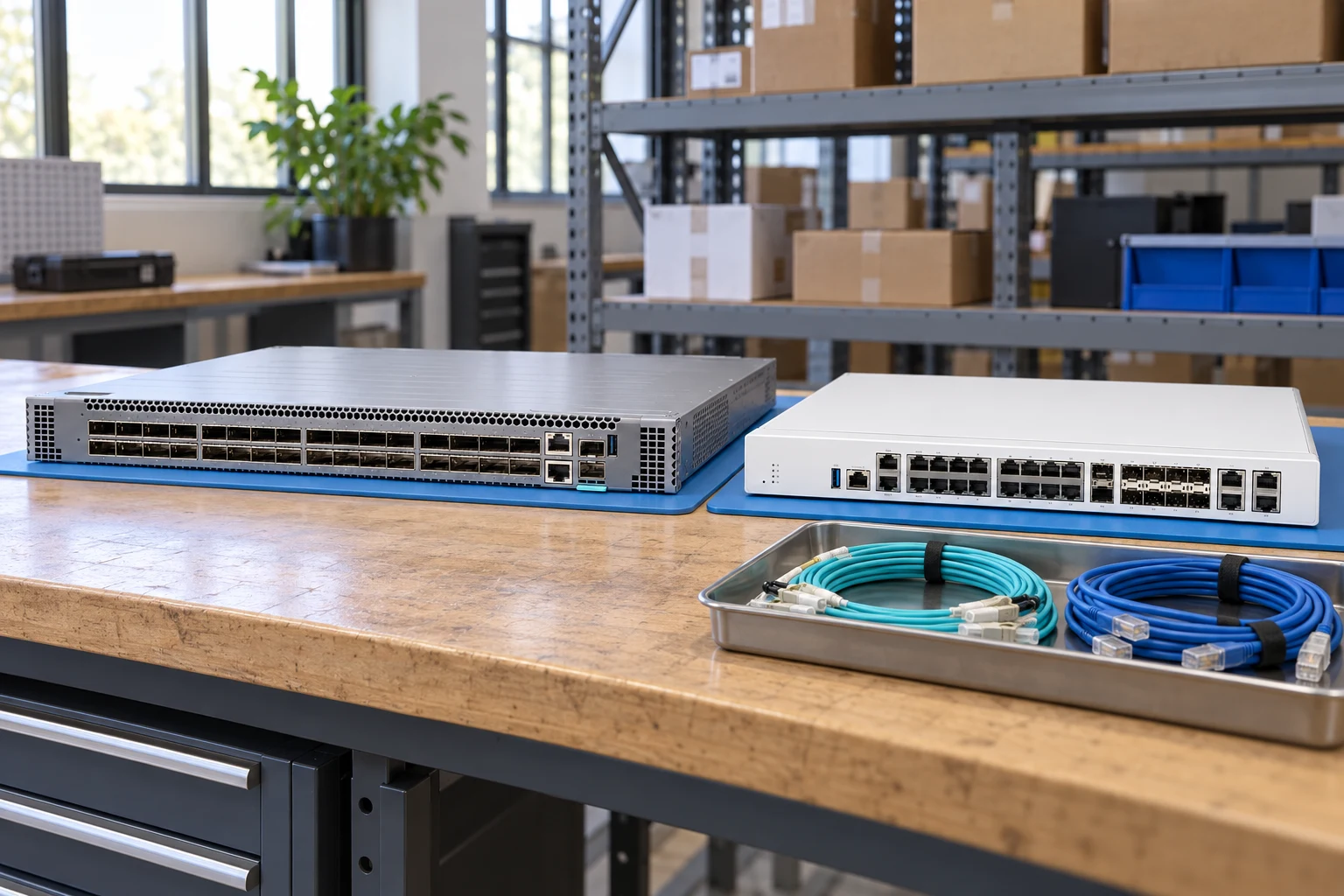
Count access ports and uplinks separately; state breakout needs.
Network equipmentSpecify interfaces, throughput test conditions and required software features.
Network plannerMatch connector, fiber, reach, wavelength and supported coding.
Network checklistRecord port speeds, media type and uplink quantities.
Match airflow direction, power supply and rack requirements.
Request license and transferability details for the exact offer.
A planning sequence, not a record of completed work.
Counts show records in the site catalog. They do not represent stock, available quantities or verified compatibility.
Snapshot: 2026-09-15
| Decision | Record in your brief | Evidence to retain |
|---|---|---|
| Port map | Record port speeds, media type and uplink quantities. | Complete identifier and source revision |
| Airflow & power | Match airflow direction, power supply and rack requirements. | Platform document or written clarification |
| Software entitlement | Request license and transferability details for the exact offer. | Offered-unit details and agreed scope |
Tick items as you prepare them. This is your personal checklist, not a hardware validation.
Saved in this browser when local storage is available.
Reference-based generated scenes; actual-unit photos are available only through an explicit unit-specific request. Related models are separate catalog records, not substitutes for the item on this page.
Continue the relevant directory or service flow.
Open resourceUse the connected tool to develop the requirement.
Open resourceRetain the supporting reference with your project brief.
Open resourcePort and uplink schedule drafted · Optics and cable ends identified · Airflow and PSU scope confirmed · Required software entitlement listed.