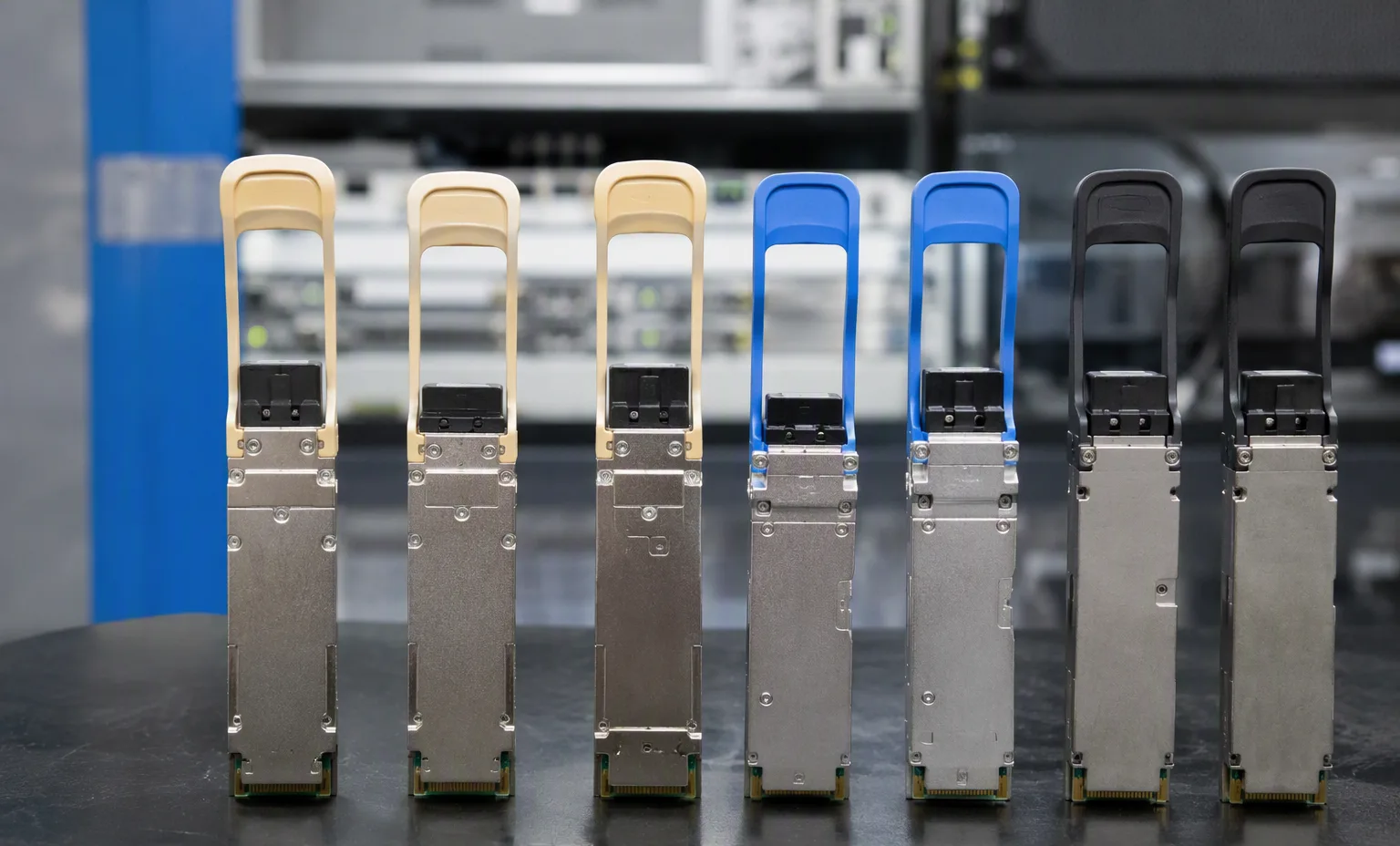
H3Cmodel
MSR3610E-X1H3C MSR3610E-X1 — Routers
- WAN interfaces
- 3 × 10GE SFP+ and 2 × GE combo ports; each combo is one shared copper/optical interface
- LAN interfaces
- 8 × GE copper
- Expansion
- 4 SIC slots
Inherited technical record
Browse routers by manufacturer and exact identifier. This directory separates technical identity from commercial stock. Filter the evidence depth, compare recorded fields and carry a shortlist into your quotation draft.
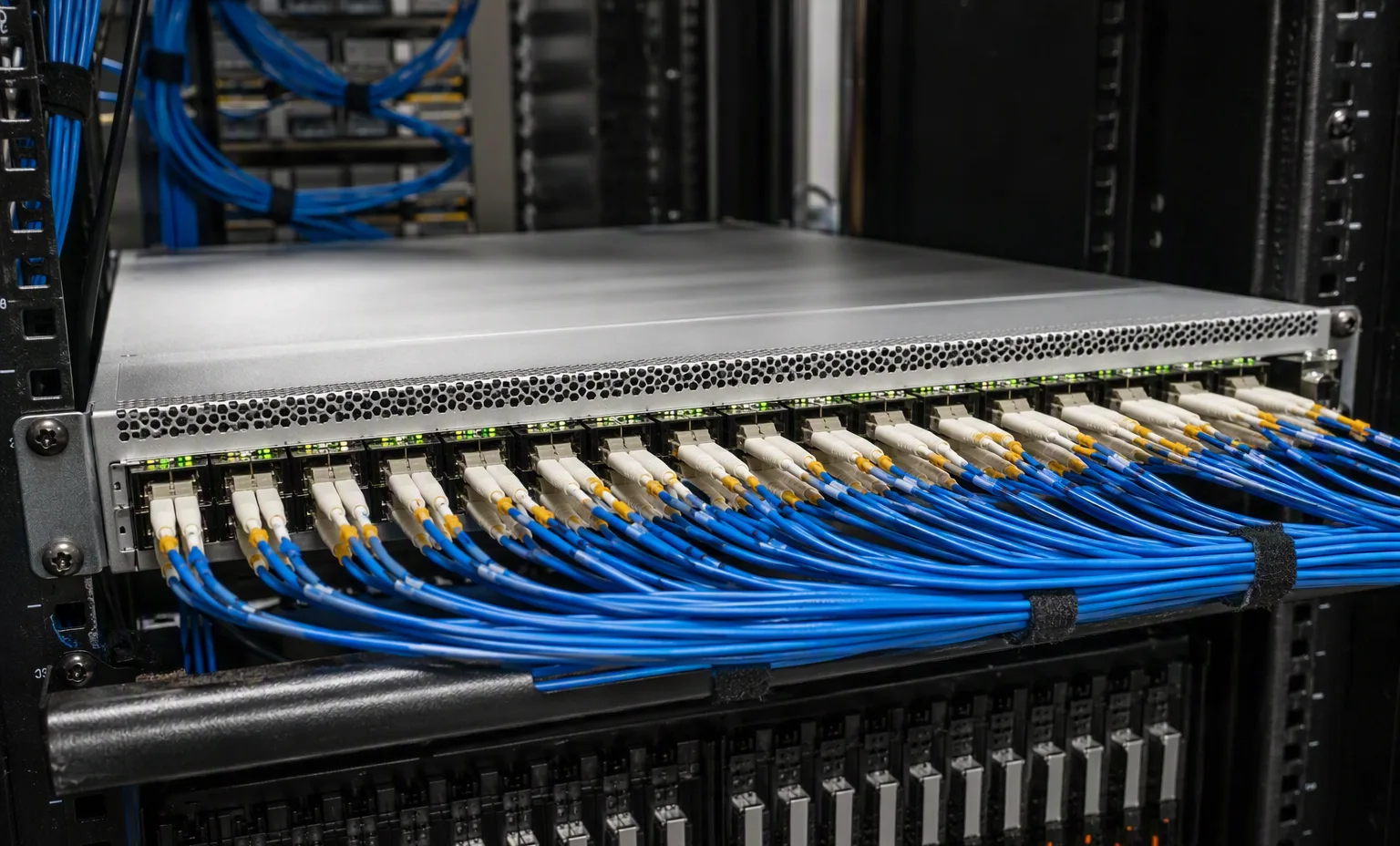
Common project contexts where buyers request this routers. Contexts inform the inquiry — they are not compatibility claims.
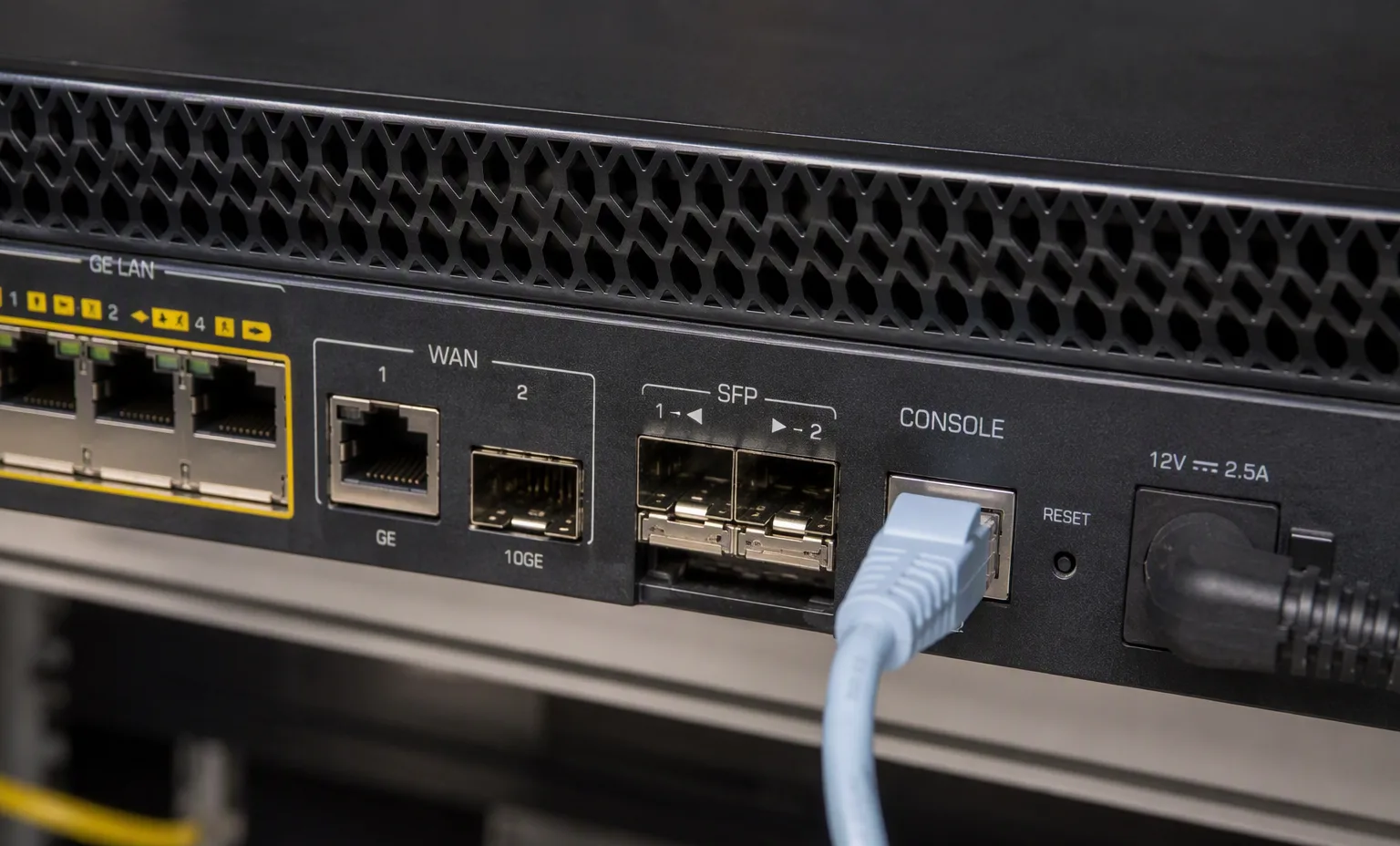
H3C MSR3610E-X1 — Routers
Inherited technical record
Dell Dell HMX86-HIGH P — DELL Nvidia Rtx 2000 Ada Gen GPU 16GB 2816 Cuda CORE Memory Interface 128 Bit GDDR6 Memory Bandwidth 224gb/S PCI-E 4.0 X8 ( 4 ) Four Mini Displayports Mdp Graphics Processing Unit Video Card - Ada Lovelace Architecture A — Routers
Title-derived fields · unverified
ASROCK 80-MCA0G0-1A01 — Routers
Title-derived fields · unverified
Dell Dell DELL MX740C — DELL EMC POWEREDGE MX740C Compute Sled 2.5 Inch SFF 6 Bay HPHD Server Chassis ( Compatible With Pe MX7000 Enclosure ) - Small Form Factor 6B / 6SFF Hot Plug Hard Drive — Routers
Title-derived fields · unverified
Dell Dell DELL MX750C 6B — DELL EMC POWEREDGE MX750C Compute Sled 2.5 Inch SFF 6 Bay HPHD Server Chassis ( Compatible With Pe MX7000 Enclosure ) - Small Form Factor 6B / 6SFF Hot Plug Hard Drive — Routers
Title-derived fields · unverified
Dell Dell DELL MX760C — DELL EMC POWEREDGE MX760C Compute Sled 2.5 Inch SFF 4 Bay HPHD Server Chassis ( Compatible With Pe MX7000 Enclosure ) - Small Form Factor 4B / 4SFF Hot Plug Hard Drive — Routers
Title-derived fields · unverified
Dell MX3P7 — Routers
Title-derived fields · unverified
HPE JH075A — Routers
Source-listed identity · parameters unverified
HPE JH300A — Routers
Source-listed identity · parameters unverified
HPE JH301A — Routers
Source-listed identity · parameters unverified
HPE JM045A — Routers
Source-listed identity · parameters unverified
HPE R8V32A — Routers
Source-listed identity · parameters unverified
Front interfaces · Rear power · Module labels · Chassis label · Included accessories. No illustration identifies the exact offered unit.
Browse routers by manufacturer and exact identifier. This directory separates technical identity from commercial stock. Filter the evidence depth, compare recorded fields and carry a shortlist into your quotation draft.
Key review points: State physical interface demand and required service functions before selecting a router platform.; Identify the installed modules and forwarding resources. A chassis name does not describe a complete configuration.; Confirm feature entitlement, supported software and account or support transfer for the actual offered unit..
Front interfaces · Rear power · Module labels · Chassis label · Included accessories. No image identifies the exact offered unit.
Record port speeds, media type and uplink quantities.
This guide adds the decisions, documents and next steps that support this page.
Network equipment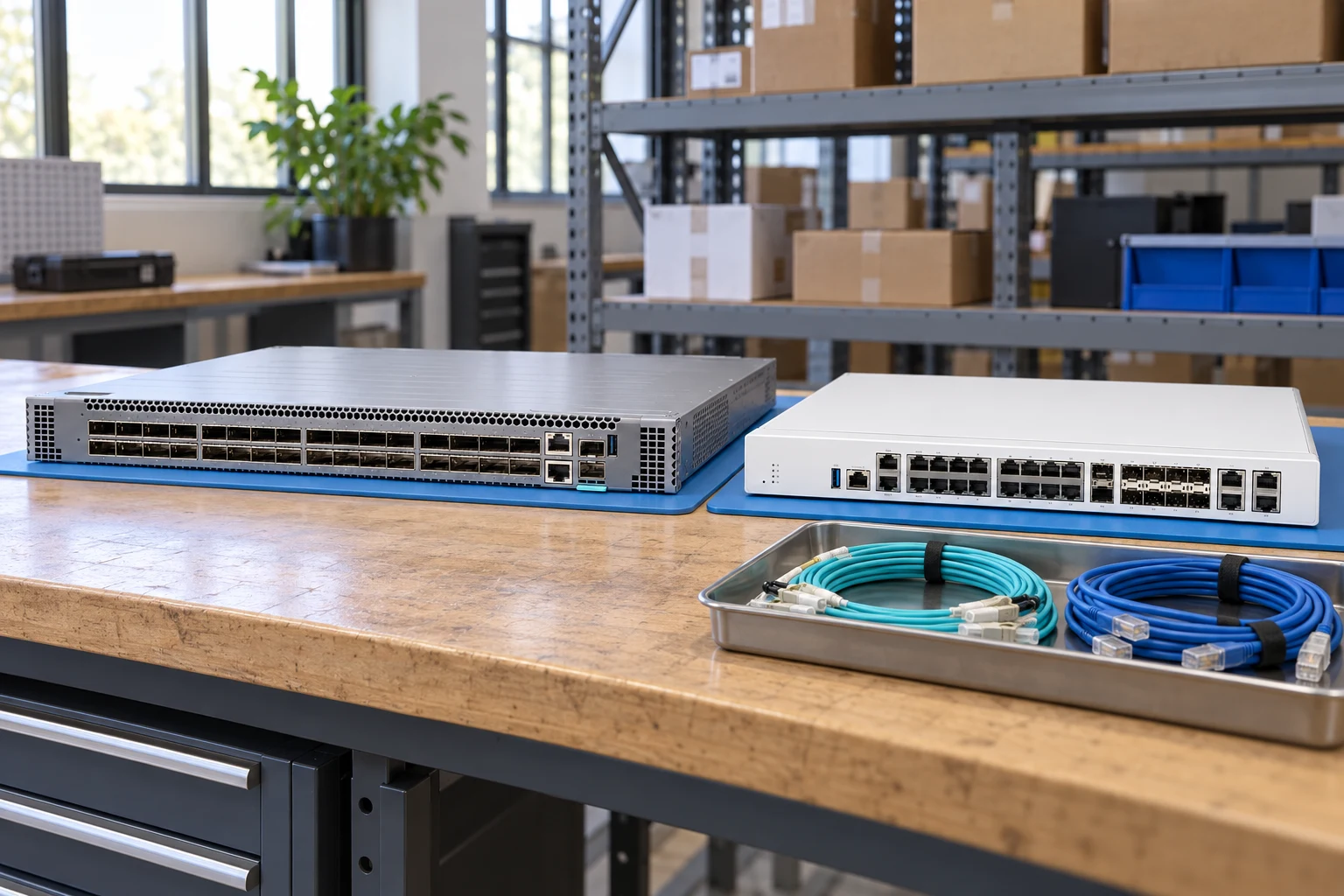
Count access ports and uplinks separately; state breakout needs.
Network equipmentSpecify interfaces, throughput test conditions and required software features.
Network plannerMatch connector, fiber, reach, wavelength and supported coding.
Network checklistRecord port speeds, media type and uplink quantities.
Match airflow direction, power supply and rack requirements.
Request license and transferability details for the exact offer.
A planning sequence, not a record of completed work.
Counts show records in the site catalog. They do not represent stock, available quantities or verified compatibility.
Snapshot: 2026-09-15
| Decision | Record in your brief | Evidence to retain |
|---|---|---|
| Port map | Record port speeds, media type and uplink quantities. | Complete identifier and source revision |
| Airflow & power | Match airflow direction, power supply and rack requirements. | Platform document or written clarification |
| Software entitlement | Request license and transferability details for the exact offer. | Offered-unit details and agreed scope |
Tick items as you prepare them. This is your personal checklist, not a hardware validation.
Saved in this browser when local storage is available.
Reference-based generated scenes; actual-unit photos are available only through an explicit unit-specific request. Related models are separate catalog records, not substitutes for the item on this page.
Continue the relevant directory or service flow.
Open resourceUse the connected tool to develop the requirement.
Open resourceRetain the supporting reference with your project brief.
Open resourcePort and uplink schedule drafted · Optics and cable ends identified · Airflow and PSU scope confirmed · Required software entitlement listed.