Price, condition, availability and included options confirmed in the written quotation. The RFQ opens a request draft; it does not submit an order.
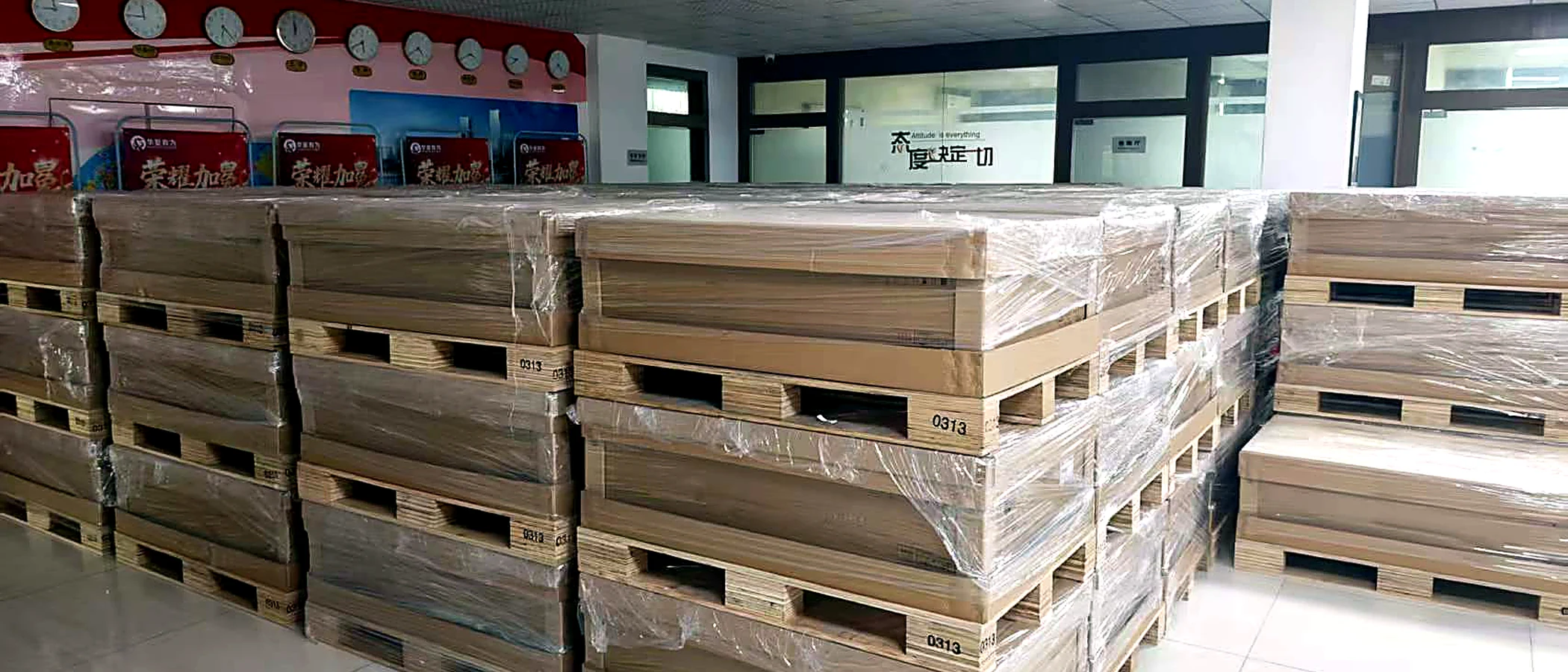
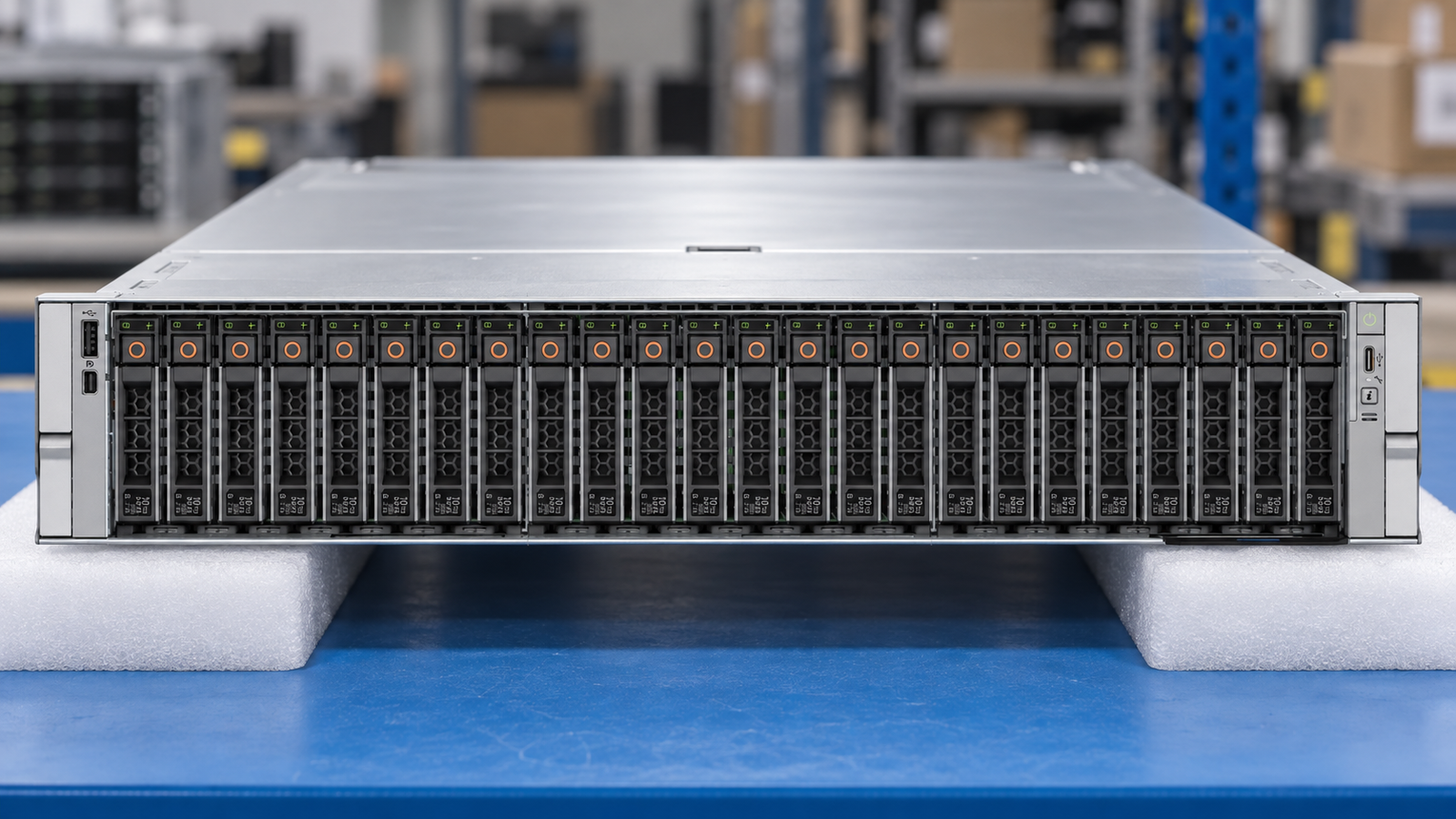
WORKFLOW ILLUSTRATIONIllustrative workflow — not the exact model or offered inventory
01 / PRODUCT CONTEXT
Know the platform before you configure it.
SYS-222C-TN combines a general-purpose CloudDC platform with accelerator options. It should not be quoted as an unrestricted GPU chassis: the qualified-card table contains CPU-power and ambient-temperature conditions.
A useful quote identifies the exact GPU edition, networking adapters, boot solution and storage controller path. This leaves a clear distinction between the standard platform, a proposed configuration and an orderable, validated assembly.
02 / DOCUMENTED SPECIFICATIONS
Facts with a source, not a generic template.
Alternative maxima are not necessarily available together. Source links identify the documentation scope—not an inventory guarantee.
The reviewed qualification table restricts H200 NVL configurations to a 270W CPU class and 30°C maximum ambient. RTX PRO 6000 Server Edition has a different 300W/25°C footnote. Recheck the full table before release.
02
Specify VROC separately
The product page lists an NVMe RAID path that requires a VROC hardware key. Do not write “RAID included” without specifying the chosen hardware and software scope.
03
BMC is not the data NIC
The management port must not be counted as the quoted high-speed production network connection. Specify the AIOM or add-in NIC and matching optics.
These are procurement considerations, not an OEM-approved BOM. Final option part numbers and compatibility must be reviewed for the supplied system.
Agree the identity and condition first. Ask for current-unit views, the installed or supplied parts list, relevant test records and photographs of the completed packing.
Define the warranty provider and delivery scope in the quotation. A catalog photo, technical source or process illustration is not evidence that an offered unit has passed inspection.
No. Card size is only one constraint. The qualified GPU list, CPU TDP, ambient temperature, risers and power must all match.
Is a RAID key standard?
Not assumed. The selected NVMe RAID arrangement and required key must be stated in the offer.
PHOTOGRAPHS THAT SUPPORT YOUR RFQ
Specify the supplied chassis, not just the model name.
Attach a photo brief to the request for Supermicro SYS-222C-TN. This is a checklist to agree, not a record that inspection has already been performed.
01
Front and storage layout
Request a straight-on view with the bezel removed when appropriate. Record the populated bays, blanking panels and drive carriers against the offered chassis configuration.
02
Rear and included options
Ask for both PSU labels, risers, network adapters and the rail kit. Confirm which visible parts are included in the offer rather than assuming the catalog picture defines the BOM.
03
Separate diagnostic evidence
Use an order-specific report for installed CPUs, DIMMs, storage and management access. A blurred background screen in an illustration is not a diagnostic result.
Check the current document revision before approving a configuration. Sources may cover a platform family or a selected machine type; the scope is recorded below.