
Skip to content
Enterprise hardware · New & pre-owned supply
sales@aster-rackit.comEnglish / Global
Quote basket 0Configure system →
☰
EXACT IDENTIFIERS · CONNECTED TOOLS

Supermicro / Network adapters

Compare the fields actually recorded, preserve complete part-number suffixes and carry your choices into a local RFQ.

Adapter optics staged for inspection
brand: supermicrocategory: network-adapters
Supermicromanufacturer part number
AOC-STG-B2T-HIGH P

Supermicro AOC-STG-B2T-HIGH P — Network adapters

includes
SUPERMICRO 10GBASE-T 2P AOC WITH FULL HEIGHT ( HIGH PROFILE ) BRACKET ONLY - NO CABLES INCLUDED
card detail transfer rate
10GBASE-T ( 10GB/S )
protocol
ETHERNET

Source-listed identity · parameters unverified
View details →
Supermicromanufacturer part number
SSE-G3748-SONIC

Supermicro SSE-G3748-SONIC — Network adapters

Technical fields
Pending source review

Source-listed identity · parameters unverified
View details →
Supermicropart number
AOC-CTG-I2S

Supermicro AOC-CTG-I2S — Network adapters

interface
PCI-E 2.0 X8
form factor
MICRO-LP

Source-listed identity · parameters unverified

View details →
01

Networking & security — the next decisions

Supermicro / Networking & security

Networking & security

Record port speeds, media type and uplink quantities.

This guide adds the decisions, documents and next steps that support this page.

Network equipment
Networking & security illustrative environment
02

Choose the right route

Routing & security

Specify interfaces, throughput test conditions and required software features.

Network planner

Optics & connectivity

Match connector, fiber, reach, wavelength and supported coding.

Network checklist
03

Details that change the configuration

Port map

Record port speeds, media type and uplink quantities.

Airflow & power

Match airflow direction, power supply and rack requirements.

Software entitlement

Request license and transferability details for the exact offer.

04

From requirement to handover

  1. 01

    Map endpoints

  2. 02

    Choose port & uplink plan

  3. 03

    Review optics & licenses

  4. 04

    Prepare deployment brief

A planning sequence, not a record of completed work.

05

Explore the relevant catalog

Supermicro

Recorded catalog identities

Counts show records in the site catalog. They do not represent stock, available quantities or verified compatibility.

Snapshot: 2026-09-15

06

Compare the buying requirements

Networking & security comparison brief
DecisionRecord in your briefEvidence to retain
Port mapRecord port speeds, media type and uplink quantities.Complete identifier and source revision
Airflow & powerMatch airflow direction, power supply and rack requirements.Platform document or written clarification
Software entitlementRequest license and transferability details for the exact offer.Offered-unit details and agreed scope
Open the comparison workspace
07

Build your readiness checklist

Your preparation progress

Tick items as you prepare them. This is your personal checklist, not a hardware validation.

0 / 4 prepared0

Saved in this browser when local storage is available.

08

A closer look at the hardware

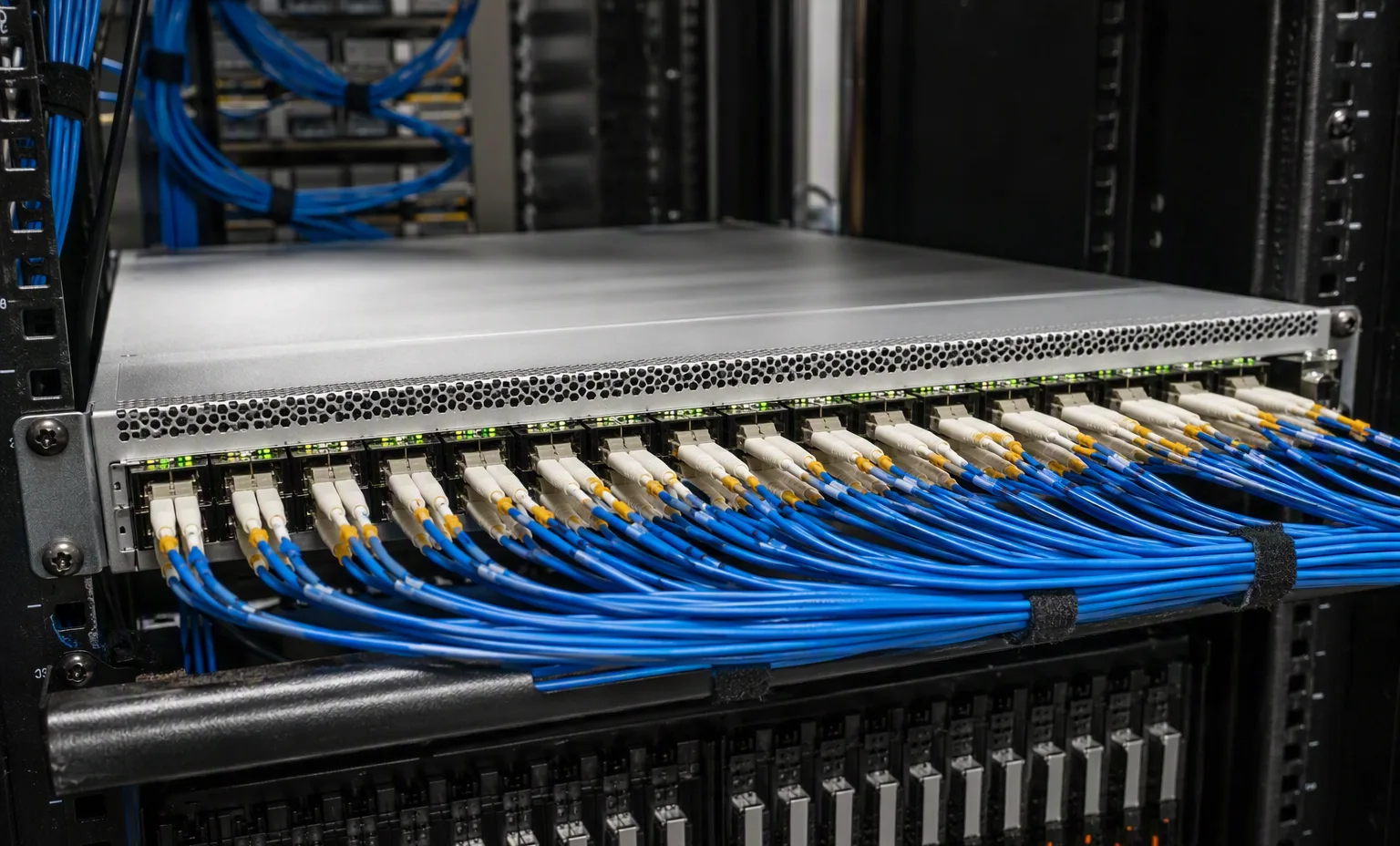
Networking & security — Spine Switch Cabling facility reference
Spine Switch Cabling Explore
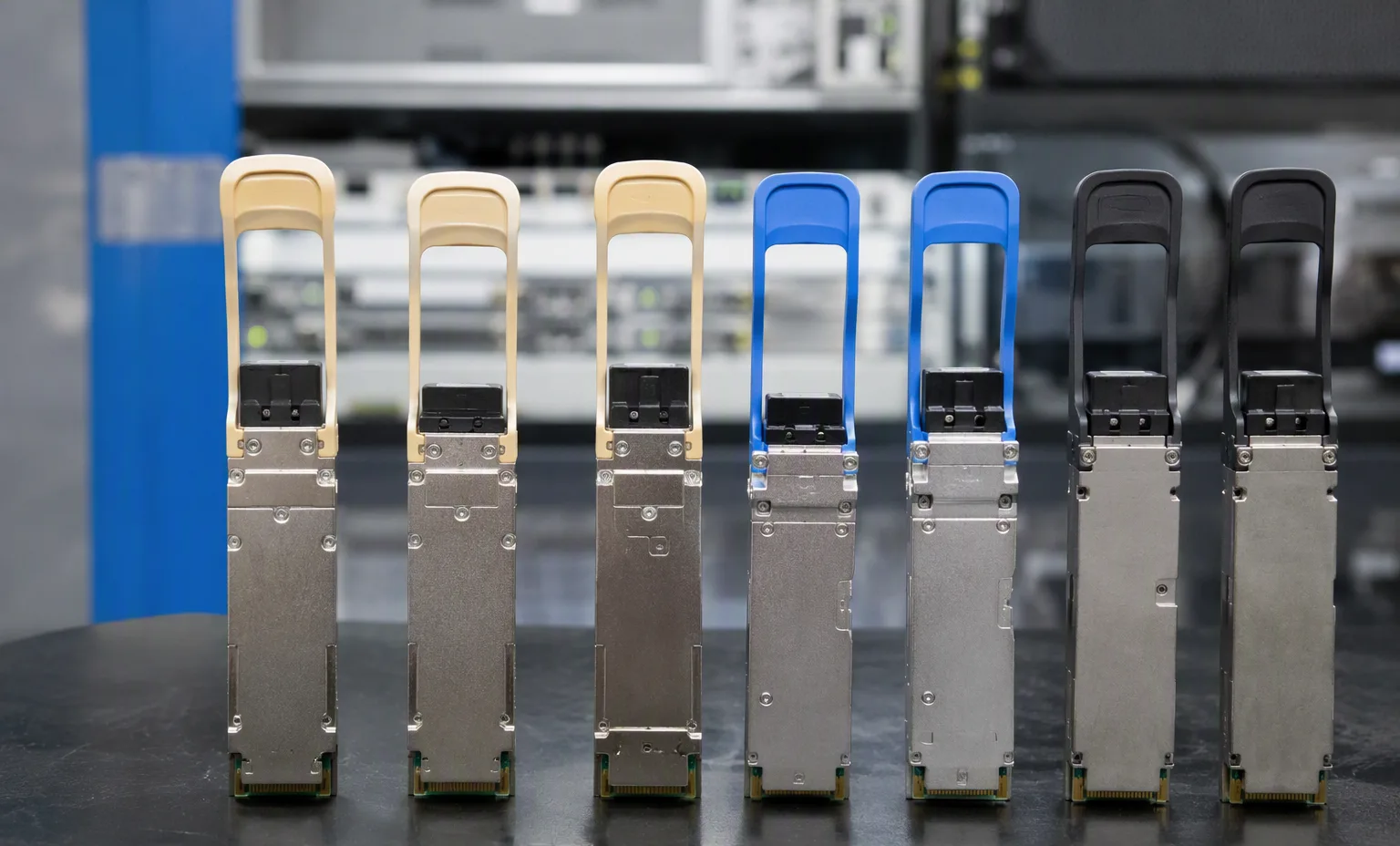
Networking & security — Qsfp Transceiver Lineup facility reference
Qsfp Transceiver Lineup Explore
1 / 2

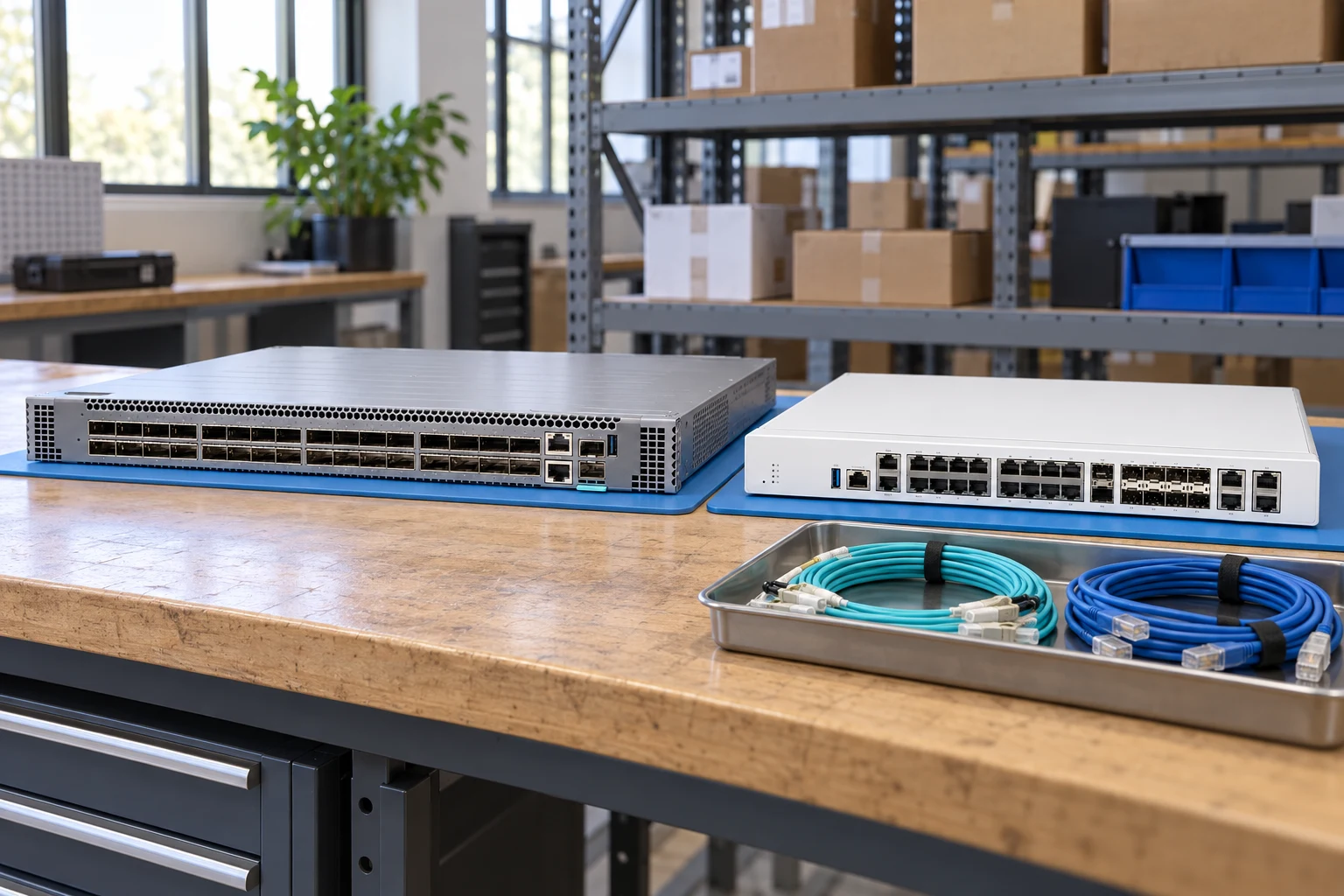
Reference-based generated scenes; actual-unit photos are available only through an explicit unit-specific request. Related models are separate catalog records, not substitutes for the item on this page.

09

Keep the supporting material together

Network checklist

Retain the supporting reference with your project brief.

Open resource
10

Turn the brief into the next step

Supermicro / Networking & security

Keep the requirement specific.

Port and uplink schedule drafted · Optics and cable ends identified · Airflow and PSU scope confirmed · Required software entitlement listed.