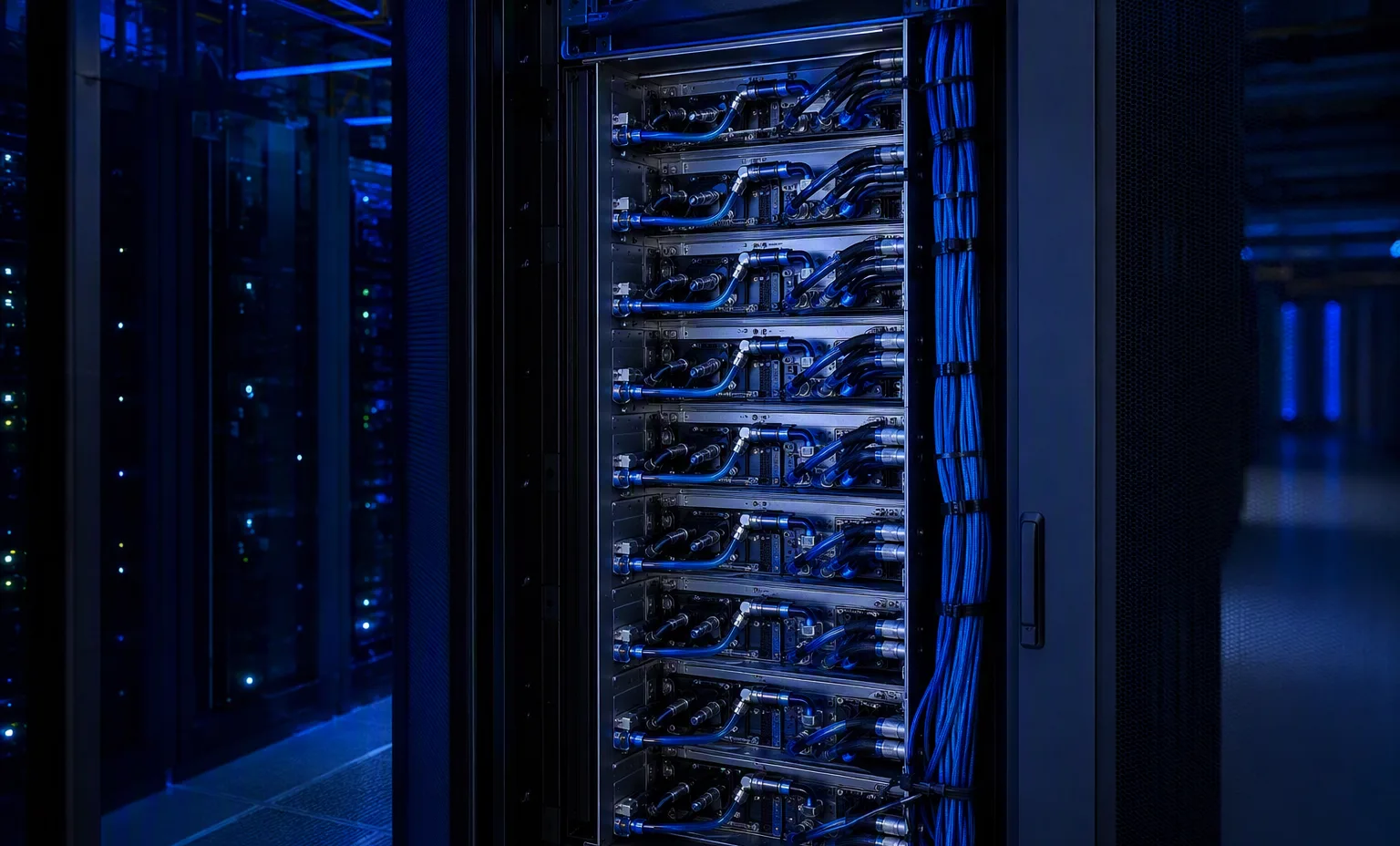
IBMpart number
43V5909IBM 43V5909 — GPUs & accelerators
- Title-derived · capacity / module size
- 4GB
- Title-derived · gpu/accelerator
- Nvidia, Tesla
Title-derived fields · unverified
Compare the fields actually recorded, preserve complete part-number suffixes and carry your choices into a local RFQ.
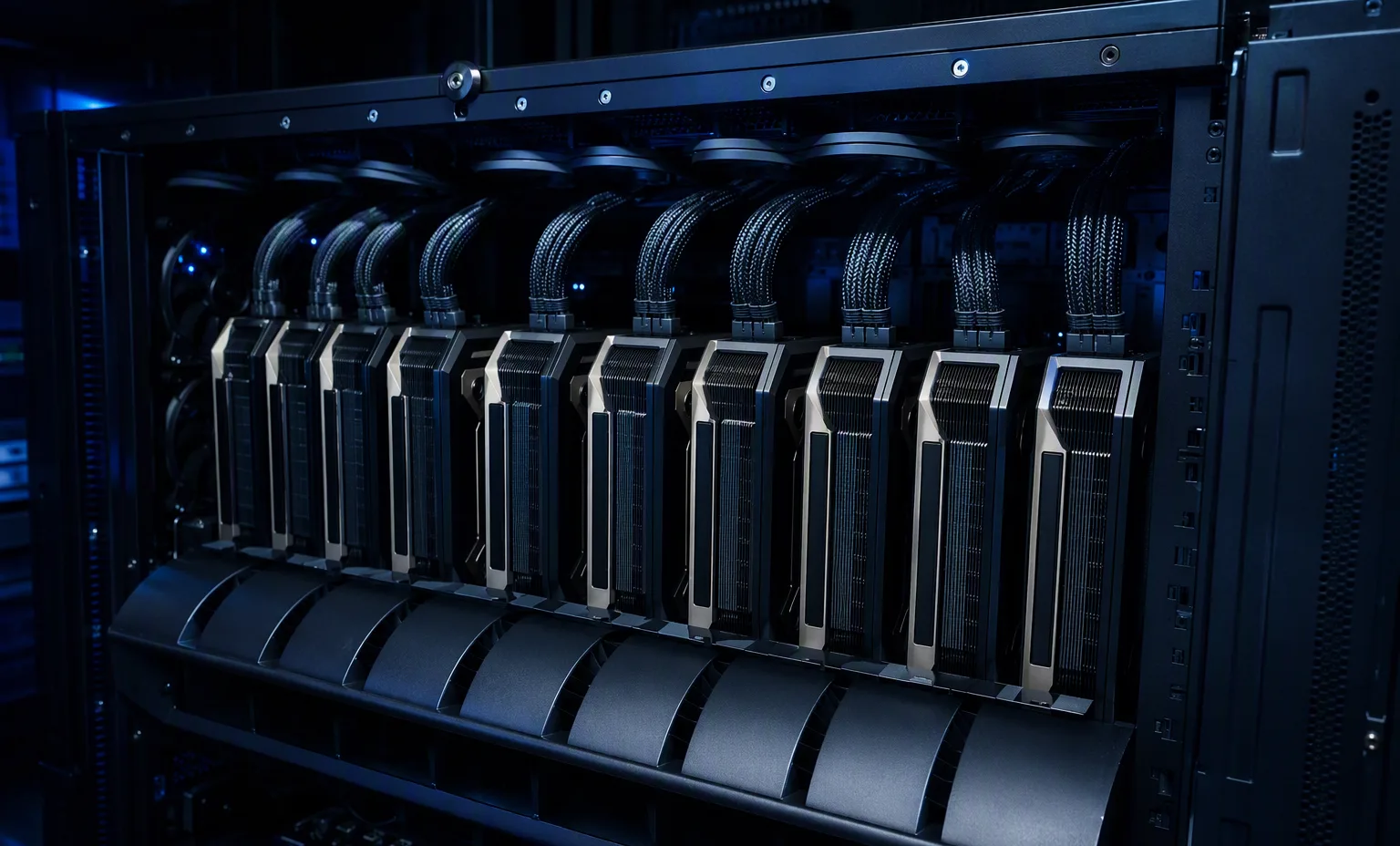
IBM 43V5909 — GPUs & accelerators
Title-derived fields · unverified
IBM 46C9081-NEW — GPUs & accelerators
Title-derived fields · unverified
IBM 46C9082-NEW — GPUs & accelerators
Title-derived fields · unverified
IBM 90Y2451 — GPUs & accelerators
Title-derived fields · unverified
IBM IBM 00P5758-HIGH P — IBM / Matrox Power GXT135P Graphics Adapter 16MB Sdram Pci ( 1 ) One DUAL Link Dvi-I Connection ( 1 ) One VGA Connection — GPUs & accelerators
Title-derived fields · unverified
IBM IBM 0A37598-LOW P — IBM Nvidia Quadro Nvs 295 Graphics Card 256MB 8 Cuda Cores Memory Interface 64 Bit GDDR3 Memory Bandwidth 11.2gb/S PCI-E 2.0 X16 ( 2 ) Two Displayports Mpc 23W Video Card — GPUs & accelerators
Title-derived fields · unverified
IBM IBM 0A37598-NO BRACKET — IBM Nvidia Quadro Nvs 295 Graphics Card 256MB 8 Cuda Cores Memory Interface 64 Bit GDDR3 Memory Bandwidth 11.2gb/S PCI-E 2.0 X16 ( 2 ) Two Displayports Mpc 23W Video Card — GPUs & accelerators
Title-derived fields · unverified
IBM IBM 80P4527-HIGH P — IBM / Matrox Power GXT135P Graphics Adapter 16MB Sdram Pci ( 1 ) One DUAL Link Dvi-I Connection ( 1 ) One VGA Connection — GPUs & accelerators
Title-derived fields · unverified
IBM IBM TESLA M1060-IBM — IBM Nvidia Tesla M1060 Computational Accelerator 4GB T10 Processor 240 Cuda Cores Memory Interface 512 Bit PCI-E 2.0 X16 General Purpose Graphics Processing Unit Gpgpu — GPUs & accelerators
Title-derived fields · unverified
Distinguish PCIe cards from integrated accelerator baseboards.
This guide adds the decisions, documents and next steps that support this page.
GPU platforms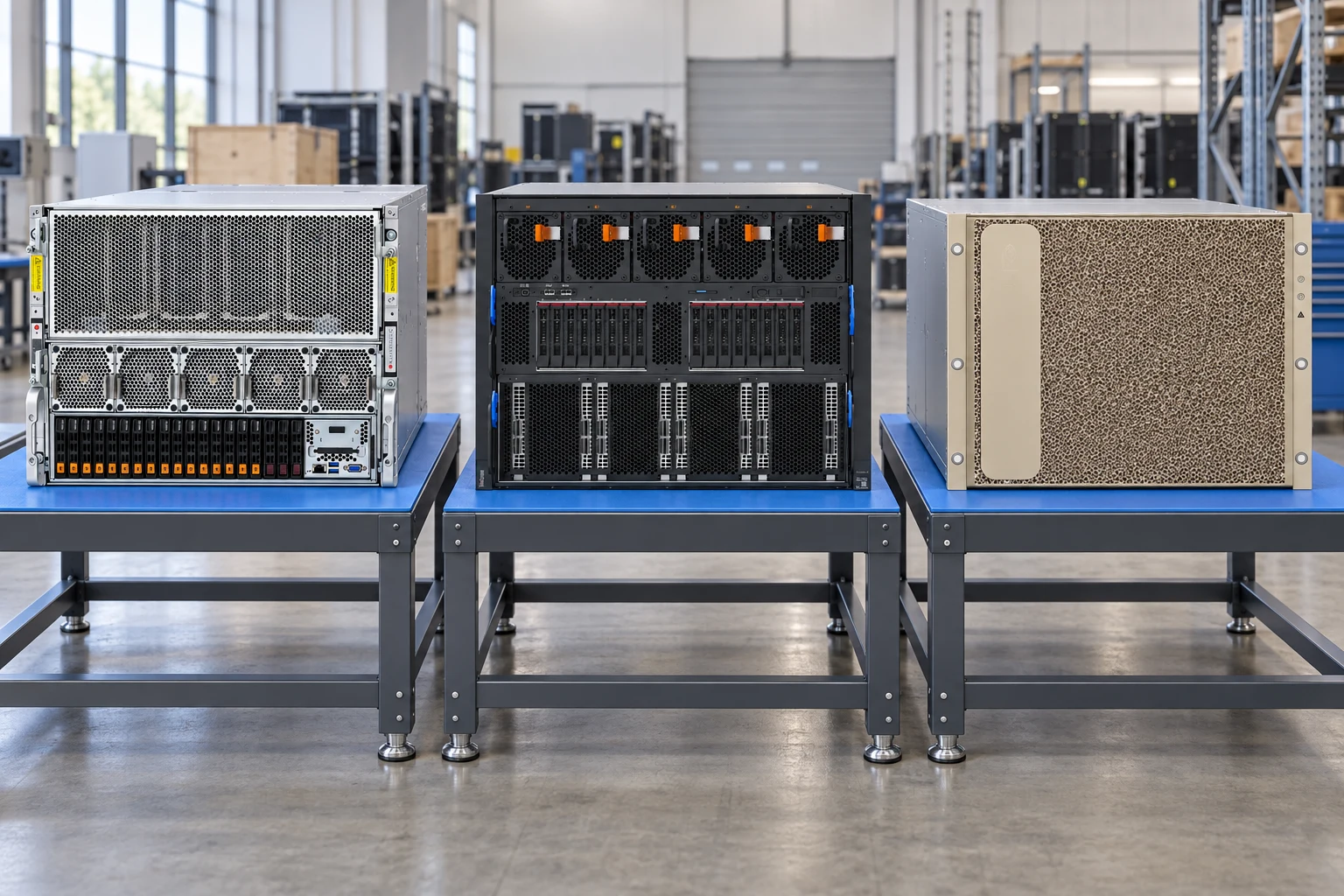
Start with model size, precision, parallelism and dataset movement.
GPU platformsDefine request concurrency, latency target and model-memory footprint.
AI systemsCheck slot width, risers, auxiliary power and supported cooling.
GPU checklistDistinguish PCIe cards from integrated accelerator baseboards.
Plan host networking, GPU interconnect and storage access separately.
Request platform power requirements and facility cooling review.
A planning sequence, not a record of completed work.
Counts show records in the site catalog. They do not represent stock, available quantities or verified compatibility.
Snapshot: 2026-09-15
| Decision | Record in your brief | Evidence to retain |
|---|---|---|
| Accelerator architecture | Distinguish PCIe cards from integrated accelerator baseboards. | Complete identifier and source revision |
| Fabric & data path | Plan host networking, GPU interconnect and storage access separately. | Platform document or written clarification |
| Rack power & cooling | Request platform power requirements and facility cooling review. | Offered-unit details and agreed scope |
Tick items as you prepare them. This is your personal checklist, not a hardware validation.
Saved in this browser when local storage is available.
Reference-based generated scenes; actual-unit photos are available only through an explicit unit-specific request. Related models are separate catalog records, not substitutes for the item on this page.
Continue the relevant directory or service flow.
Open resourceUse the connected tool to develop the requirement.
Open resourceRetain the supporting reference with your project brief.
Open resourceWorkload and precision defined · Accelerator model and quantity named · Platform support documents requested · Power and cooling review assigned.