SC storage only
Smart Array P816i-a SR Gen10
804338-B21
16 internal lanes · 4 GB cache
Modular · SAS/SATA on this platform
Configurator 3.0 · OEM dependency engine
The planner now links chassis topology, processor power class, DIMM population, drive media, RAID/HBA path, boot device, GPU slots, cooling mode, OCP/PCIe networking, ambient target and PSU headroom. Rules are sourced from current Dell manuals, HPE QuickSpecs, Lenovo Press guides and Supermicro product documentation.
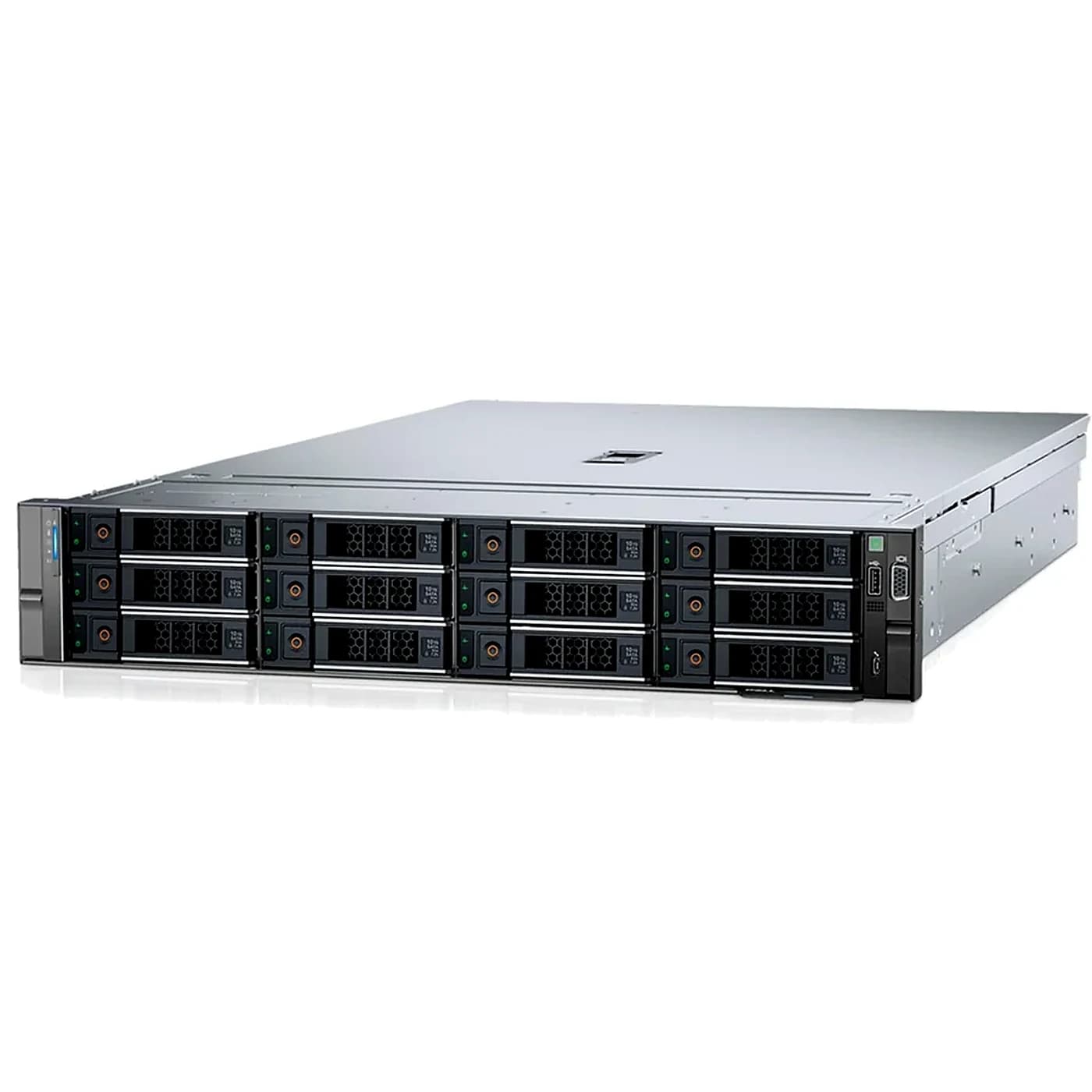
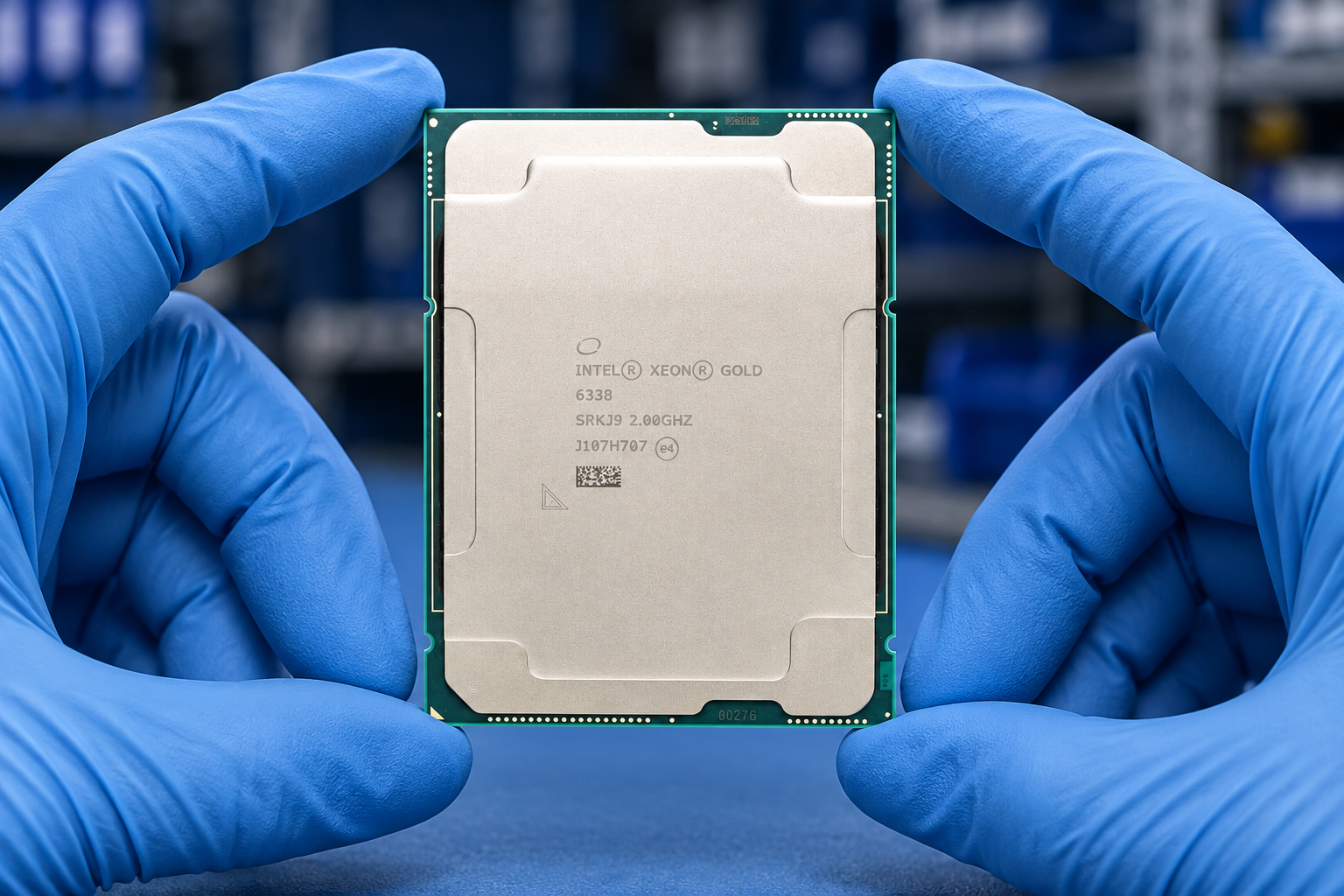
Intel Xeon Scalable / Xeon Max. Planning TDP: 250W each.
DDR5 RDIMM only.
Chassis limit: 8 positions · SAS / SATA / NVMe
GPU TDP planning: none. Exact OEM GPU PN / riser matrix wins over generic limits.
Networking is handled by the advanced PN/BOM workbench for this legacy profile.
Advanced workbench
Use this second layer for part-number lookup, network planning, alternative parts and quote preparation after the linked OEM-rule configurator has established the platform dependencies.
Server & network configurators
Choose your server, select components and prepare a configuration list. Our team will confirm compatibility, availability and pricing.
Working with a FusionServer 2288H V7? Check OCP expansion cables for the 8 x 2.5-inch pass-through configuration.
Open xFusion OCP cabling plannerProcessors
Server memory
SSD & hard drives
Power supplies
For upgrades, include all processors and memory that will remain installed, as well as the new parts. Quantities here describe the planned system, not only the items being purchased.
HPE PROLIANT DL380 GEN10
Start with the chassis part number. Smart Carrier and Basic Carrier options use different controllers, backplanes and cables—even when drive capacities are identical.
Select chassis
Chassis carrier
0
Selected drives
0 TB
Raw capacity · before RAID
Selecting a chassis identifies the existing server; it does not automatically add a new chassis to your purchase list. Include a chassis below only if you need to order one. Changing the chassis retains your parts list so incompatible items can be identified.
Select a front drive layout.
Logical bay overview, not a physical installation drawing. An 8SFF chassis starts with Box 3; field expansion uses Box 2 before Box 1. Rear and additional 2SFF cages are not counted here.
These are HPE option PNs. A Gen10 Plus controller name alone does not establish server compatibility.
SC storage only
804338-B21
16 internal lanes · 4 GB cache
Modular · SAS/SATA on this platform
SC storage only
804331-B21
8 internal lanes · 2 GB cache
Modular · SAS/SATA on this platform
SC storage only
804326-B21
8 internal lanes · No cache
Modular · SAS/SATA on this platform
SC storage only
830824-B21
8 internal lanes · 2 GB cache
PCIe · SAS/SATA on this platform
SC storage only
804394-B21
8 internal lanes · No cache
PCIe · SAS/SATA on this platform
BC chassis only
P06367-B21
16 internal lanes · 4 GB cache
PCIe · SAS/SATA on this platform
BC chassis only
P26279-B21
16 internal lanes · 4 GB cache
Modular · SAS/SATA on this platform
BC chassis only
P26324-B21
16 internal lanes · No cache
PCIe · SAS/SATA on this platform
BC chassis only
P26325-B21
16 internal lanes · No cache
Modular · SAS/SATA on this platform
Check SFF/LFF size and controller support before adding drives. Retail and manufacturer-branded parts are not substituted.
BC · SFF · HDD
HPE P28352-B21
SAS 12 Gb/s · 10,000 rpm
BC · SFF · HDD
HPE P53562-B21
SAS 12 Gb/s · 10,000 rpm
BC · SFF · HDD
HPE P28586-B21
SAS 12 Gb/s · 10,000 rpm
BC · SFF · HDD
HPE P53560-B21
SAS 12 Gb/s · 15,000 rpm
BC · SFF · SSD
HPE P40508-B21
SAS 12 Gb/s
Read intensive / Value SAS
BC · SFF · SSD
HPE P40507-B21
SAS 12 Gb/s
Read intensive / Value SAS
SC · SFF · HDD
HPE 881457-B21
SAS 12 Gb/s · 10,000 rpm
SC · SFF · HDD
HPE 872481-B21
SAS 12 Gb/s · 10,000 rpm
SC · SFF · HDD
HPE 872479-B21
SAS 12 Gb/s · 10,000 rpm
SC · SFF · HDD
HPE 872477-B21
SAS 12 Gb/s · 10,000 rpm
SC · LFF · HDD
HPE P23863-B21
SAS 12 Gb/s · 7,200 rpm
SC · LFF · HDD
HPE 881779-B21
SAS 12 Gb/s · 7,200 rpm
SC · LFF · HDD
HPE P23857-B21
SATA 6 Gb/s · 7,200 rpm
SC · LFF · HDD
HPE 881785-B21
SATA 6 Gb/s · 7,200 rpm
Include existing kits as well as new ones. Cable quantities need confirmation against the complete backplane layout.
826691-B21 · SC
Adds eight SAS/SATA SFF bays per kit. For the 8SFF chassis; populate Box 2 before Box 1 in field upgrades.
P57774-B21 · BC
BC Model-X chassis only; requires a tri-mode controller and P55467-B21 cable kit. Two expansion cages require high-performance fans.
P57773-B21 · BC
BC Model-X chassis only; requires a tri-mode controller and P55469-B21 cable kit. Confirm front/rear position and clearance.
P57772-B21 · BC
BC chassis and MegaRAID controller only. Confirm rear position, cable selection and occupied PCIe slots.
P55467-B21 · BC
For 8SFF BC Model-X and BC BTO configurations; confirm routing and cable quantity.
P55469-B21 · BC
For 8SFF BC Model-X configurations; confirm cage position and cable quantity.
P55471-B21 · BC
For 8SFF BC Model-X configurations; confirm rear cage and cable routing.
786092-B21 · SC
Confirm the exact controller, backplane and cable routing; not a universal SAS cable.
826709-B21
Required for more than eight SATA devices on the embedded AHCI controller, which supports at most twelve SATA devices.
P01366-B21
Backup-power option for performance Smart Array controllers. Confirm retained battery condition and connections.
P02377-B21
Alternative backup-power option for performance Smart Array controllers; confirm complete installation.
867810-B21
One kit contains six fans, replacing the standard set. Required for fully populated front boxes and NVMe; already standard on 12LFF and 24SFF CTO chassis.
870549-B21 · SC
For 24SFF field expansion; confirm controller lanes, riser space and cable routing.
Please confirm: Confirm the chassis PN before selecting Smart Carrier or Basic Carrier storage.
Please confirm: Include all retained controllers, drives, backplanes and installation kits.
Please confirm: Confirm whether any drives use the embedded SATA controller.
Please confirm: Confirm whether this is a factory configuration or a field upgrade.
Please confirm: Confirm whether any NVMe drives will be installed.
Please confirm: Choose the intended front drive layout.
Please confirm: Front, rear and mid-tray drive allocation must be confirmed. Only the selected main front bays are counted here.
Please confirm: Final quotation must confirm the complete server, cable routing, controller fanout, RAID layout, firmware, cooling and equipment condition.
For DL380 Gen10 only, not DL380 Gen10 Plus or Gen11. Include retained components as well as new parts.
Storage selection does not replace a complete server installation check. CPU, memory, power, RAID layout, cables and firmware need final confirmation.
Legacy platform: availability and equipment condition are confirmed with each quotation.
1 parts · contact us to confirm availability
HPE / SSD & hard drives / option PN
HPE 1.8TB SAS 12G Mission Critical 10K SFF BC 3-year Warranty 512e Multi Vendor HDD
Configuration planning
Use the selectors above to prepare your list. Include existing parts and installation constraints so missing accessories and incompatible combinations can be discussed before ordering.
Select the full server or network model. Closely named models and chassis variants may have different slots, power and accessory requirements.
Add component quantities and complete the available installation fields. For networks, include link speeds, optics and software requirements.
Address flagged conflicts, keep any open questions and prepare the configuration text. Share the draft with your sales contact for a complete offer.
Server planning
Network planning
Define the role of each switch and the links between devices. Keep management, stacking and data links separate in the requirement.
Choose a network modelSpecify link speed, distance, fiber or copper media, connector and any breakout requirement. Confirm the exact module and software support.
Explore connectivityCheck feature entitlement, purchase unit, term and target model. A support contract is not a substitute for a required software license.
Plan a networkConfiguration questions
No. Checks cover the listed options and entered requirements. The complete system, firmware, power budget, software and installation still need confirmation.
Yes. Include retained components when planning the final system so population, power, slot and accessory requirements are considered.
Use the catalog or parts finder and prepare the equipment list for review. Do not choose a similar model as a substitute for an exact compatibility check.
No. The current form keeps a draft on your device. Share the prepared list with your sales contact using the contact details provided.
Discuss your requirements
Keep the selected list and open questions together. Confirm supply, installation requirements and commercial terms with our team.
Define workload, capacity, constraints and growth needs.
This guide adds the decisions, documents and next steps that support this page.
System configurator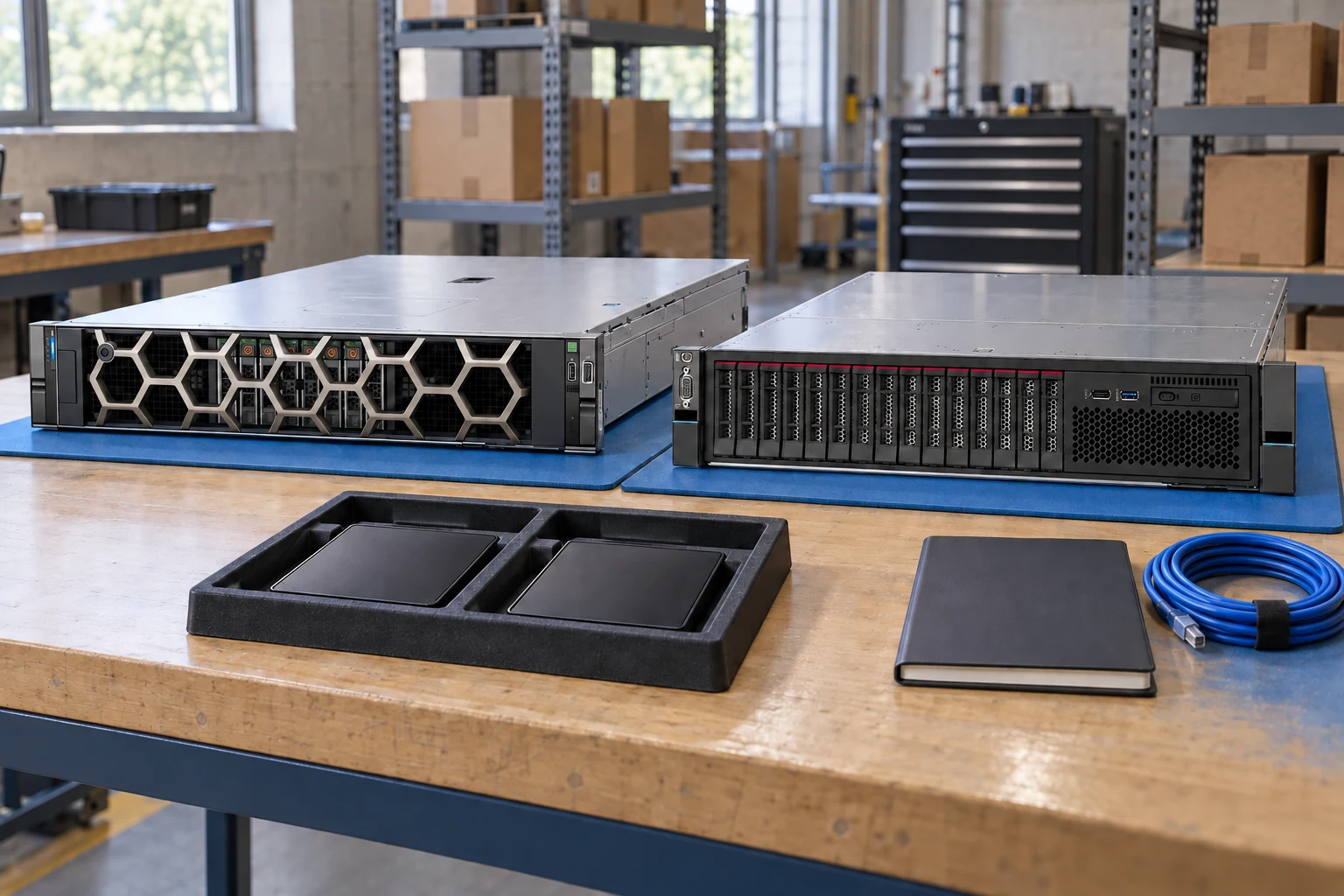
Start with the chassis and its documented dependencies.
System configuratorKeep identifiers and evidence side by side.
Compare recordsBuild a port, optics and cable schedule.
Network plannerDefine workload, capacity, constraints and growth needs.
Check component support, physical fit, power and firmware.
Export a reviewable requirement or quotation draft.
A planning sequence, not a record of completed work.
Counts show records in the site catalog. They do not represent stock, available quantities or verified compatibility.
Snapshot: 2026-09-15
| Decision | Record in your brief | Evidence to retain |
|---|---|---|
| Requirements | Define workload, capacity, constraints and growth needs. | Complete identifier and source revision |
| Dependencies | Check component support, physical fit, power and firmware. | Platform document or written clarification |
| Review output | Export a reviewable requirement or quotation draft. | Offered-unit details and agreed scope |
Tick items as you prepare them. This is your personal checklist, not a hardware validation.
Saved in this browser when local storage is available.
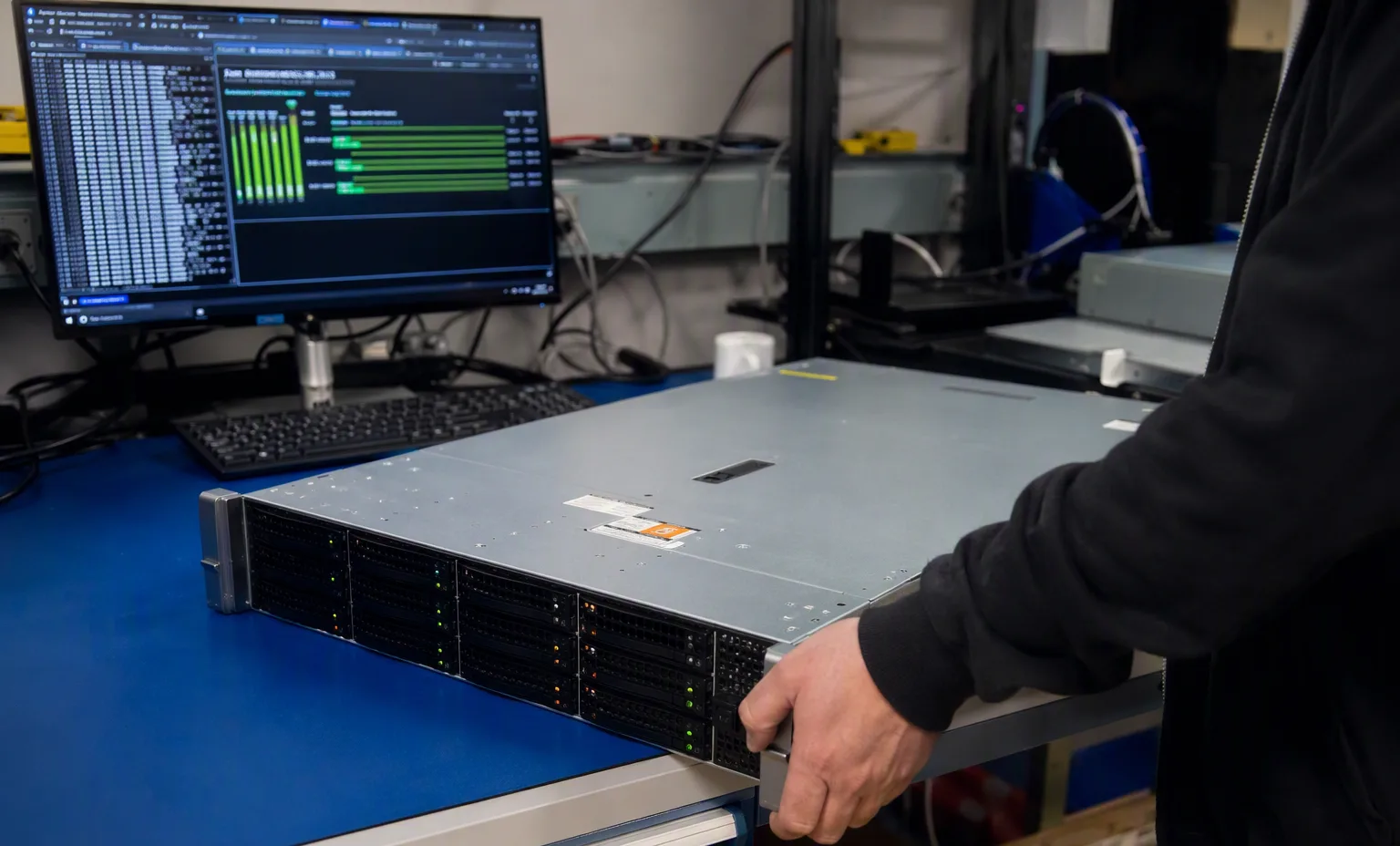
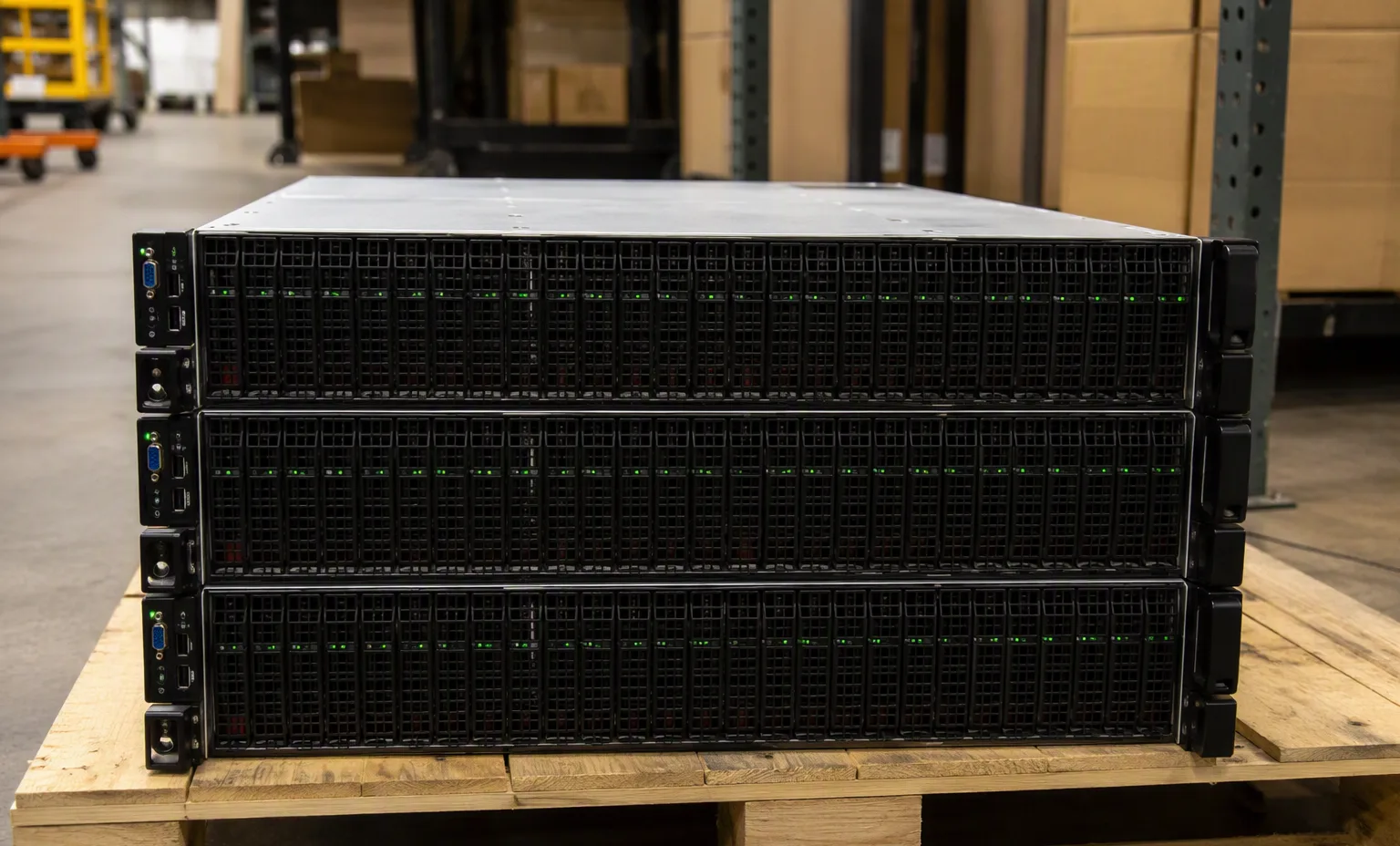
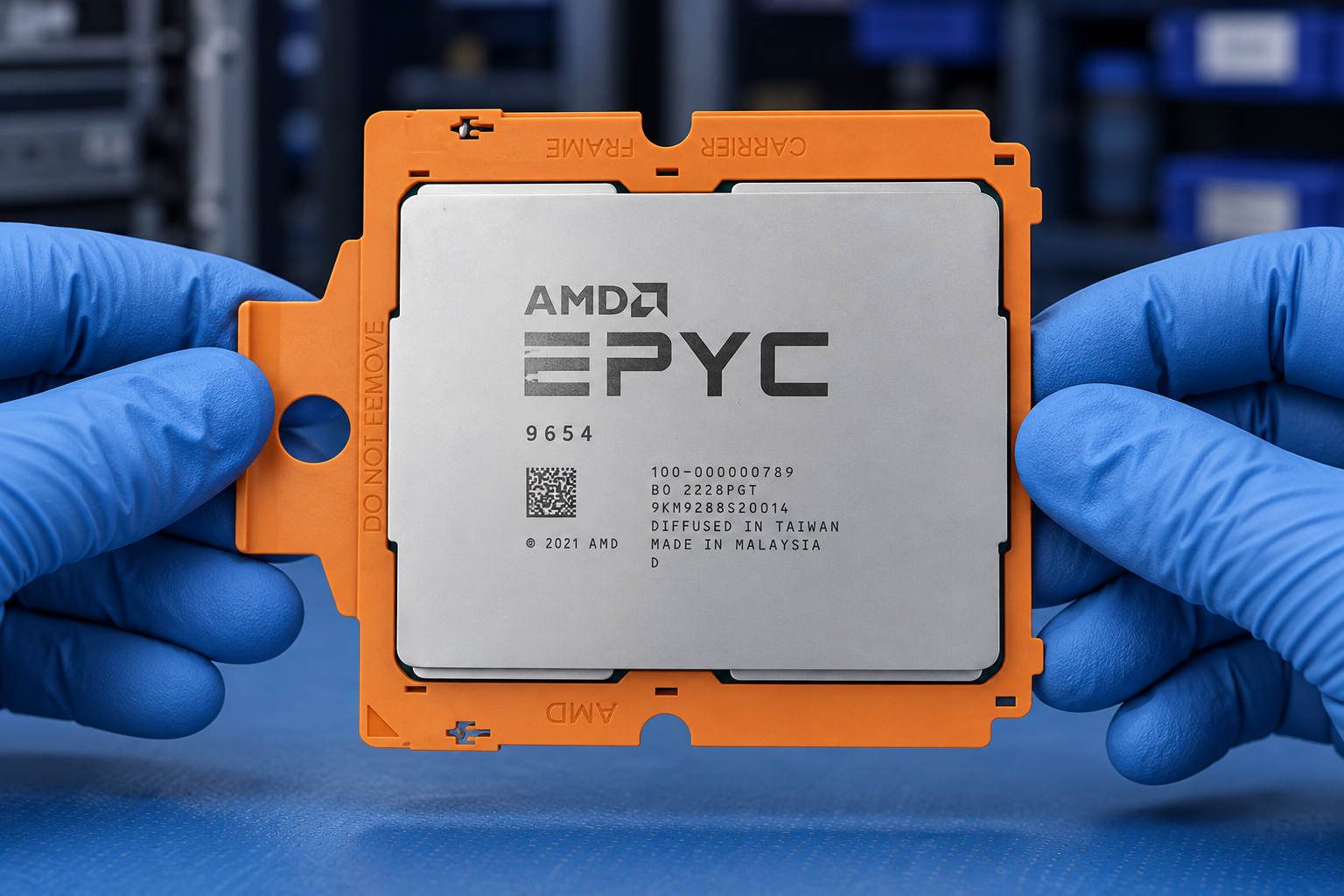
Reference-based generated scenes; actual-unit photos are available only through an explicit unit-specific request. Related models are separate catalog records, not substitutes for the item on this page.
Continue the relevant directory or service flow.
Open resourceUse the connected tool to develop the requirement.
Open resourceRetain the supporting reference with your project brief.
Open resourceWorkload requirements captured · Candidate BOM recorded · Open compatibility questions listed · Reviewer and next action assigned.