ASUSManagement modules
ASMB9-iKVM
ASUS ASMB9-iKVM — IPMI 2.0 Management Upgrade Kit with KVM (Keyboard, Video, Mouse).
Specifications & enquiriesServers, boards & expansion
Browse server systems, motherboards, specialist components and rack equipment. Model names identify the product; the ordering part number, installed options, condition and availability are confirmed in your quotation.
ASUS ASMB9-iKVM — IPMI 2.0 Management Upgrade Kit with KVM (Keyboard, Video, Mouse).
Specifications & enquiriesRevision 100
Management Module
Specifications & enquiriesChoose the right product type
Compare server platforms, then define the processors, memory, storage and expansion required for a complete system.
Browse this typeIdentify the exact motherboard and revision, then confirm chassis fit, processors, memory and required accessories.
Browse this typeMatch the component to the installed platform. Confirm interface, mounting, firmware and the included accessories before ordering.
Browse this typeMatch the component to the installed platform. Confirm interface, mounting, firmware and the included accessories before ordering.
Browse this typeMatch the component to the installed platform. Confirm interface, mounting, firmware and the included accessories before ordering.
Browse this typeMatch the component to the installed platform. Confirm interface, mounting, firmware and the included accessories before ordering.
Browse this typeMatch the component to the installed platform. Confirm interface, mounting, firmware and the included accessories before ordering.
Browse this typeMatch the Open Rack tray to the exact compute nodes, power connections and cooling arrangement. A tray is not a complete server.
Browse this typePlan rack space, bus bars, power shelves and cooling together with the receiving site. Compute nodes are quoted separately.
Browse this typeModel and part number
Planning your installation
Provide the installed system model, processors, memory population, drive layout and relevant option labels. Include the components you intend to retain.
Explore server configuratorsStart with a readable label and exact PN. Confirm revision, connector and mounting details rather than matching only the capacity or appearance.
Open Parts FinderRequest current equipment photographs and agree on the inspection or test records needed for the offer. Ask about arranging an appointment or video inspection.
See the test workshopBefore ordering
No. Configurator support is model-specific. For other models, send your requirements and have the complete parts list, firmware and installation conditions confirmed before ordering.
Only if included on the quotation. Ask separately about brackets, risers, cables, optics, rails, controllers and management options.
Ask your sales contact for current photos of the offered unit, including labels, connectors and supplied accessories. A product image alone cannot establish the installed configuration or condition.
Include quantity, preferred condition, target configuration, existing equipment and destination. List the questions that need confirmation before you can approve the order.
Discuss your requirements
Prepare the exact names and quantities, together with the required configuration and delivery destination. Share the request with your sales contact to confirm the offered hardware.
Specify rack height, bay size and backplane options.
This guide adds the decisions, documents and next steps that support this page.
Server directory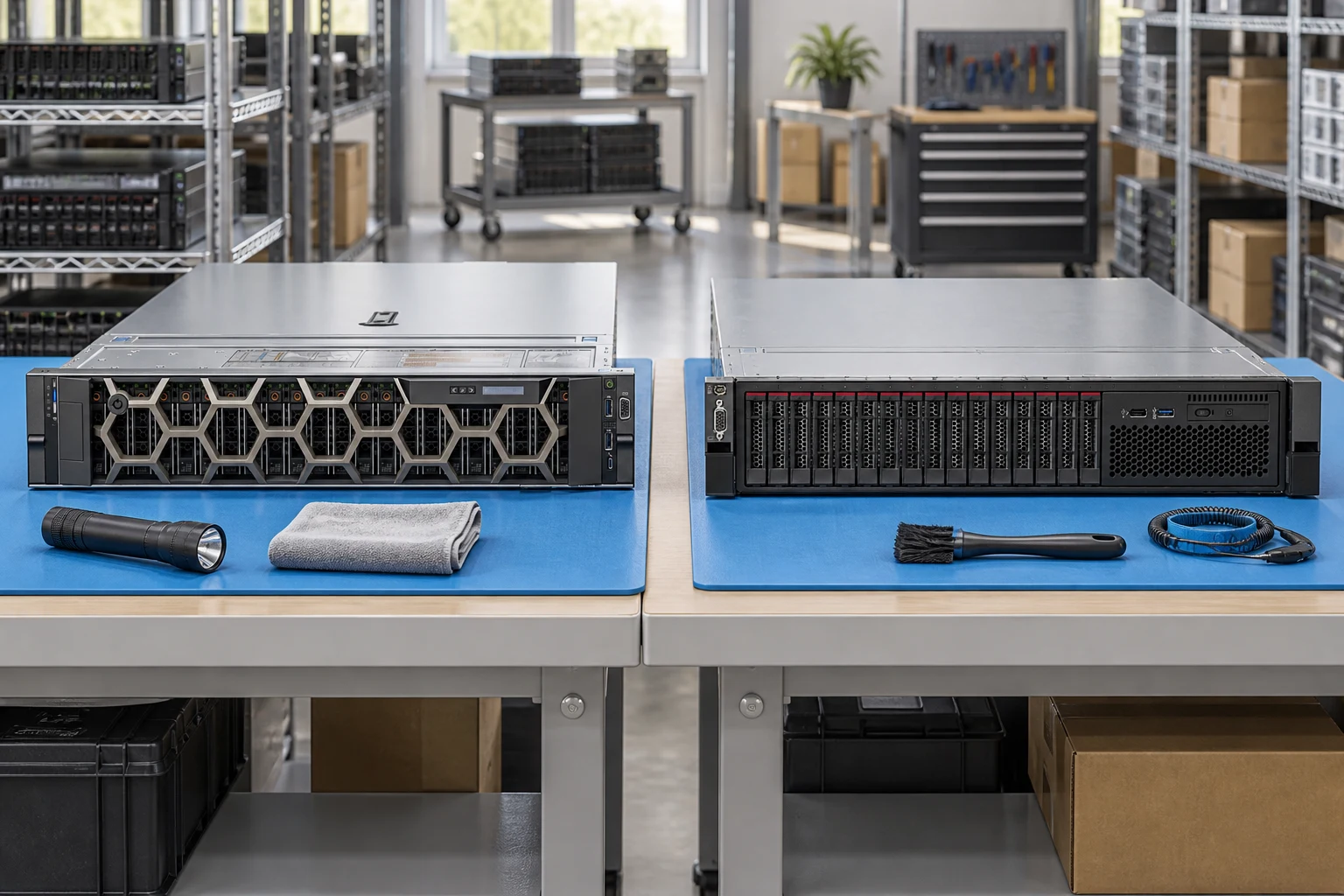
Plan rack depth, rail kit and airflow before choosing a chassis.
Server directoryIdentify the enclosure, fabric modules and generation-specific interconnects.
Server configuratorSeparate shared power, node count and service access in the request.
Buying guidesSpecify rack height, bay size and backplane options.
Record CPU generation, socket count and DIMM population.
Include input power, PSU redundancy and remote-management needs.
A planning sequence, not a record of completed work.
Counts show records in the site catalog. They do not represent stock, available quantities or verified compatibility.
Snapshot: 2026-09-15
| Decision | Record in your brief | Evidence to retain |
|---|---|---|
| Chassis & drive layout | Specify rack height, bay size and backplane options. | Complete identifier and source revision |
| Processor & memory | Record CPU generation, socket count and DIMM population. | Platform document or written clarification |
| Power & management | Include input power, PSU redundancy and remote-management needs. | Offered-unit details and agreed scope |
Tick items as you prepare them. This is your personal checklist, not a hardware validation.
Saved in this browser when local storage is available.
Reference-based generated scenes; actual-unit photos are available only through an explicit unit-specific request. Related models are separate catalog records, not substitutes for the item on this page.
Continue the relevant directory or service flow.
Open resourceUse the connected tool to develop the requirement.
Open resourceRetain the supporting reference with your project brief.
Open resourceExact chassis model recorded · CPU and DIMM plan attached · Drive backplane and risers identified · Rails and power requirements listed.