Skip to content
Enterprise hardware · New & pre-owned supply
sales@aster-rackit.comEnglish / Global
Quote basket 0Configure system →
☰
Optics & transceiversHPE
JH957A

Request exact-unit photography.
No unverified model image substituted.

manufacturer part number

JH957A

HPE JH957A — Optics & transceivers

HPEOptics & transceivers0 technical fields

Source-listed identity · parameters unverified

Price and availability: Request quotation

Download editable RFQ checklist ↓

A technical record does not certify stock, condition, current orderability or a factory-approved BOM.

Identity & purchasing scope

The JH957A record covers a HPE optics & transceivers manufacturer part number with 0 technical fields on file. Key recorded values: see the table below. Unverified fields stay visibly marked. Confirm condition, exact configuration and availability with the sales team before ordering the HPE JH957A.

This record identifies JH957A in the HPE optics & transceivers catalog. Its classification is manufacturer part number. Preserve the full identifier when comparing offers: suffixes, revisions and assembly contents are part of the purchasing question.

ASTER RACKIT research entry for HPE JH957A. An OEM product index lists this identifier. Technical specifications and compatibility remain under review. Submit the exact identifier and intended platform in your RFQ so the required configuration can be checked. Use the technical record to prepare an inquiry rather than as evidence that an item is available, tested, licensed or covered by a particular warranty. Inherited fast-shipping and stock language is not carried into this catalog's commercial fields.

Inherited search aliases: JH957A. These are lookup aids, not certified equivalents.

Recorded technical specifications

Each field states its evidence status. Inherited and title-derived values remain unverified; reviewed OEM facts do not certify an offered configuration.

Specifications pending review

No additional technical table was supplied for this identity. Request the current datasheet and item labels rather than guessing specifications from a title.

Configuration & purchase checks

  1. Identify the devices and ports at both ends of the planned connection. Transceiver form factor alone is insufficient.
  2. State line rate, reach, fiber or copper medium, connector type and any breakout requirement.
  3. Check manufacturer coding, supported software, lane mapping and the target equipment qualification policy.
  4. Separate optical modules, patch cables, DACs and AOCs as purchasing items so required accessories are not omitted.
  5. Ask for labels, connectors and cable markings. A server boot screen cannot establish optical or switch compatibility.

Adding an item prepares a local RFQ line. It does not create a price offer, reserve inventory or submit an order.

Read the category procurement guide →

Typical deployment contexts

Common project contexts where buyers request this optics & transceivers. Contexts inform the inquiry — they are not compatibility claims.

01

Data-center interconnect upgrades

02

Campus fiber build-out

03

Spare optics standardization

Frequently asked questions

What is the JH957A?

The JH957A is a recorded HPE optics & transceivers identity (manufacturer part number).

Are the specifications on this page verified?

The record carries 0 technical fields, each with an evidence label. Reviewed fields come from OEM catalog evidence; unverified fields stay visibly marked and should be confirmed before purchase.

How do I get a price for the JH957A?

Add the record to the quote basket and send the inquiry — ASTER RACKIT confirms price, condition and availability in a written quotation.

Does an image on this page show the actual offered unit?

No. Images are reference material only. Request exact-unit photography with serial numbers before committing to an order.

Platform relationships & upgrade review

No explicit target-platform relationship is provided for this record. Brand, socket, capacity and visual resemblance alone must not be used to invent a compatibility claim.

Related records below are category neighbors. They are not approved replacement parts.

Actual-unit evidence to request

01

Complete module label

02

Connector and dust caps

03

Latch and housing

04

Cable markings if applicable

05

Packaging

No server boot-screen image is attached to this record. Request product photographs and any diagnostic or entitlement record as separate evidence.

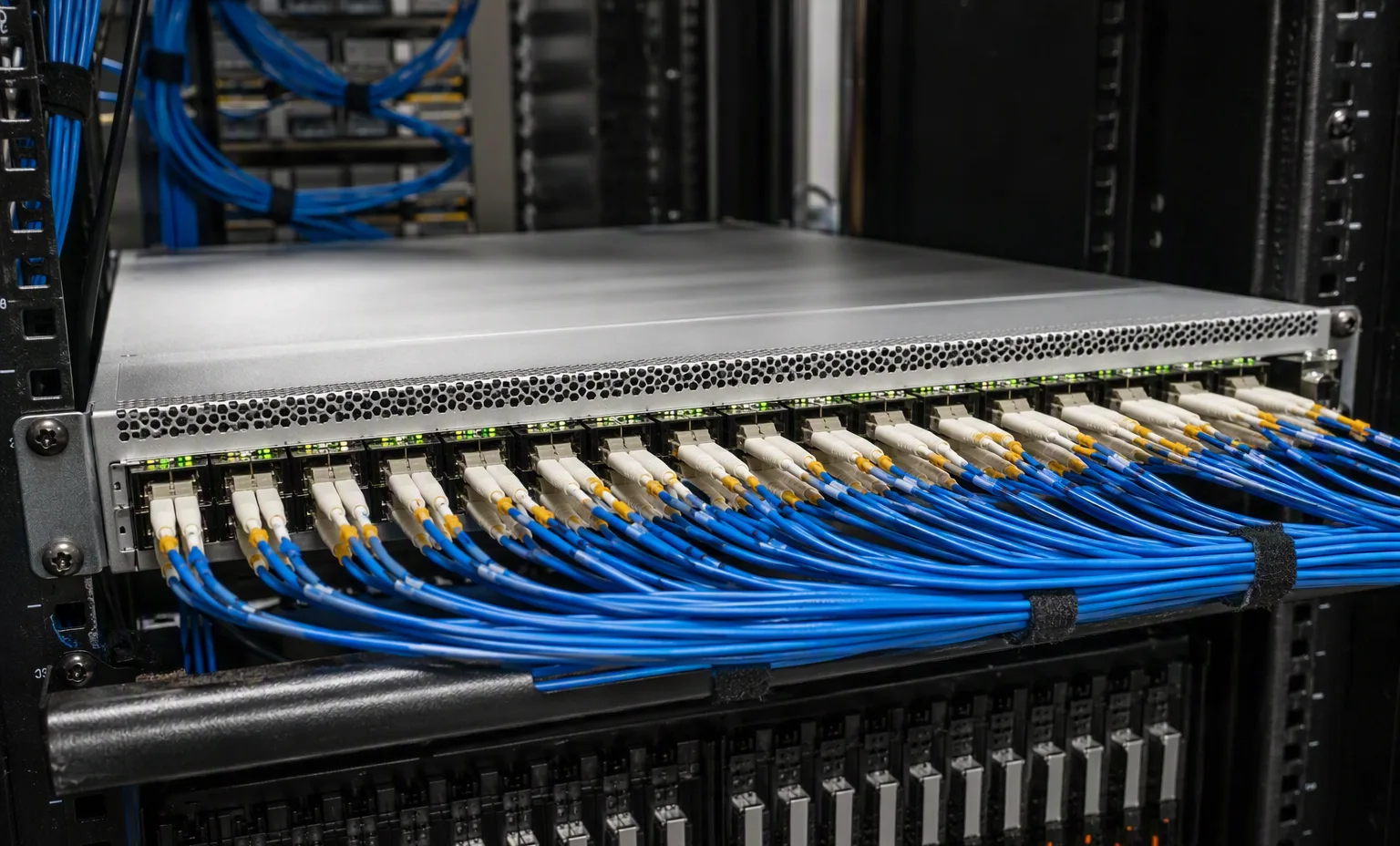
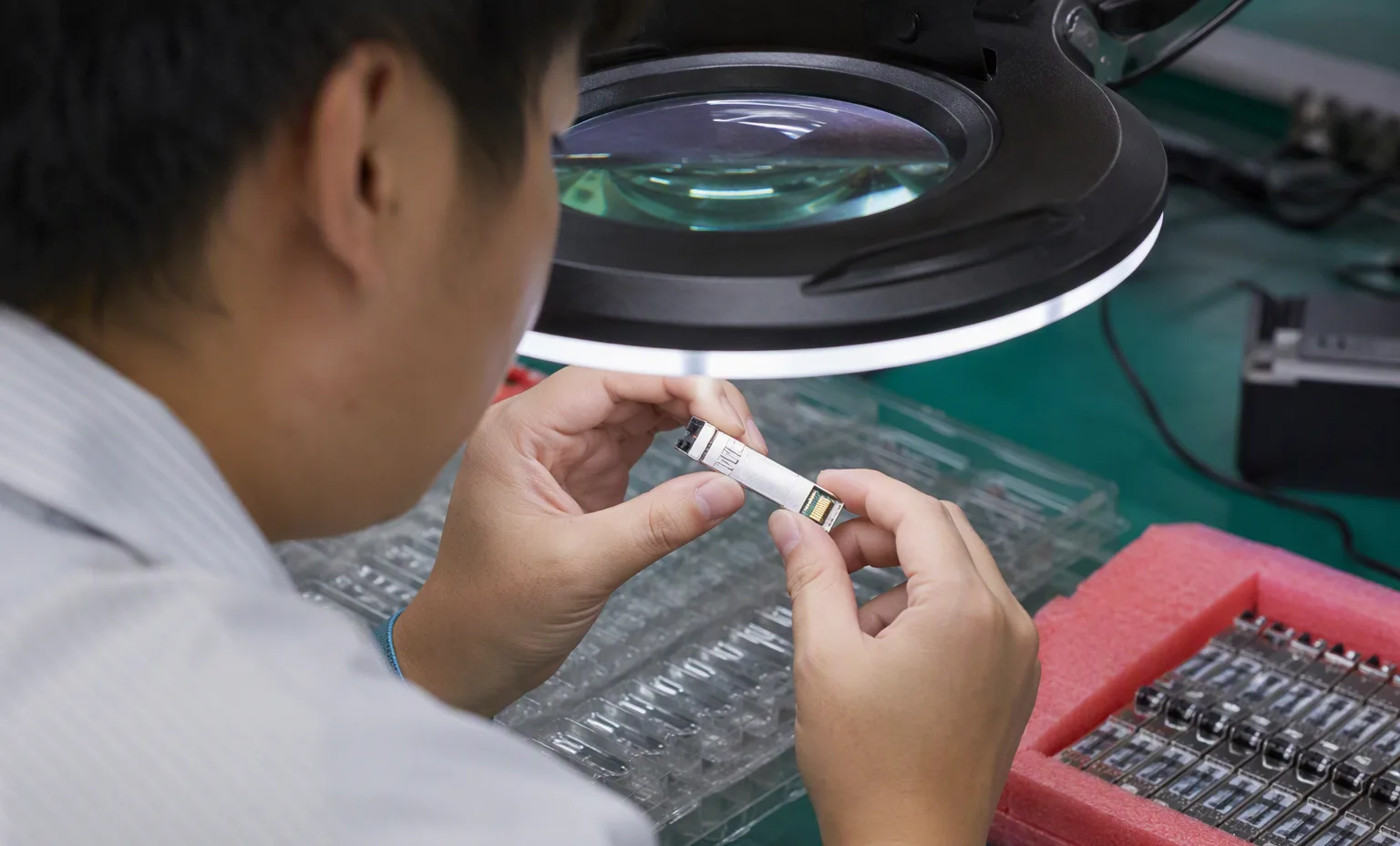
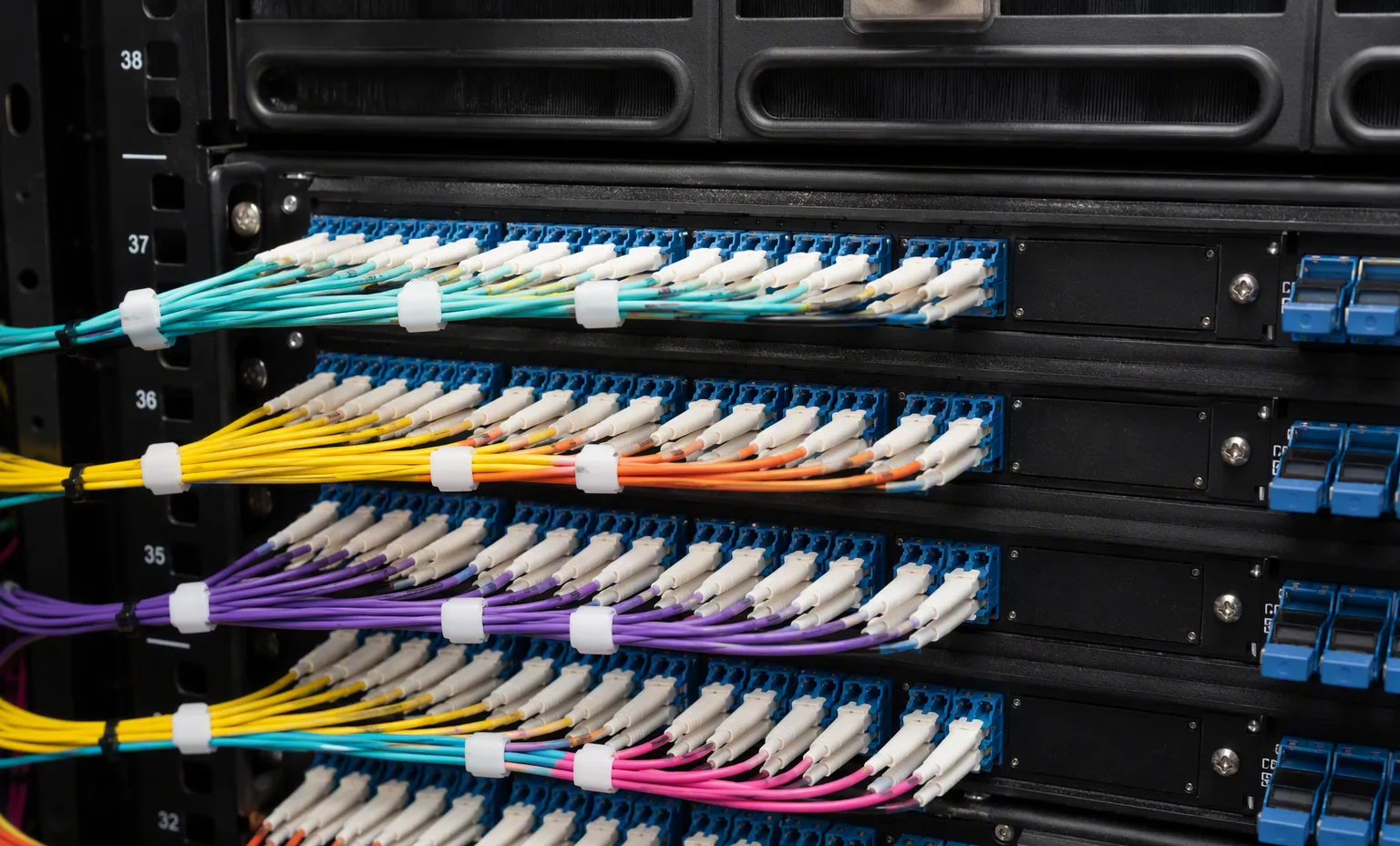
Facility reference scenes from our warehouse and test benches. They show the environment and handling standard for this equipment family — they are not photographs of the exact offered unit.

At acceptance, compare the delivered unit, labels and accessories with the approved list. Retain source revisions and receiving records for later maintenance.

Source trace & documentation

Remaining review: exact manufacturer model spelling · product family · category · chassis · height · drive bays · ports · CPU · GPU · memory · storage · power · network · management · lifecycle · compatibility · current availability

Source fileSource recordEvidence status
  • OEM product-index entry ↗ Source-listed identity; technical fields require review · oem_sitemap · 2026-09-11T23:25:12.519Z · medium
How evidence quality is classified →

Frequently asked questions

Is the item currently available?

This is not a live stock feed. Confirm full identifier, condition, quantity, price and delivery scope in a written quotation.

Does this record certify compatibility?

No. Inherited fields and platform associations require review against the exact destination system and current manufacturer documentation.

What should I send in an RFQ?

Include the full identifier, quantity, destination, target platform, condition, accessories and evidence needed for acceptance.

Is a configuration number another server model?

No. Models, ordering configurations, options and reference labels are distinct record types. Ask which actual purchasing unit will be supplied.

Related category records

Browse category →
HPEmanufacturer part number
P10582-001-HIGH P

HPE P10582-001-HIGH P — Optics & transceivers

content includes
( 1 ) ONE HP / INTEL E810-XXVDA4 ADAPTER WITH FULL HEIGHT ( HIGH PROFILE ) BRACKET - NO TRANSCEIVERS, NO CABLES INCLUDED
performance transfer rate
10/25GBE ( 10GB/S / 25GB/S )
protocol
ETHERNET

Source-listed identity · parameters unverified

View details →
HPEmanufacturer part number
P10582-001-RETAIL

HPE P10582-001-RETAIL — Optics & transceivers

includes
FULL HEIGHT ( HIGH PROFILE ) BRACKET ONLY - NO CABLES INCLUDED
card detail transfer rate
10/25GBE ( 10GB/S / 25GB/S )
protocol
ETHERNET

Source-listed identity · parameters unverified

View details →
HPEmanufacturer part number
727054-B21

HPE 727054-B21 — Optics & transceivers

content includes
( 1 ) ONE HPE 562FLR-SFP+ ADAPTER ONLY - NO TRANSCEIVERS, NO CABLES INCLUDED
card detail transfer rate
10GBE OR 40GBE / FDR 56GB/S IB
protocol
ETHERNET

Source-listed identity · parameters unverified

View details →
HPEmanufacturer part number
593715-001-HIGH P

HPE 593715-001-HIGH P — Optics & transceivers

includes
FULL HEIGHT ( HIGH PROFILE ) BRACKET ONLY - NO CABLES, NO TRANSCEIVERS INCLUDED
card detail transfer rate
10GB/S ( 10GBE )
protocol
ETHERNET

Source-listed identity · parameters unverified

View details →
HPEmanufacturer part number
P26258-001

HPE P26258-001 — Optics & transceivers

compatibility
HPE PROLIANT DL360 G11 ( GEN11 ) / DL380 G10 PLUS ( GEN10P / G10+ / G10P / GEN10+ ) / DL380 G11
additional information
NO CABLES, NO TRANSCEIVERS INCLUDED
performance transfer rate
10GBE ( 10GB/S )

Source-listed identity · parameters unverified

View details →
HPEmanufacturer part number
593412-001-HIGH P

HPE 593412-001-HIGH P — Optics & transceivers

transfer rate
40GB/S IB
device type
HOST CHANNEL ADAPTER ( HCA )
interface
PCI-E X8

Source-listed identity · parameters unverified

View details →
01

Networking & security — the next decisions

HPE / Networking & security

JH957A

Record port speeds, media type and uplink quantities.

This guide adds the decisions, documents and next steps that support this page.

Network equipment
Networking & security illustrative environment
02

Choose the right route

Routing & security

Specify interfaces, throughput test conditions and required software features.

Network planner

Optics & connectivity

Match connector, fiber, reach, wavelength and supported coding.

Network checklist
03

Details that change the configuration

Port map

Record port speeds, media type and uplink quantities.

Airflow & power

Match airflow direction, power supply and rack requirements.

Software entitlement

Request license and transferability details for the exact offer.

04

From requirement to handover

  1. 01

    Map endpoints

  2. 02

    Choose port & uplink plan

  3. 03

    Review optics & licenses

  4. 04

    Prepare deployment brief

A planning sequence, not a record of completed work.

05

Explore the relevant catalog

HPE

Recorded catalog identities

Counts show records in the site catalog. They do not represent stock, available quantities or verified compatibility.

Snapshot: 2026-09-15

06

Compare the buying requirements

Networking & security comparison brief
DecisionRecord in your briefEvidence to retain
Port mapRecord port speeds, media type and uplink quantities.Complete identifier and source revision
Airflow & powerMatch airflow direction, power supply and rack requirements.Platform document or written clarification
Software entitlementRequest license and transferability details for the exact offer.Offered-unit details and agreed scope
Open the comparison workspace
07

Build your readiness checklist

Your preparation progress

Tick items as you prepare them. This is your personal checklist, not a hardware validation.

0 / 4 prepared0

Saved in this browser when local storage is available.

08

A closer look at the hardware

JH957A — Spine Switch Cabling facility reference
Spine Switch Cabling Explore
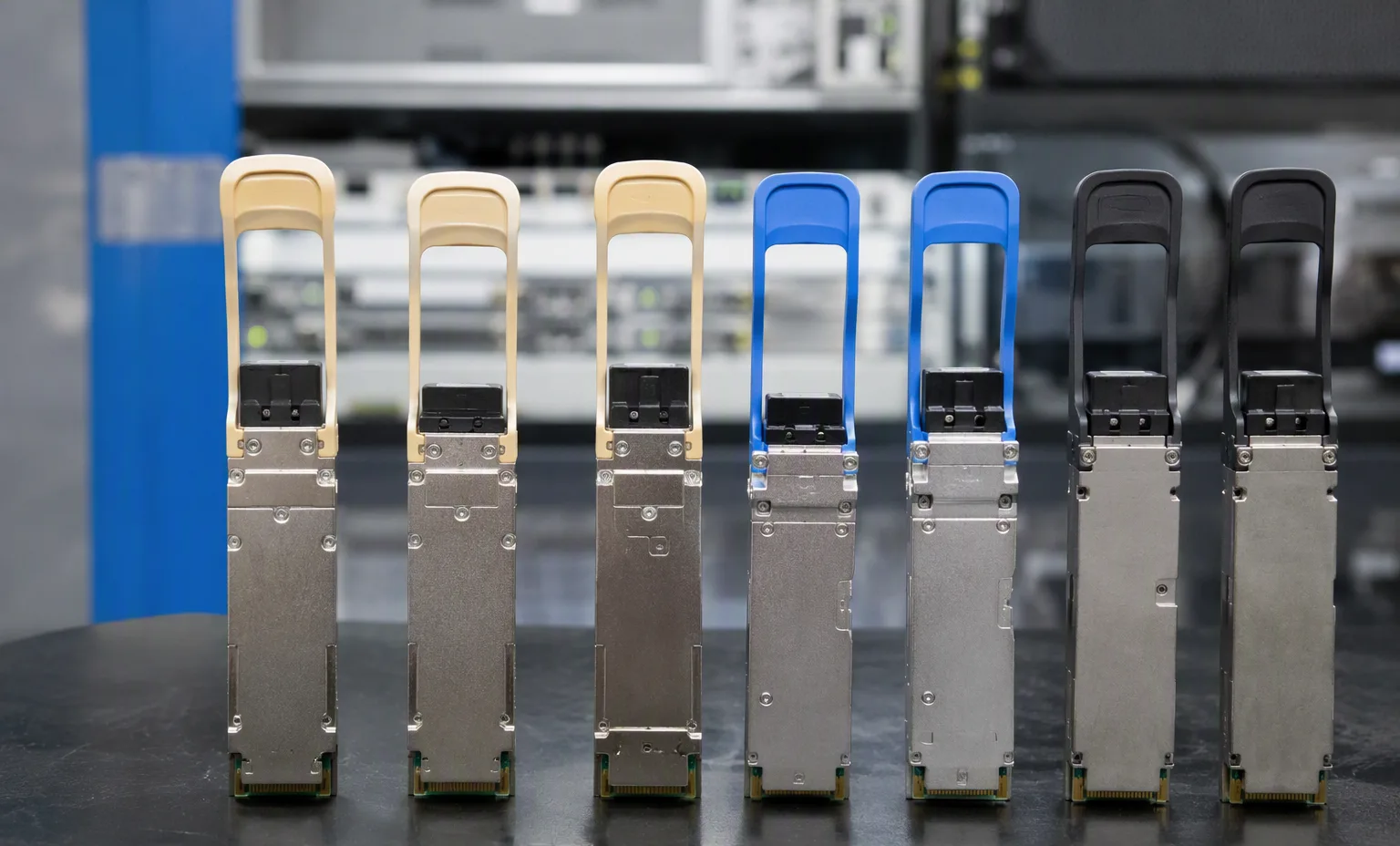
JH957A — Qsfp Transceiver Lineup facility reference
Qsfp Transceiver Lineup Explore
1 / 2

Reference-based generated scenes; actual-unit photos are available only through an explicit unit-specific request. Related models are separate catalog records, not substitutes for the item on this page.

09

Keep the supporting material together

Network checklist

Retain the supporting reference with your project brief.

Open resource
10

Turn the brief into the next step

HPE / Networking & security

Keep the requirement specific.

Port and uplink schedule drafted · Optics and cable ends identified · Airflow and PSU scope confirmed · Required software entitlement listed.