Skip to content
Enterprise hardware · New & pre-owned supply
sales@aster-rackit.comEnglish / Global
Quote basket 0Configure system →
☰
PROCUREMENT GUIDE

Packaging and receiving enterprise hardware

Plan protection and check the delivered scope.
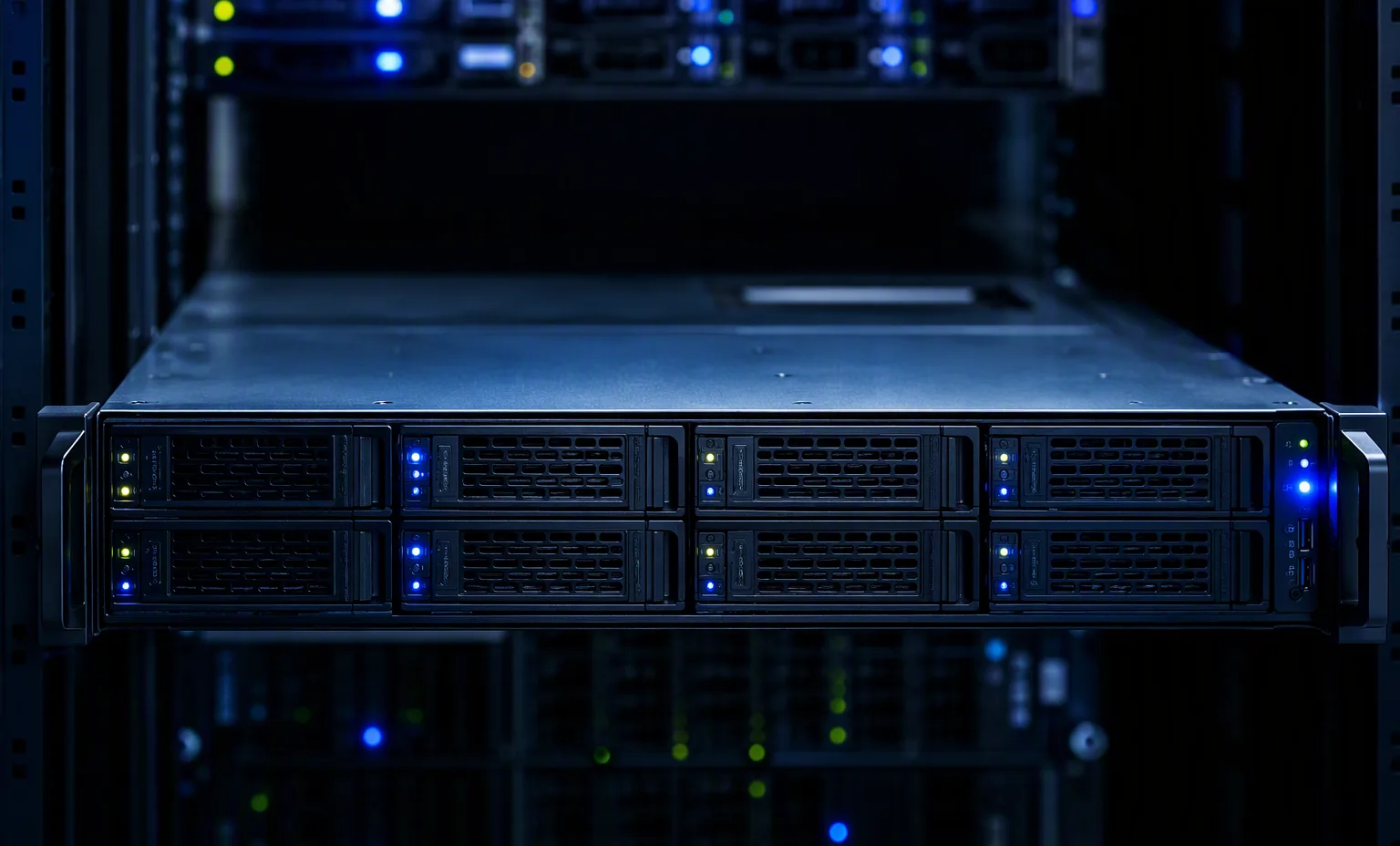
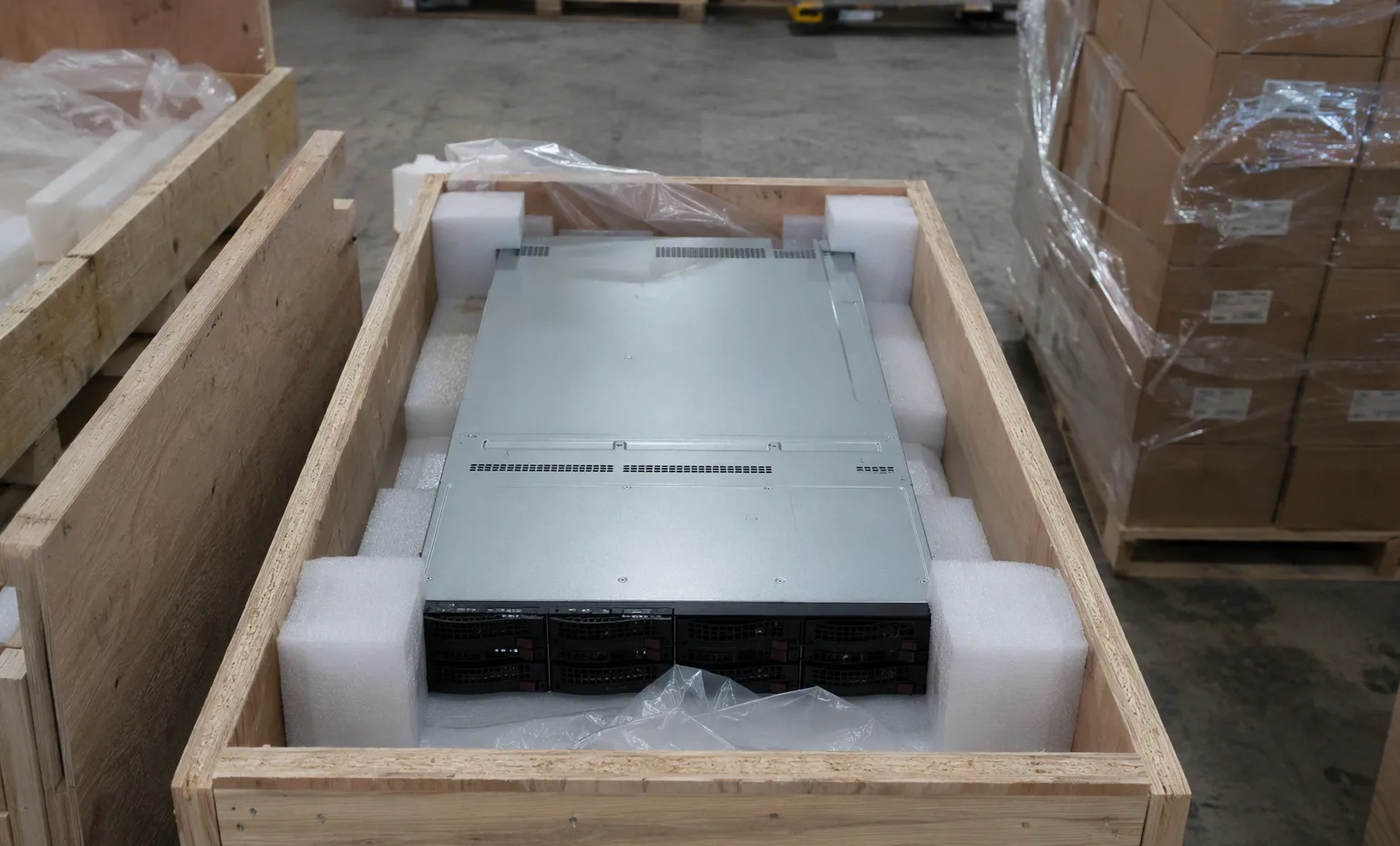
Rack server chassis on the assembly bench

Original editorial guidance. Not manufacturer validation, a service certification or a contractual promise.

Chapters
5
Checklist items
5
Related family
Complete catalog
Evidence stance
Original guidance

Scope

Record the main unit, accessories and outer package separately so missing pieces can be identified.

Dependencies

Specify appropriate anti-static handling and protection for connectors, latches and moving parts.

Evidence

Confirm internal support for heavy chassis and select packaging suitable for the transport mode.

Commercial boundary

Agree packing-list contents, dimensions, weights, consignee and delivery terms before dispatch.

Handover

Document exterior condition at receipt and compare the contents with the accepted list. Packing images are records, not a guarantee against damage.

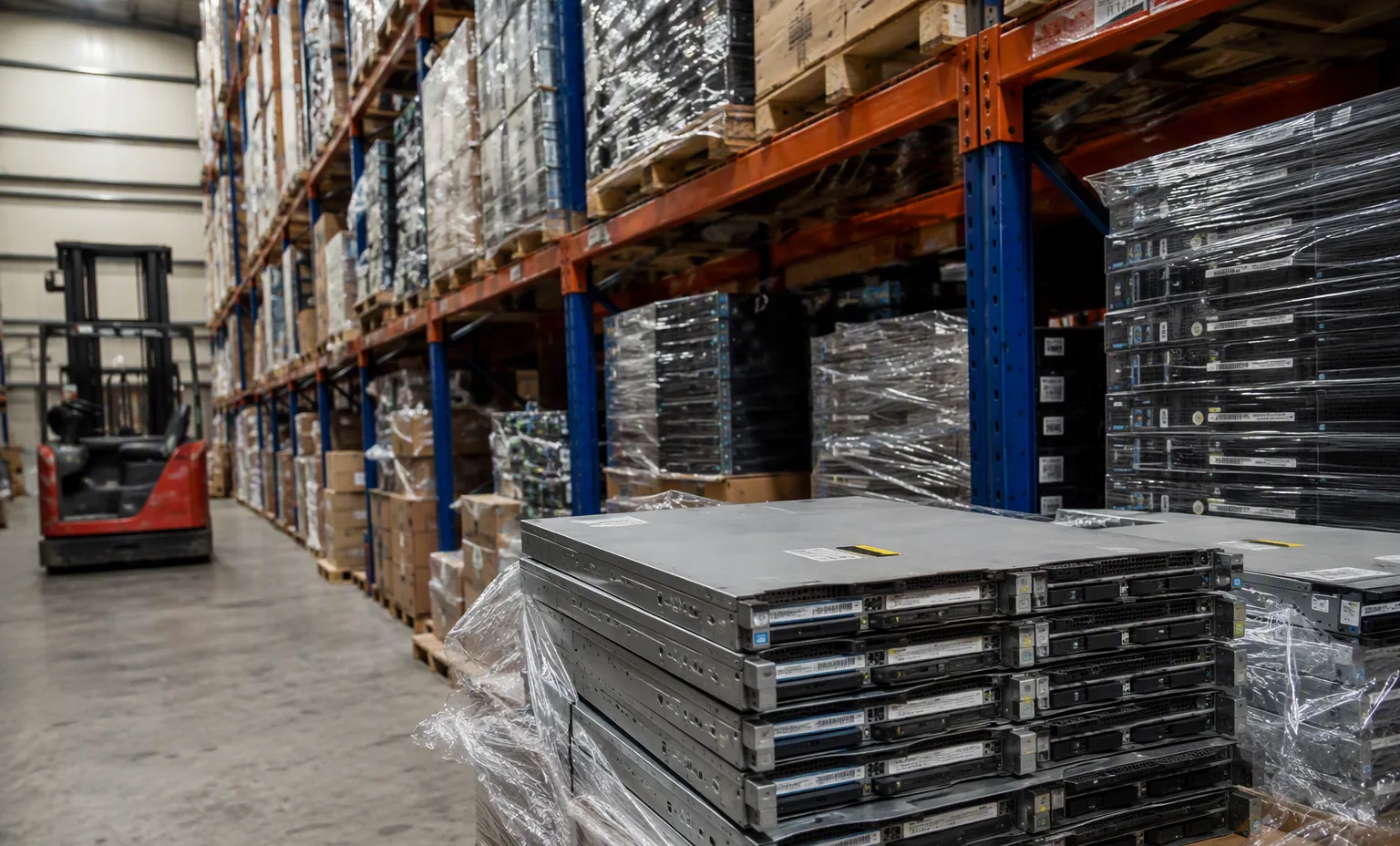
Facility reference scenes

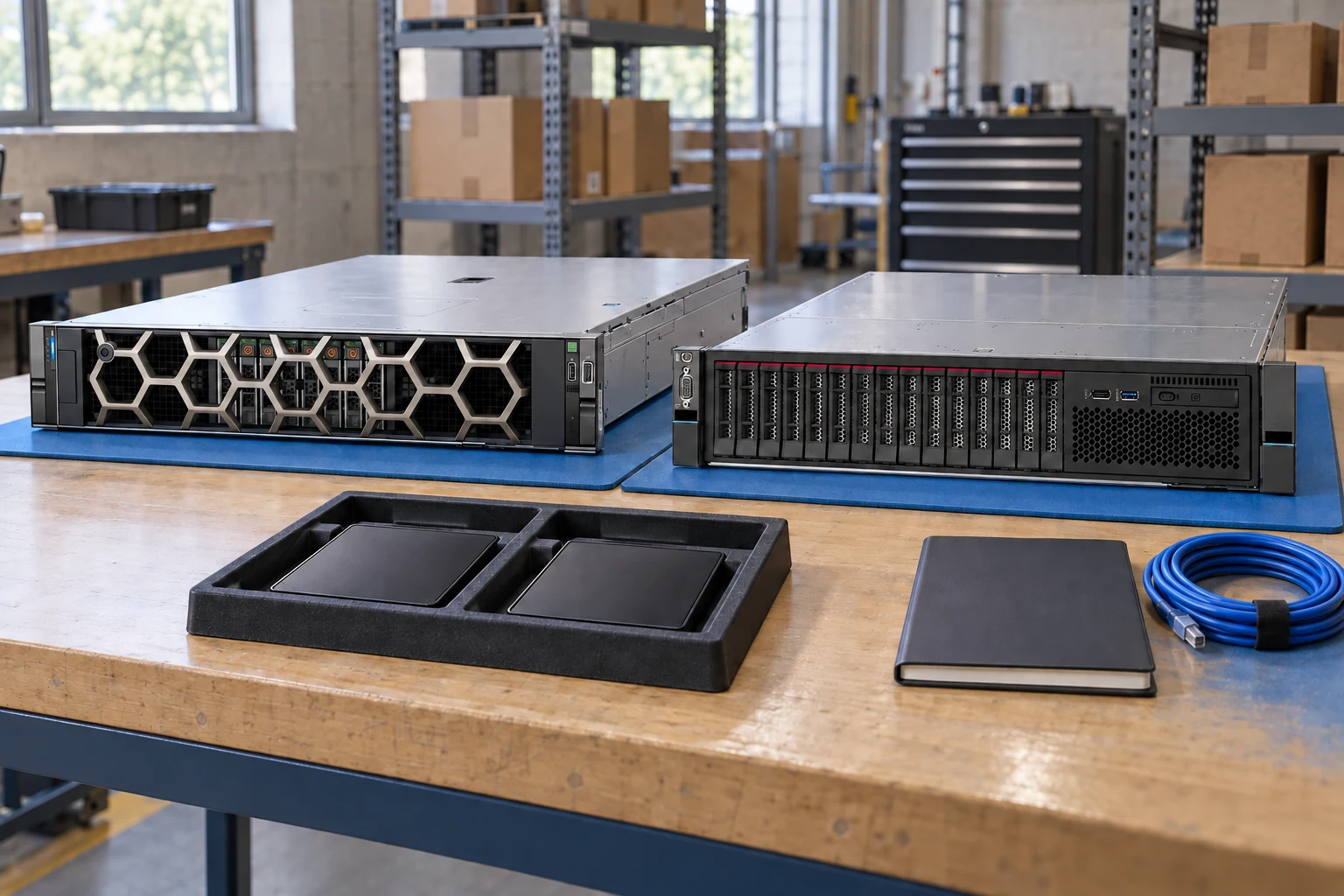
Warehouse and test-bench environment for the equipment family this guide supports.

Your inquiry checklist

  1. Record the main unit, accessories and outer package separately so missing pieces can be identified.
  2. Specify appropriate anti-static handling and protection for connectors, latches and moving parts.
  3. Confirm internal support for heavy chassis and select packaging suitable for the transport mode.
  4. Agree packing-list contents, dimensions, weights, consignee and delivery terms before dispatch.
  5. Document exterior condition at receipt and compare the contents with the accepted list. Packing images are records, not a guarantee against damage.
01

Technical research & guides — the next decisions

Technical research & guides

Technical research & guides

Check model, revision and publication date.

This guide adds the decisions, documents and next steps that support this page.

Document directory
Technical research & guides illustrative environment
02

Choose the right route

Buying guides

Turn the requirement into a structured purchasing checklist.

Buying guides

Evidence review

Separate official specifications from seller descriptions and generated scenes.

Evidence quality
03

Details that change the configuration

Document scope

Check model, revision and publication date.

Claim traceability

Keep a source beside each specification used in the brief.

Open questions

Record missing or conflicting fields for follow-up.

04

From requirement to handover

  1. 01

    Find the exact model

  2. 02

    Read source scope

  3. 03

    Extract relevant facts

  4. 04

    Record remaining questions

A planning sequence, not a record of completed work.

05

Explore the relevant catalog

All manufacturers

Recorded catalog identities

Counts show records in the site catalog. They do not represent stock, available quantities or verified compatibility.

Snapshot: 2026-09-15

06

Compare the buying requirements

Technical research & guides comparison brief
DecisionRecord in your briefEvidence to retain
Document scopeCheck model, revision and publication date.Complete identifier and source revision
Claim traceabilityKeep a source beside each specification used in the brief.Platform document or written clarification
Open questionsRecord missing or conflicting fields for follow-up.Offered-unit details and agreed scope
Open the comparison workspace
07

Build your readiness checklist

Your preparation progress

Tick items as you prepare them. This is your personal checklist, not a hardware validation.

0 / 4 prepared0

Saved in this browser when local storage is available.

08

A closer look at the hardware

Technical research & guides — Datacenter Cold Aisle facility reference
Datacenter Cold Aisle Explore
Technical research & guides — Warehouse Dispatch facility reference
Warehouse Dispatch Explore
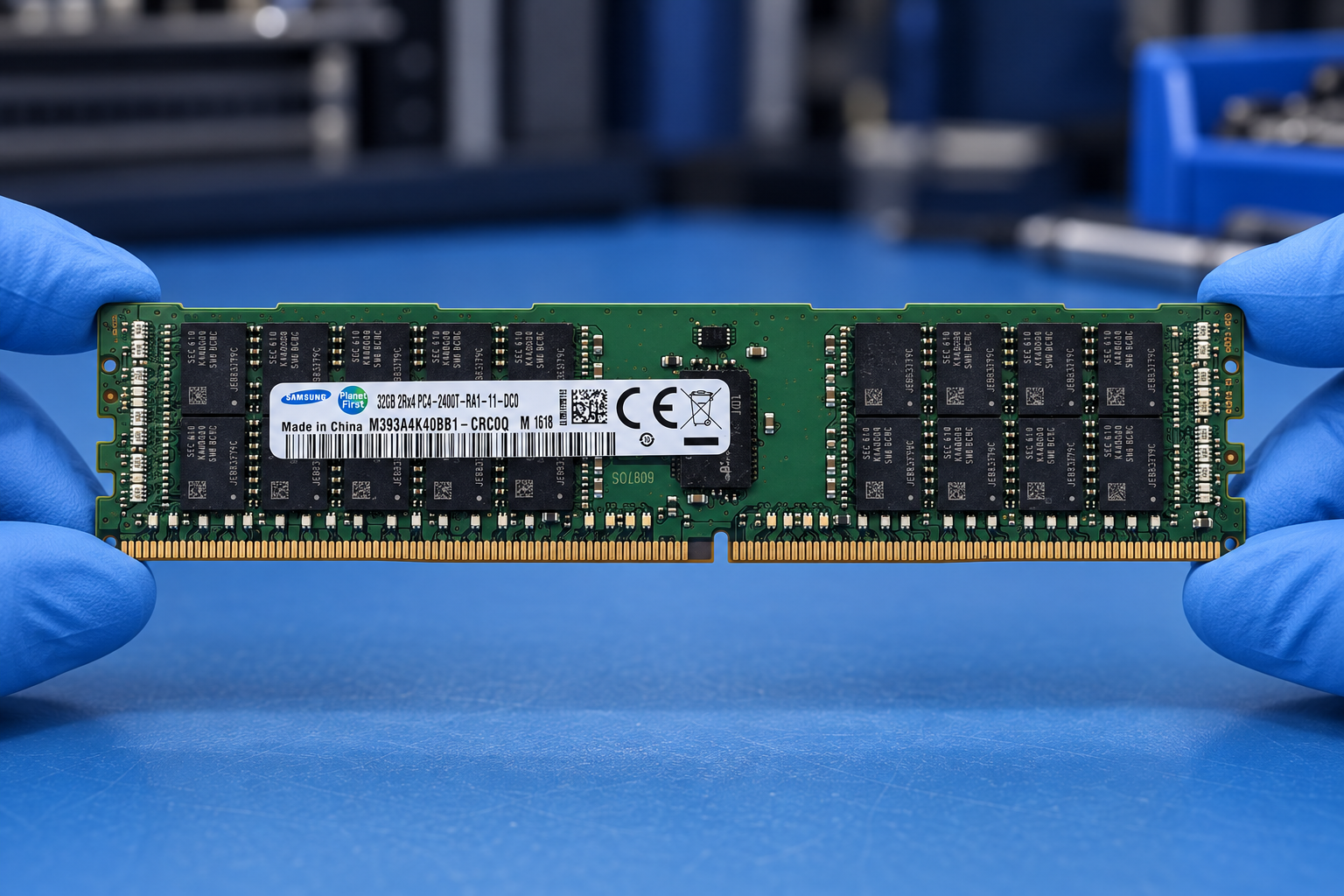
Samsung M393A4K40BB1-CRC0Q held at the edges by two blue-gloved hands above a blue electronics workbench; generated scene
Explore
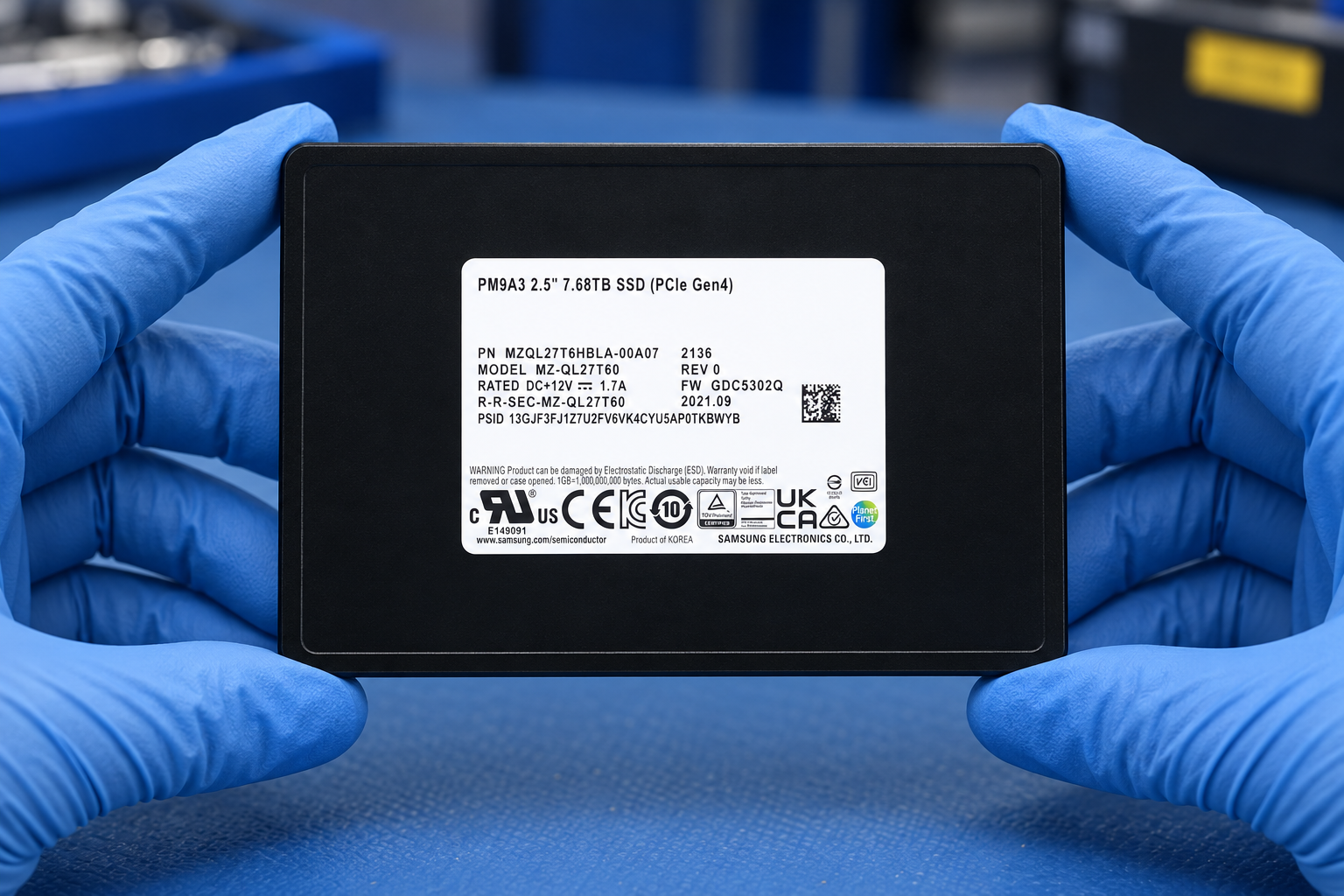
Samsung MZQL27T6HBLA-00A07 held at the edges by two blue-gloved hands above a blue electronics workbench; generated scene
Explore
1 / 4

Reference-based generated scenes; actual-unit photos are available only through an explicit unit-specific request. Related models are separate catalog records, not substitutes for the item on this page.

09

Keep the supporting material together

Evidence quality

Retain the supporting reference with your project brief.

Open resource
10

Turn the brief into the next step

Technical research & guides

Keep the requirement specific.

Document model matches request · Revision and date retained · Claims linked to a source · Unverified fields listed.