System planning
Start with the chassis and its documented dependencies.
System configuratorSelect up to four identities. Matching a field does not establish replacement compatibility.
| Recorded field | DGX H100NVIDIA |
|---|---|
| Identity type | exact-model |
| Evidence status | OEM fields reviewed · see remaining checks |
| OEM review · chassis | 8U rack |
| OEM review · cpu | Two Intel Xeon 8480C processors, 56 cores each |
| OEM review · gpu | Eight H100 GPUs; 640 GB aggregate GPU memory |
| OEM review · memory | 2 TB system memory across 32 DIMMs |
| OEM review · storage | Boot: two 1.92 TB M.2 NVMe drives, RAID 1. Data cache: eight 3.84 TB U.2 NVMe SEDs, RAID 0 |
| OEM review · network | Four OSFP ports expose eight ConnectX-7 cluster interfaces, up to 400 Gb/s per interface; separate storage networking |
| OEM review · power | Six 3300 W PSUs; 4+2 redundancy; 200–240 V AC. OEM maximum system input: 10.2 kW |
| OEM review · management | Dedicated 1 GbE RJ45 BMC; Redfish and IPMI |
Define workload, capacity, constraints and growth needs.
This guide adds the decisions, documents and next steps that support this page.
System configurator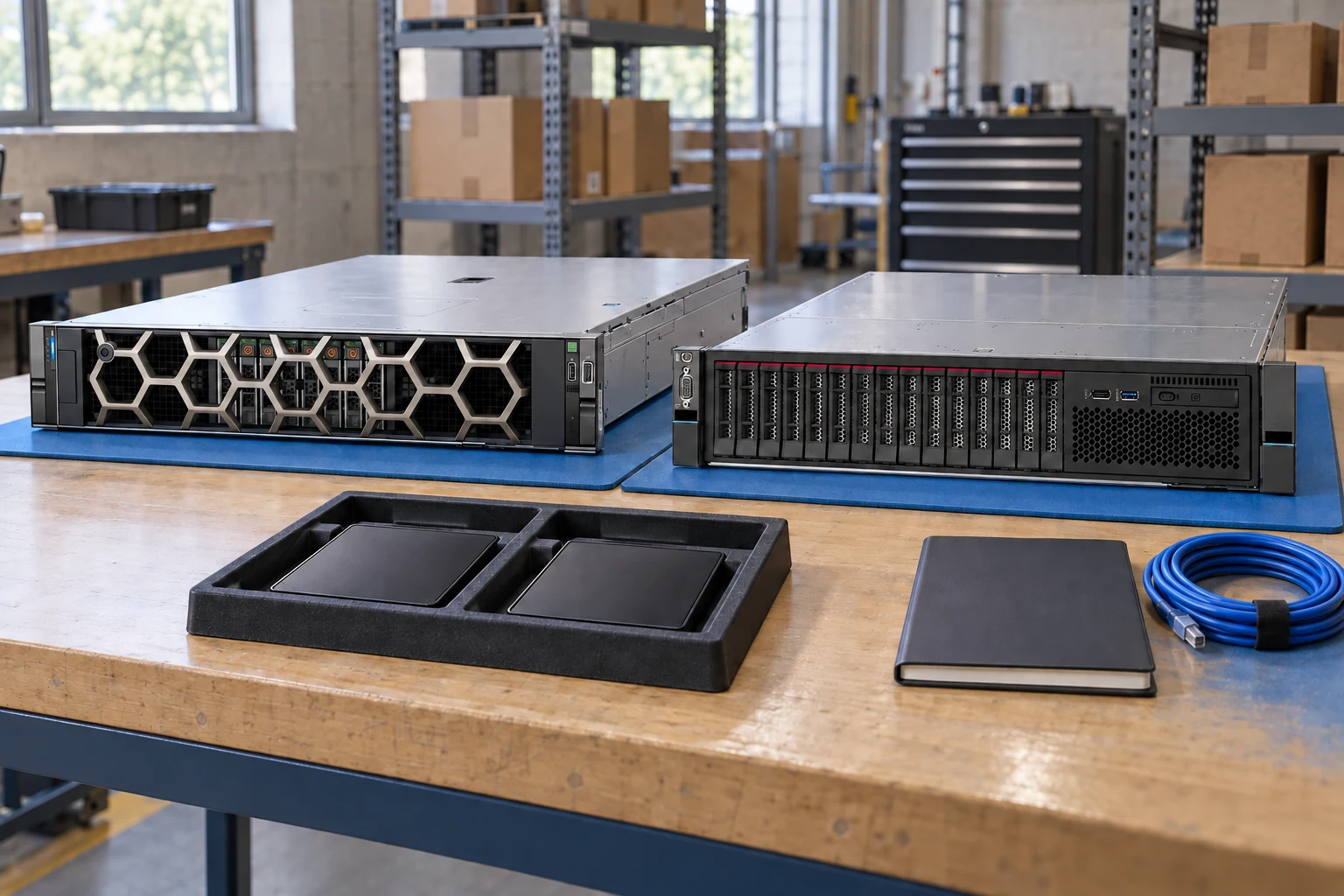
Start with the chassis and its documented dependencies.
System configuratorKeep identifiers and evidence side by side.
Compare recordsBuild a port, optics and cable schedule.
Network plannerDefine workload, capacity, constraints and growth needs.
Check component support, physical fit, power and firmware.
Export a reviewable requirement or quotation draft.
A planning sequence, not a record of completed work.
Counts show records in the site catalog. They do not represent stock, available quantities or verified compatibility.
Snapshot: 2026-09-15
| Decision | Record in your brief | Evidence to retain |
|---|---|---|
| Requirements | Define workload, capacity, constraints and growth needs. | Complete identifier and source revision |
| Dependencies | Check component support, physical fit, power and firmware. | Platform document or written clarification |
| Review output | Export a reviewable requirement or quotation draft. | Offered-unit details and agreed scope |
Tick items as you prepare them. This is your personal checklist, not a hardware validation.
Saved in this browser when local storage is available.
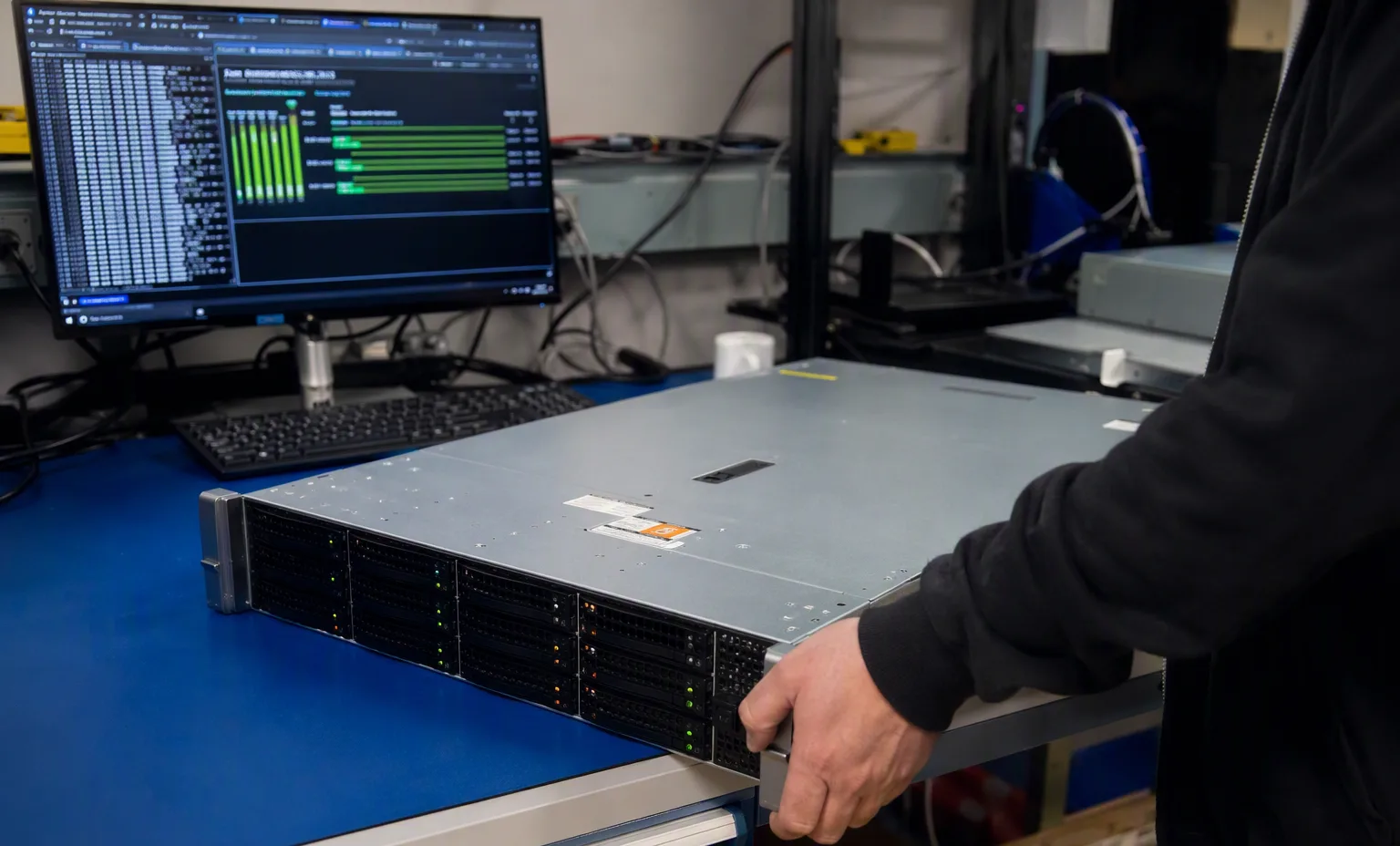
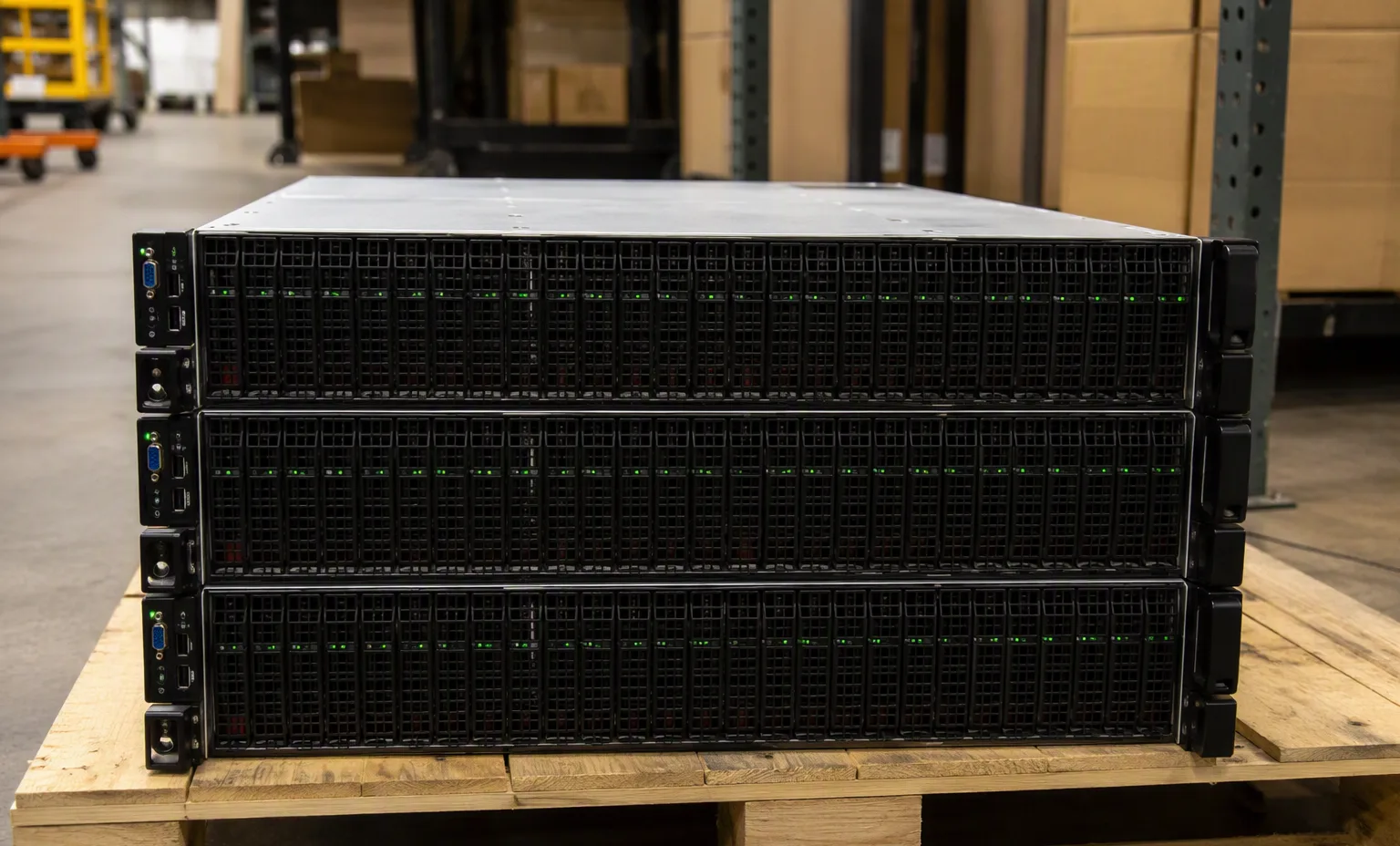
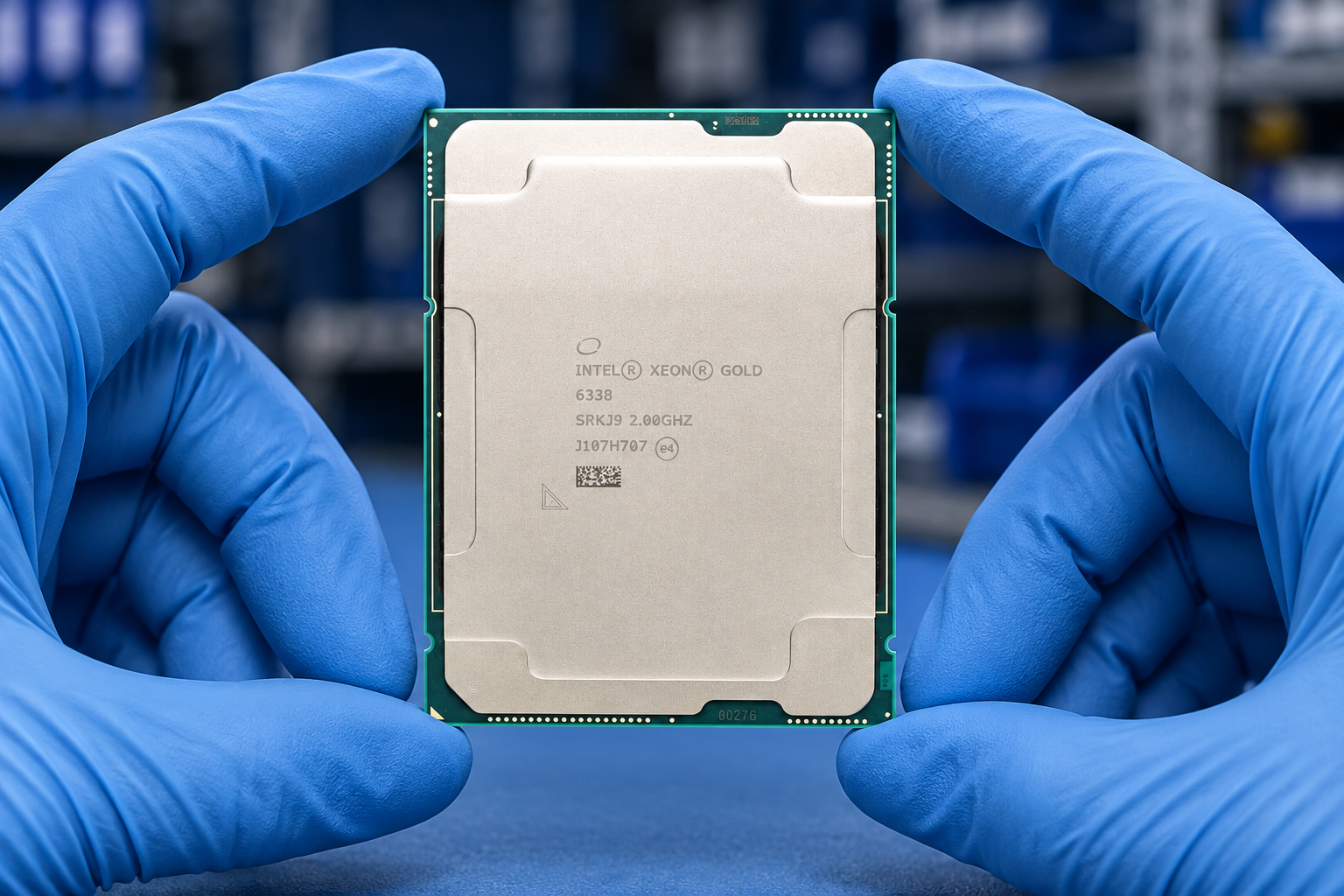
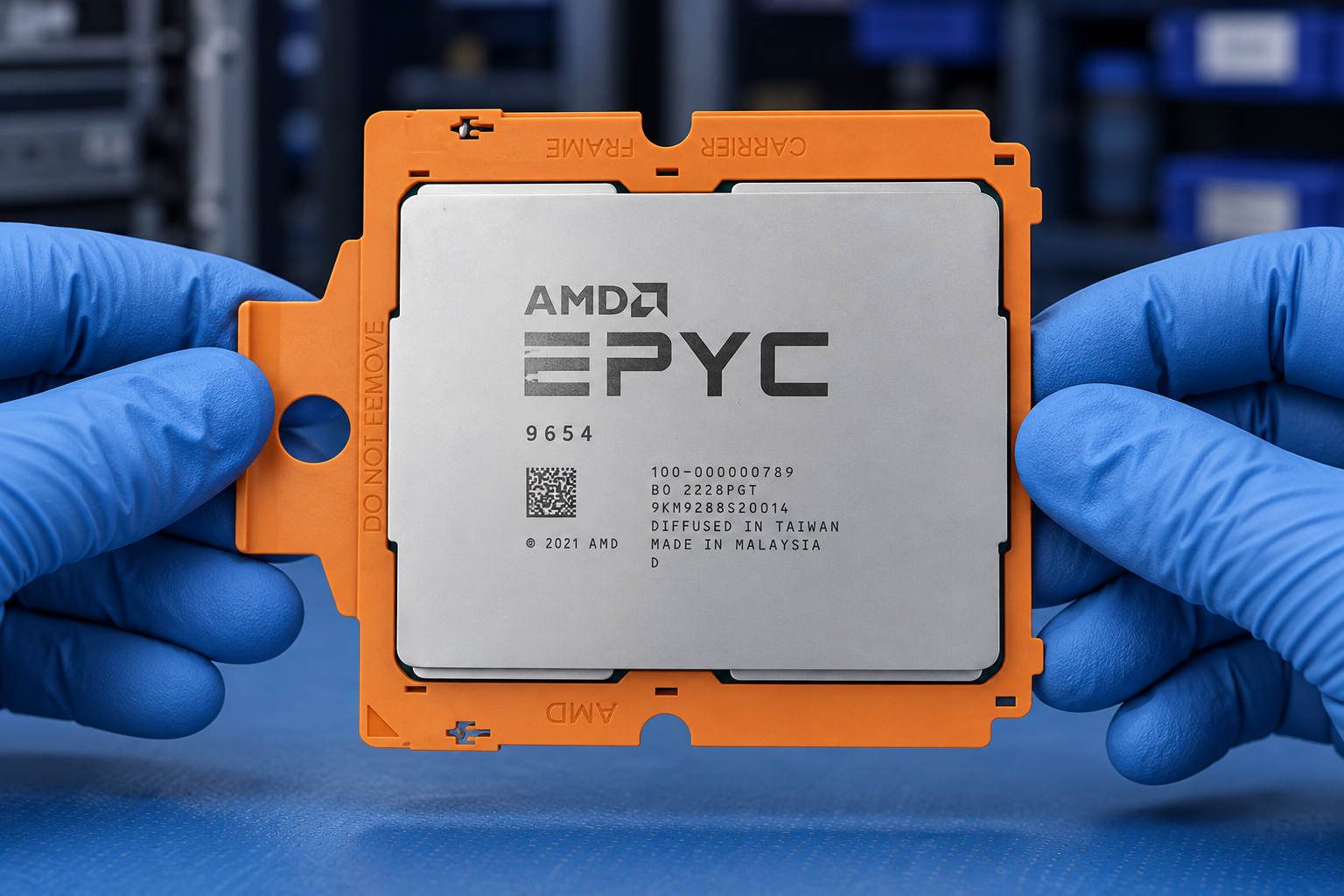
Reference-based generated scenes; actual-unit photos are available only through an explicit unit-specific request. Related models are separate catalog records, not substitutes for the item on this page.
Continue the relevant directory or service flow.
Open resourceUse the connected tool to develop the requirement.
Open resourceRetain the supporting reference with your project brief.
Open resourceWorkload requirements captured · Candidate BOM recorded · Open compatibility questions listed · Reviewer and next action assigned.