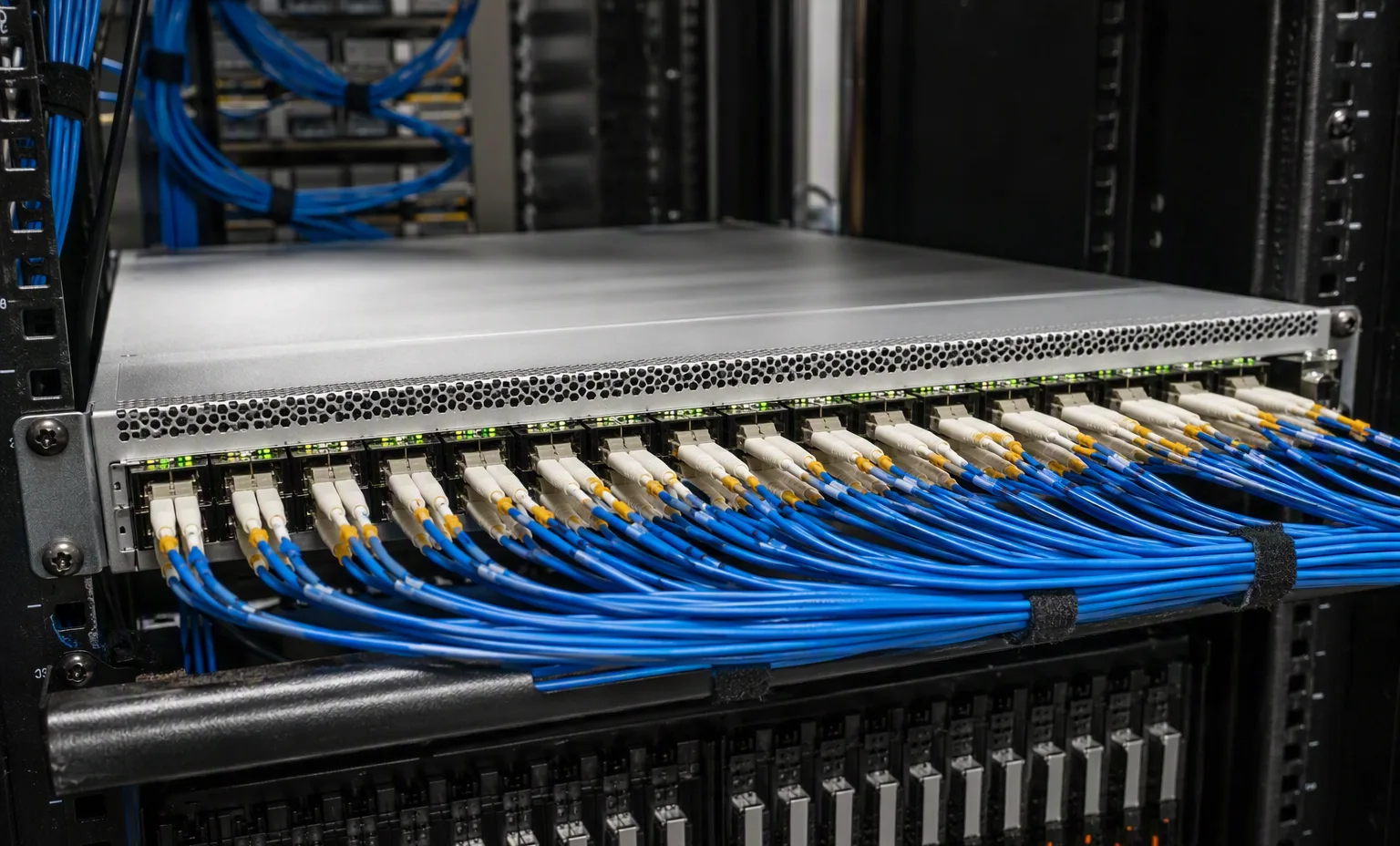
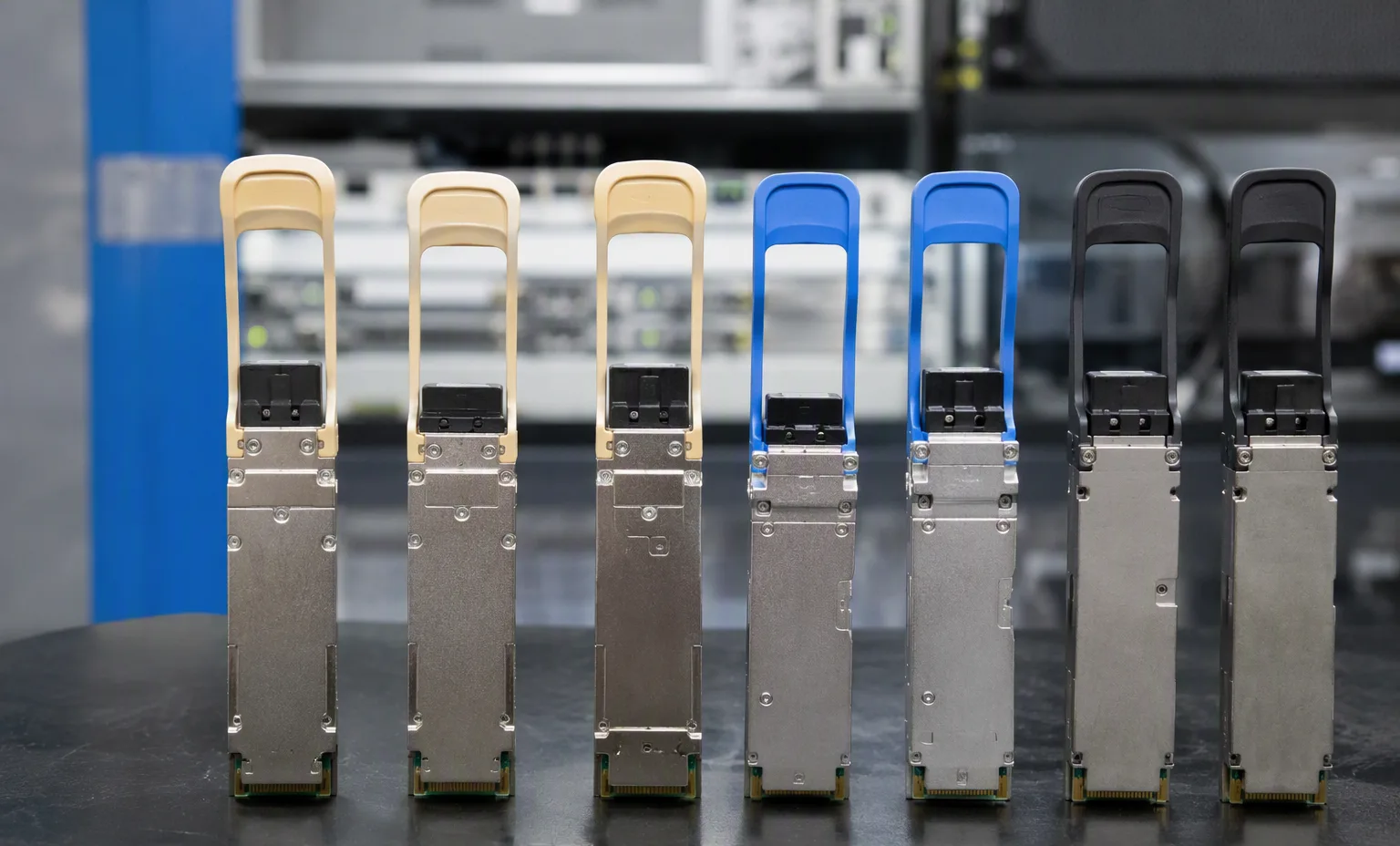
Label and connector views
Ask for manufacturer and OEM part numbers, front/back views and the connector or edge contacts. Capacity, interface, form factor and intended host must match the requested component.
Dell · Network equipment & adapters
Intel® E810 Quad Port 10/25GbE SFP28 Adapter, PCIe Full Height
Compatibility depends on the system generation and installed options. Please confirm the full model, chassis configuration and any existing parts before ordering.
dell-r640
Confirm the required configuration with our parts team.
dell-r660
Confirm the required configuration with our parts team.
dell-r6625
Confirm the required configuration with our parts team.
dell-r740
Confirm the required configuration with our parts team.
dell-r740xd
Confirm the required configuration with our parts team.
Dell PowerEdge R760
Confirm the required configuration with our parts team.
dell-r760xd2
Confirm the required configuration with our parts team.
dell-r7615
Confirm the required configuration with our parts team.
dell-r7625
Confirm the required configuration with our parts team.
dell-r860
Confirm the required configuration with our parts team.
dell-r960
Confirm the required configuration with our parts team.
dell-t560
Confirm the required configuration with our parts team.
dell-xe8640
Confirm the required configuration with our parts team.
dell-xe9680
Confirm the required configuration with our parts team.
dell-xr5610
Confirm the required configuration with our parts team.
dell-xr7620
Confirm the required configuration with our parts team.
dell-xr8610t
Confirm the required configuration with our parts team.
dell-xr8620t
Confirm the required configuration with our parts team.
These are separate products, not confirmed substitutes for this part.
SFP+ SR Optic for all SFP+ ports except high temp validation warning cards customer install
View detailsPowerEdge QSFP28 SR4 100GbE 85C optic Customer Install
View detailsIntel Ethernet I350 DP 1Gb Server Adapter, Customer Installation
View detailsIntel Ethernet X520 DP 10Gb DA/SFP+ Server Adapter, Customer Installation
View detailsAttach a photo brief to the request for Dell 540-BDDQ. This is a checklist to agree, not a record that inspection has already been performed.
Ask for manufacturer and OEM part numbers, front/back views and the connector or edge contacts. Capacity, interface, form factor and intended host must match the requested component.
Record quantity, condition, firmware or hardware revision where relevant, plus representative and exception photographs. Avoid relying on one generic image for a mixed lot.
Request individual separation, antistatic protection and connector protection as appropriate. Show the components in trays or packing, without inventing a component-specific boot screen.
Record port speeds, media type and uplink quantities.
This guide adds the decisions, documents and next steps that support this page.
Network equipment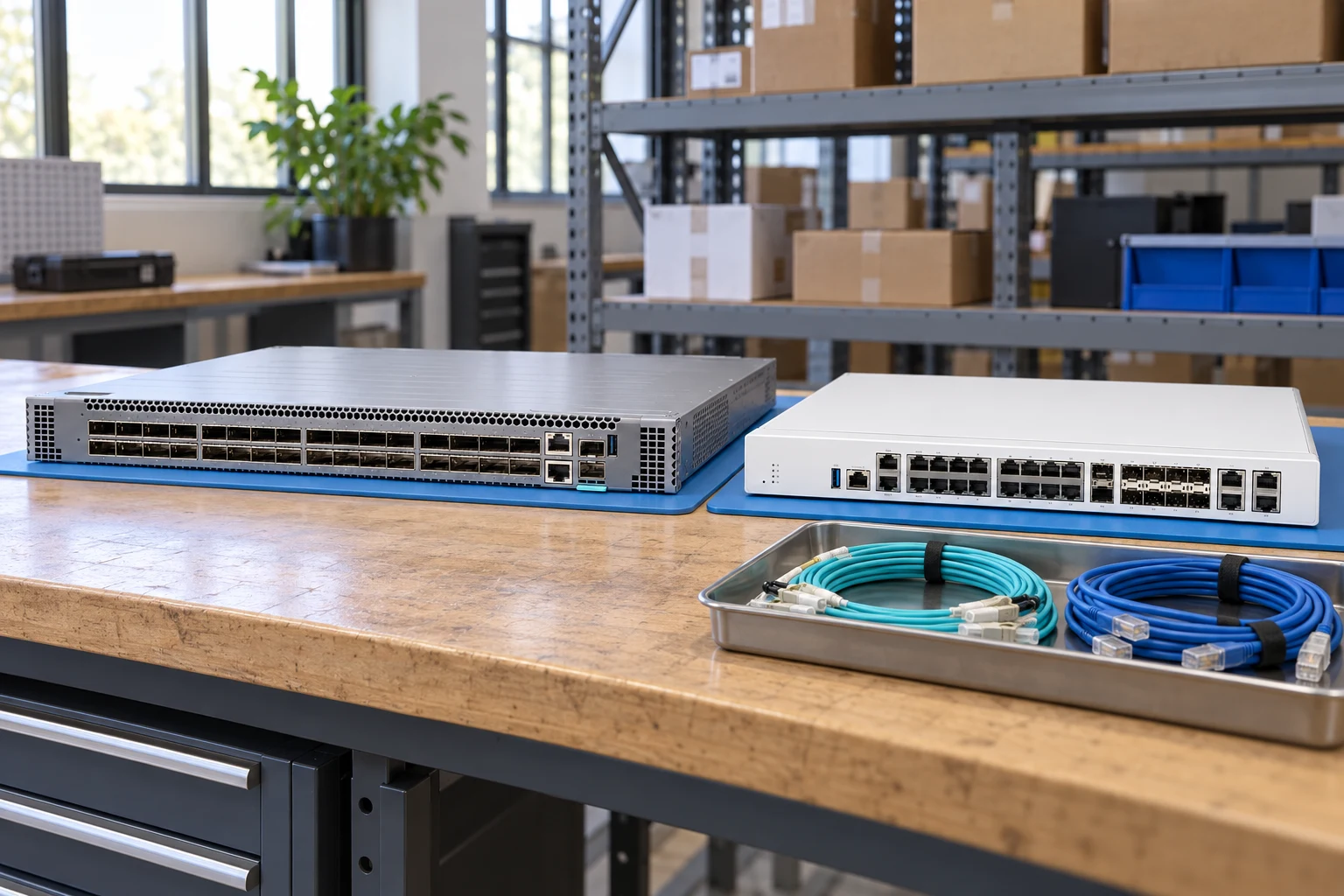
Count access ports and uplinks separately; state breakout needs.
Network equipmentSpecify interfaces, throughput test conditions and required software features.
Network plannerMatch connector, fiber, reach, wavelength and supported coding.
Network checklistRecord port speeds, media type and uplink quantities.
Match airflow direction, power supply and rack requirements.
Request license and transferability details for the exact offer.
A planning sequence, not a record of completed work.
Counts show records in the site catalog. They do not represent stock, available quantities or verified compatibility.
Snapshot: 2026-09-15
| Decision | Record in your brief | Evidence to retain |
|---|---|---|
| Port map | Record port speeds, media type and uplink quantities. | Complete identifier and source revision |
| Airflow & power | Match airflow direction, power supply and rack requirements. | Platform document or written clarification |
| Software entitlement | Request license and transferability details for the exact offer. | Offered-unit details and agreed scope |
Tick items as you prepare them. This is your personal checklist, not a hardware validation.
Saved in this browser when local storage is available.
Reference-based generated scenes; actual-unit photos are available only through an explicit unit-specific request. Related models are separate catalog records, not substitutes for the item on this page.
Continue the relevant directory or service flow.
Open resourceUse the connected tool to develop the requirement.
Open resourceRetain the supporting reference with your project brief.
Open resourcePort and uplink schedule drafted · Optics and cable ends identified · Airflow and PSU scope confirmed · Required software entitlement listed.