What ships with the model?
Ask whether the offer includes an I/O shield, heatsink mounting hardware, cables, documentation or separate management accessories. A motherboard listing is not a complete server.
Server motherboards
ASUS KRPA-U16 server motherboard.
Product specifications
Configuration options and limits depend on the exact product and revision. Confirm the proposed combination and the supplied parts before ordering; optional features are not necessarily included.
Installation & configuration
Included hardware
Ask whether the offer includes an I/O shield, heatsink mounting hardware, cables, documentation or separate management accessories. A motherboard listing is not a complete server.
Confirm the exact ordering PN, revision, quantity, condition and warranty terms. Agree on packing, destination, lead time and any substitutions before approving the purchase.
Photographs & inspection
Request both-side board photographs, a readable model/revision label and the available test record. Confirm socket condition and any missing or replaced components.
Test workshop and visitsFor multi-unit purchases, agree on whether a matched model, revision or configuration is required. Ask for any exceptions to be identified and approved before packing.
Packing and order preparationYour model enquiry
Not necessarily. Ask for the complete ordering PN or SKU and the supplied configuration on the quotation. This model page does not assign an unconfirmed sales code.
Provide the exact installed model, revision, firmware and relevant component labels. Compatibility must be confirmed for that combination rather than inferred from a matching brand or connector.
Not necessarily. Maximum memory, expansion, storage and power specifications may have different configuration requirements. Ask for review of the complete proposed build.
No. The enquiry page prepares a draft on your device. Review it and share it with your sales contact or use the Contact Us page.
More from this manufacturer
These are separate products, not automatic replacements or compatible accessories.
ASUS P13R-I server motherboard.
Specifications & enquiriesASUS P13R-E/10G-2T server motherboard.
Specifications & enquiriesASUS P13R-E server motherboard.
Specifications & enquiriesAttach a photo brief to the request for ASUS KRPA-U16. This is a checklist to agree, not a record that inspection has already been performed.
Request the exact model, part number and photographs of the identity labels. Distinguish a complete system from a bare unit, accessory, license or service.
Ask for the physical item, accessories and packaging to be listed in the quotation. A reference picture is not a complete supply schedule.
Specify the condition, records, packaging photographs and handover requirements before the order is released. No image in this illustration collection confirms a passed inspection.
Discuss your requirements
Add quantity, desired configuration, condition and destination to a model-specific enquiry. Confirm the ordering code and final equipment list with your sales contact.
Specify rack height, bay size and backplane options.
This guide adds the decisions, documents and next steps that support this page.
Server directory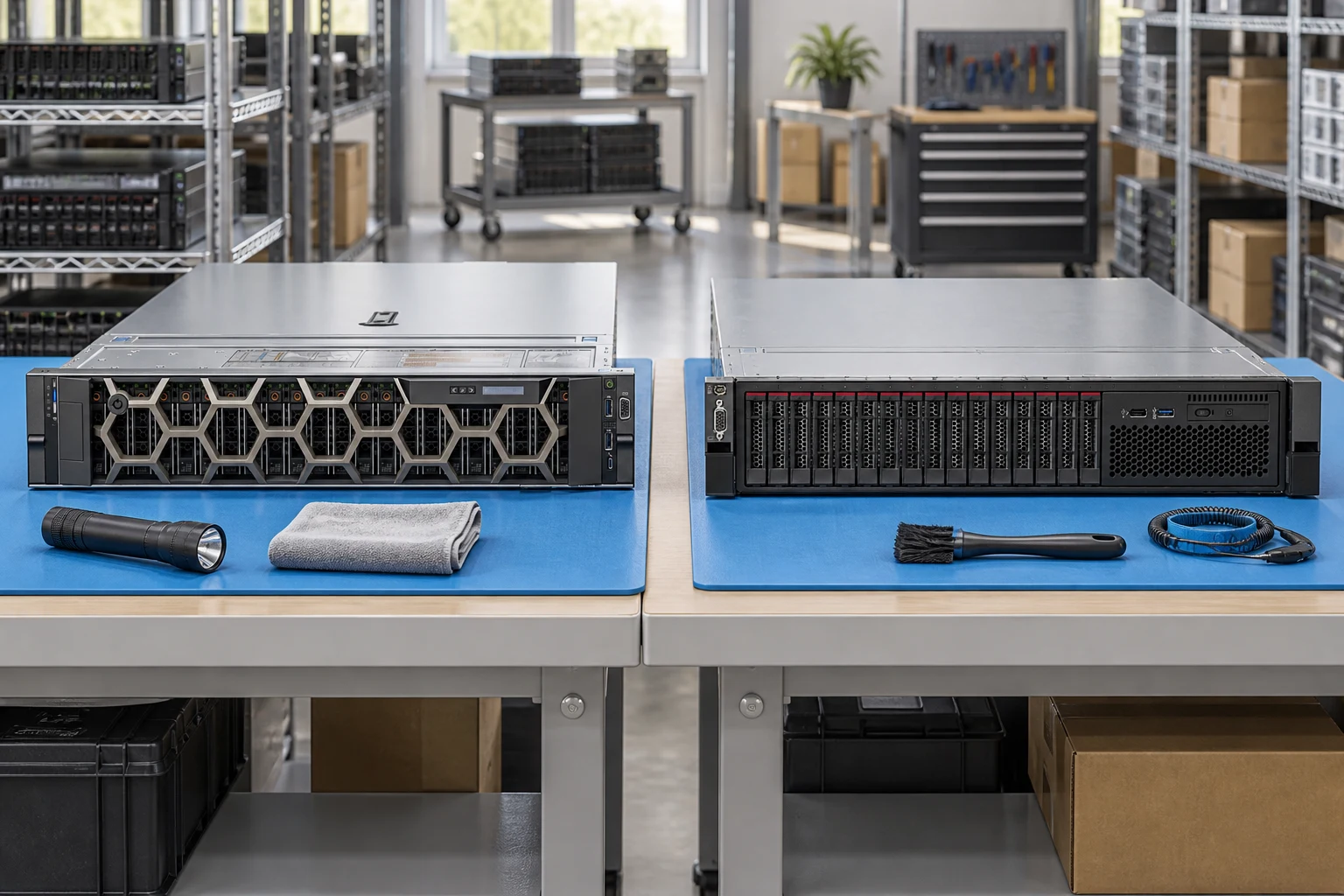
Plan rack depth, rail kit and airflow before choosing a chassis.
Server directoryIdentify the enclosure, fabric modules and generation-specific interconnects.
Server configuratorSeparate shared power, node count and service access in the request.
Buying guidesSpecify rack height, bay size and backplane options.
Record CPU generation, socket count and DIMM population.
Include input power, PSU redundancy and remote-management needs.
A planning sequence, not a record of completed work.
Counts show records in the site catalog. They do not represent stock, available quantities or verified compatibility.
Snapshot: 2026-09-15
| Decision | Record in your brief | Evidence to retain |
|---|---|---|
| Chassis & drive layout | Specify rack height, bay size and backplane options. | Complete identifier and source revision |
| Processor & memory | Record CPU generation, socket count and DIMM population. | Platform document or written clarification |
| Power & management | Include input power, PSU redundancy and remote-management needs. | Offered-unit details and agreed scope |
Tick items as you prepare them. This is your personal checklist, not a hardware validation.
Saved in this browser when local storage is available.
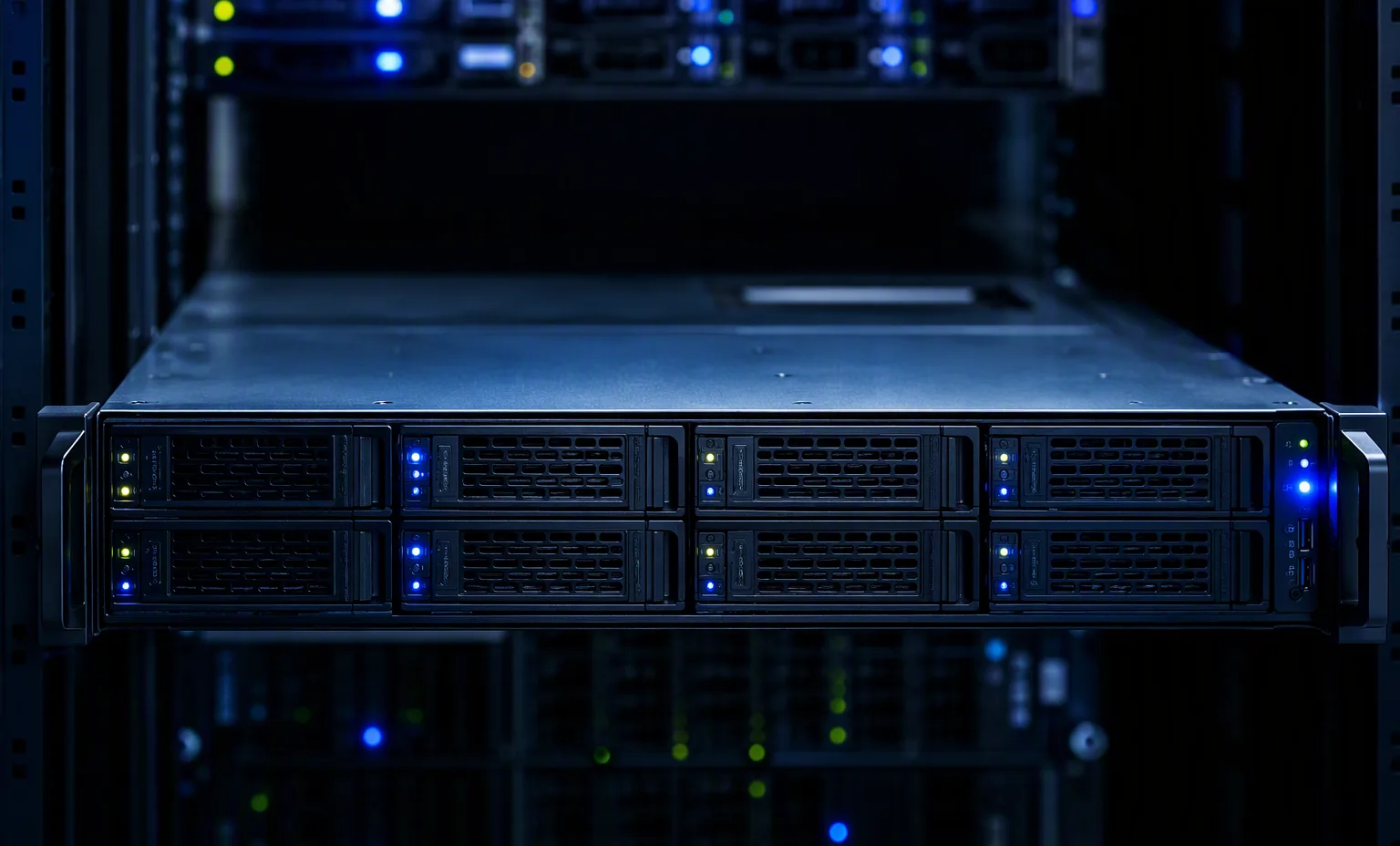
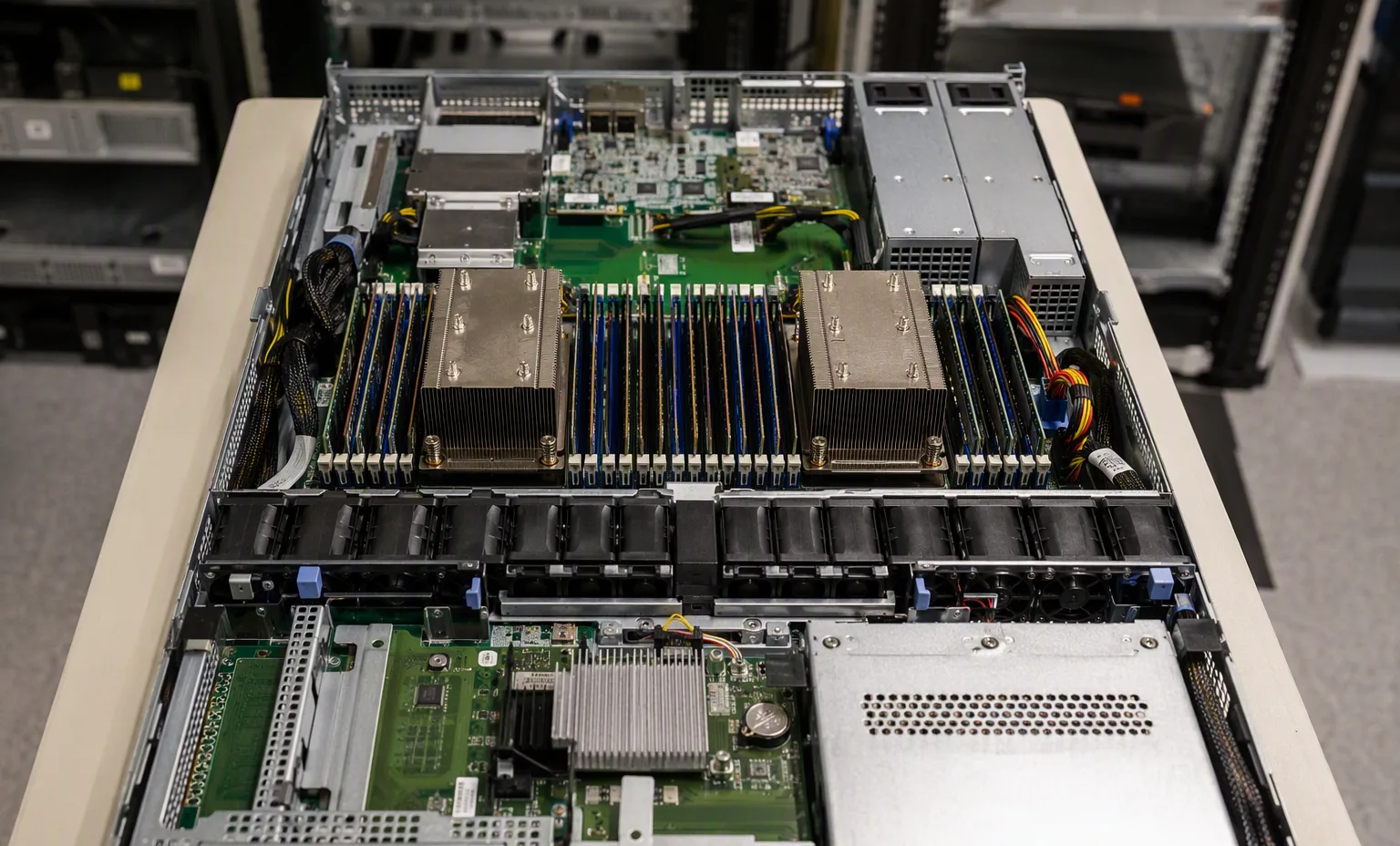
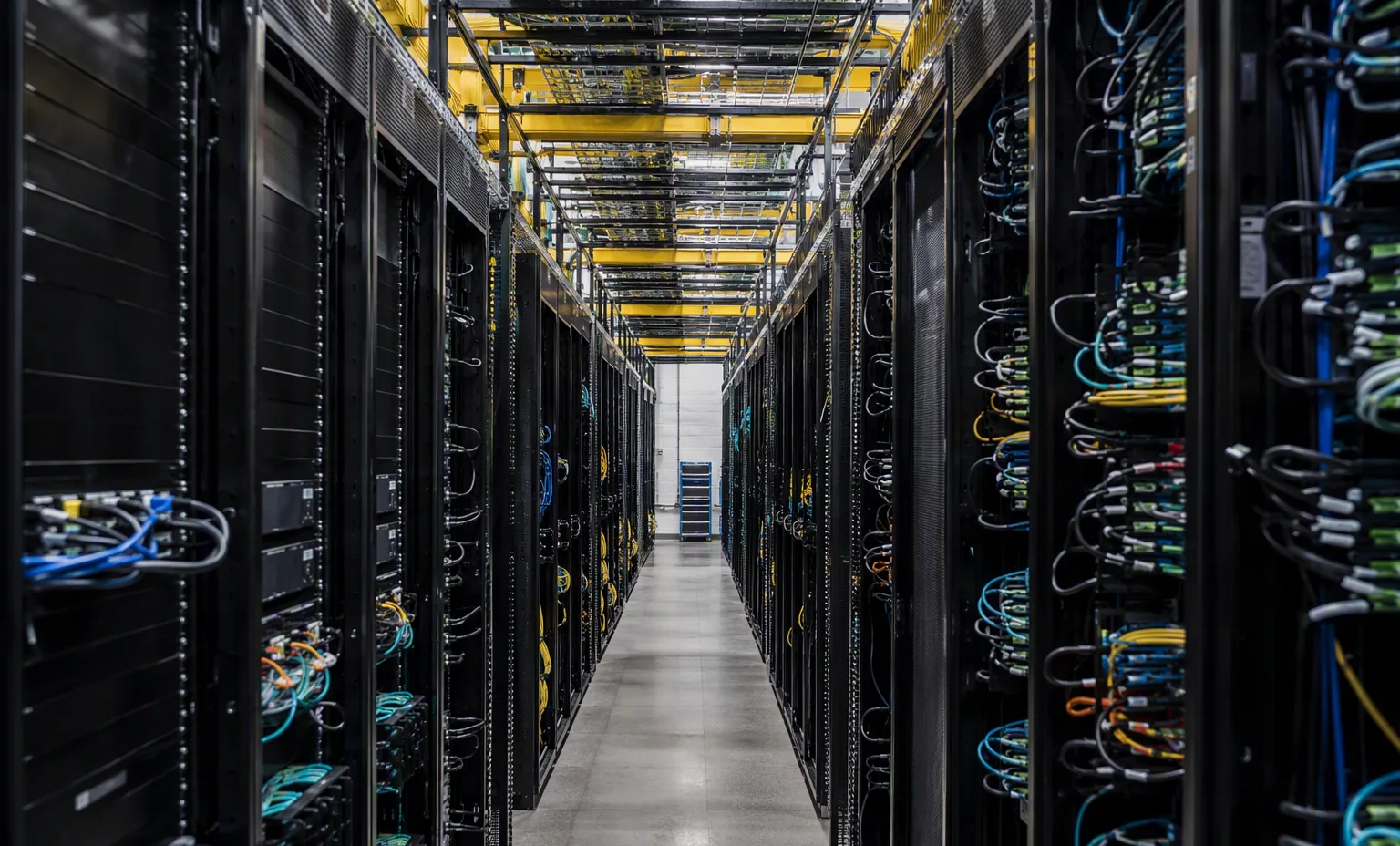
Reference-based generated scenes; actual-unit photos are available only through an explicit unit-specific request. Related models are separate catalog records, not substitutes for the item on this page.
Continue the relevant directory or service flow.
Open resourceUse the connected tool to develop the requirement.
Open resourceRetain the supporting reference with your project brief.
Open resourceExact chassis model recorded · CPU and DIMM plan attached · Drive backplane and risers identified · Rails and power requirements listed.