Identity & purchasing scope
This record identifies EAP653 in the TP-Link wireless access catalog. Its classification is manufacturer model. Preserve the full identifier when comparing offers: suffixes, revisions and assembly contents are part of the purchasing question.
TP-Link EAP653 is a wireless access point reference in the manufacturer’s published Omada hardware compatibility portfolio. The descriptor names WiFi 6. Confirm controller release support, exact connections and included accessories for the intended deployment. Use the technical record to prepare an inquiry rather than as evidence that an item is available, tested, licensed or covered by a particular warranty. Inherited fast-shipping and stock language is not carried into this catalog's commercial fields.
Recorded technical specifications
Each field states its evidence status. Inherited and title-derived values remain unverified; reviewed OEM facts do not certify an offered configuration.
Recorded product specifications and source observations| Field | Recorded value | Source snapshot |
|---|
| Published model | EAP653 | Manufacturer compatibility portfolio
Manufacturer document observationScope & source detailsExact manufacturer-published model reference, including regional/hardware suffix when printed. Not asserted as a separate ordering PN. Source quote: EAP653 Reference: omada68-native-83df360ad3c30780 Native response body captured (native_response_body_complete_capture; sourceObservedAt): 2026-10-22T12:35:34.398662+00:00 Native response body captured (native_response_body_complete_capture; capturedAt): 2026-10-22T12:35:34.398662+00:00 Request started (request_started_at; requestedAt): 2026-10-22T12:35:32.531889+00:00 Native response body captured (native_response_body_complete_capture; accessedAt): 2026-10-22T12:35:34.398662+00:00 |
|---|
| Manufacturer descriptor | AX3000 Ceiling Mount WiFi 6 Access Point | Manufacturer compatibility portfolio
Manufacturer document observationScope & source detailsOriginal source descriptor retained for evidence. Newer-version references are relationships, not extra products or aliases. Source quote: AX3000 Ceiling Mount WiFi 6 Access Point Reference: omada68-native-83df360ad3c30780 Native response body captured (native_response_body_complete_capture; sourceObservedAt): 2026-10-22T12:35:34.398662+00:00 Native response body captured (native_response_body_complete_capture; capturedAt): 2026-10-22T12:35:34.398662+00:00 Request started (request_started_at; requestedAt): 2026-10-22T12:35:32.531889+00:00 Native response body captured (native_response_body_complete_capture; accessedAt): 2026-10-22T12:35:34.398662+00:00 |
|---|
| Published wireless standard | WiFi 6 | Manufacturer compatibility portfolio
Manufacturer document observationScope & source detailsExplicit wireless generation from the descriptor, not inferred from the model or performance-class prefix. Source quote: AX3000 Ceiling Mount WiFi 6 Access Point Reference: omada68-native-83df360ad3c30780 Native response body captured (native_response_body_complete_capture; sourceObservedAt): 2026-10-22T12:35:34.398662+00:00 Native response body captured (native_response_body_complete_capture; capturedAt): 2026-10-22T12:35:34.398662+00:00 Request started (request_started_at; requestedAt): 2026-10-22T12:35:32.531889+00:00 Native response body captured (native_response_body_complete_capture; accessedAt): 2026-10-22T12:35:34.398662+00:00 |
|---|
| Published Wi-Fi performance class | AX3000 | Manufacturer compatibility portfolio
Manufacturer document observationScope & source detailsManufacturer marketing performance-class string only; not converted into Mbps or guaranteed throughput. Source quote: AX3000 Ceiling Mount WiFi 6 Access Point Reference: omada68-native-83df360ad3c30780 Native response body captured (native_response_body_complete_capture; sourceObservedAt): 2026-10-22T12:35:34.398662+00:00 Native response body captured (native_response_body_complete_capture; capturedAt): 2026-10-22T12:35:34.398662+00:00 Request started (request_started_at; requestedAt): 2026-10-22T12:35:32.531889+00:00 Native response body captured (native_response_body_complete_capture; accessedAt): 2026-10-22T12:35:34.398662+00:00 |
|---|
Configuration & purchase checks
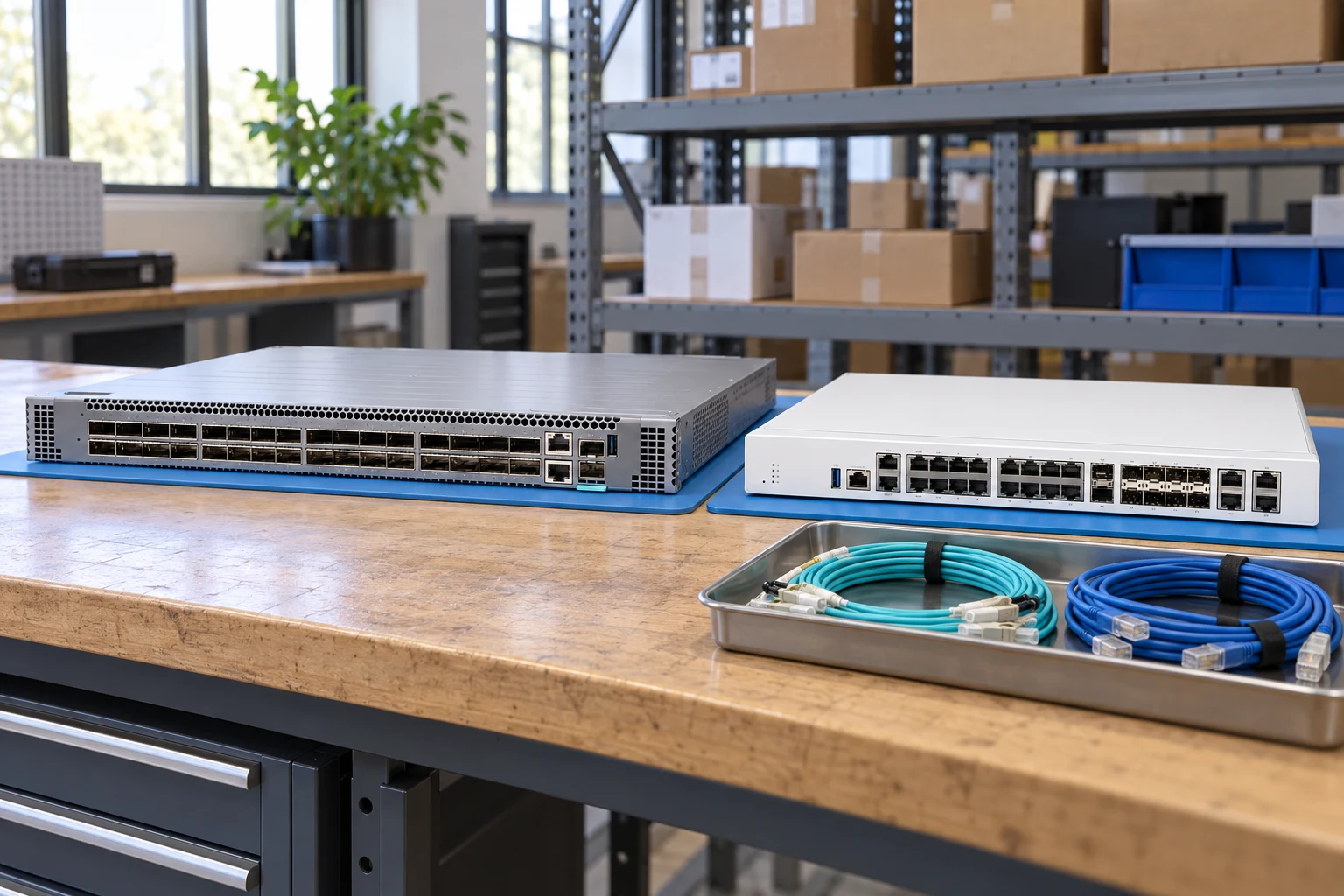
- Specify the exact switch identifier, access ports, uplinks and intended network role before selecting optics.
- Record power supplies, fan direction and rack accessories as separately checkable items.
- Treat software features, subscriptions and support coverage as separate from the existence of a physical port.
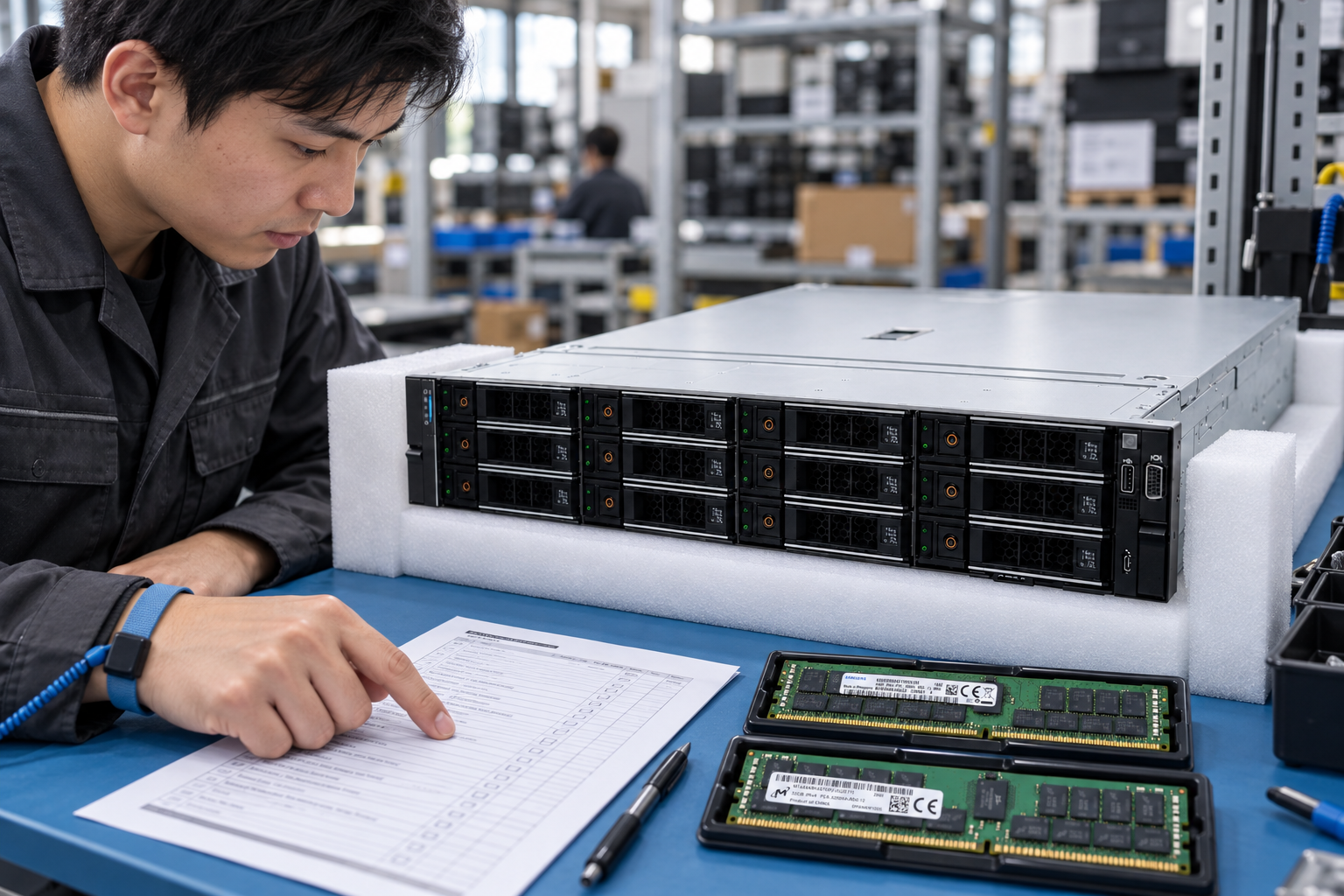
- For refurbished equipment, request the port-test scope, physical condition and configuration handover checklist.
- Product photographs should show the device, its ports and labels without an invented display-connected boot scene.
Adding an item prepares a local RFQ line. It does not create a price offer, reserve inventory or submit an order.
Read the category procurement guide →Platform relationships & upgrade review
No explicit target-platform relationship is provided for this record. Brand, socket, capacity and visual resemblance alone must not be used to invent a compatibility claim.
Related records below are category neighbors. They are not approved replacement parts.
Actual-unit evidence to request
01
Full front port view
02
Rear PSU and fans
03
Model label
04
Airflow tags
05
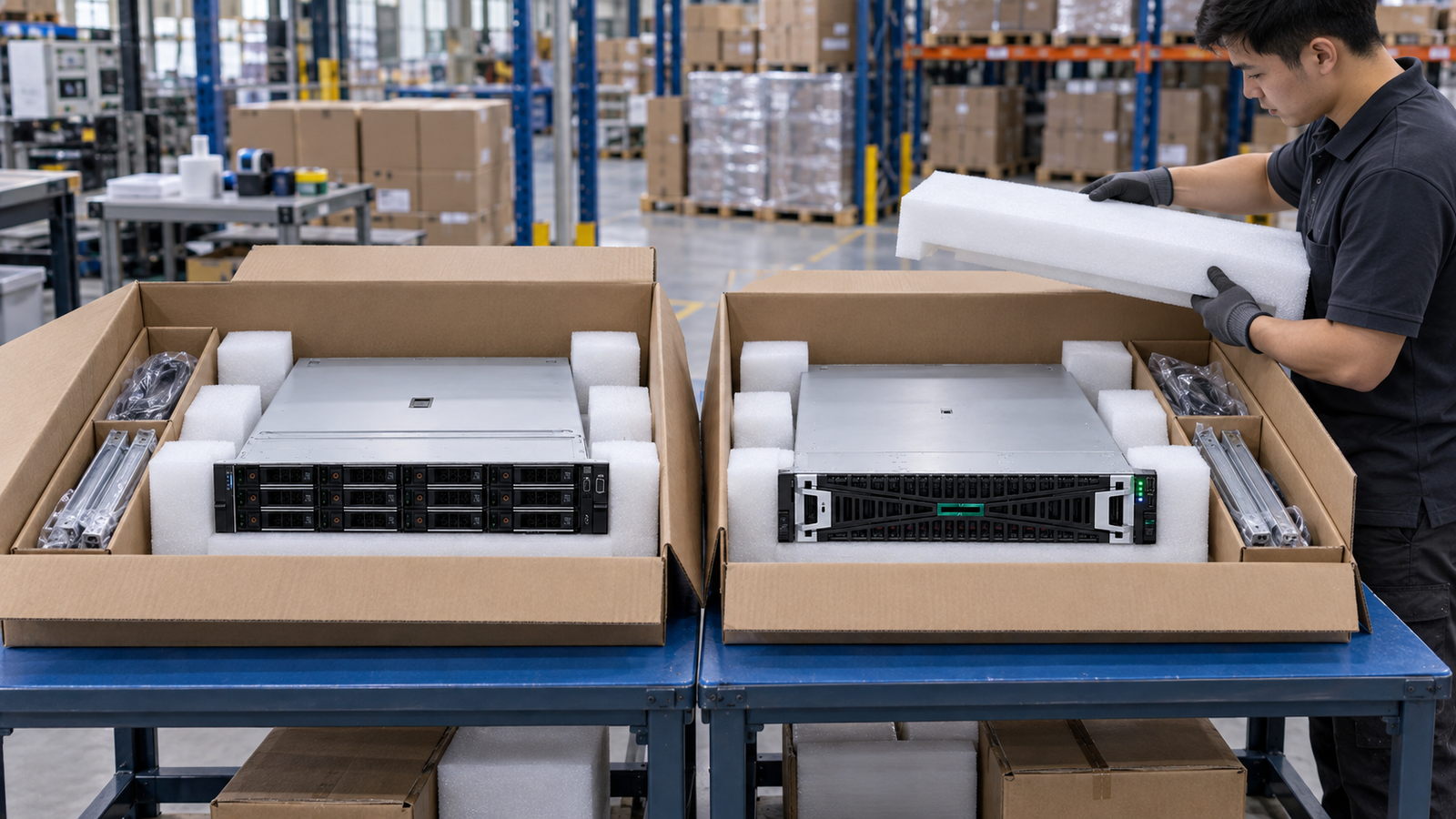
Rack ears and accessories
No server boot-screen image is attached to this record. Request product photographs and any diagnostic or entitlement record as separate evidence.
At acceptance, compare the delivered unit, labels and accessories with the approved list. Retain source revisions and receiving records for later maintenance.
Frequently asked questions
Is the item currently available?
This is not a live stock feed. Confirm full identifier, condition, quantity, price and delivery scope in a written quotation.
Does this record certify compatibility?
No. Inherited fields and platform associations require review against the exact destination system and current manufacturer documentation.
What should I send in an RFQ?
Include the full identifier, quantity, destination, target platform, condition, accessories and evidence needed for acceptance.
Is a configuration number another server model?
No. Models, ordering configurations, options and reference labels are distinct record types. Ask which actual purchasing unit will be supplied.